printed during the calibration process.
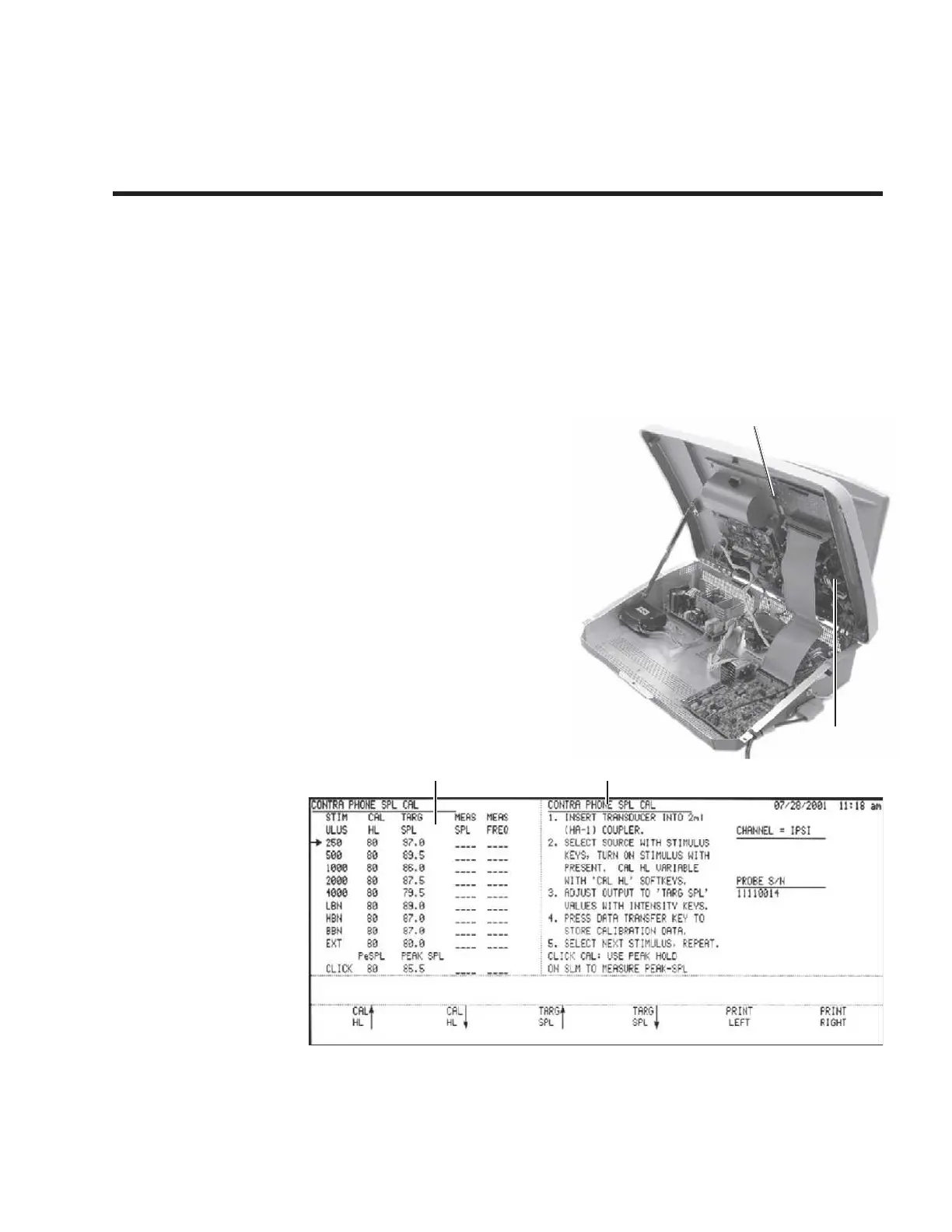
The calibration mode of the TympStar is ac-
tivated by configuring the DIP switch on
the digital board and turning the board’s Cal/
Normal switch to the ON position. This
changes the function of the front panel con-
trols, permitting the calibration data to be
stored in the TympStar’s memory.
Cali-
bration is an interactive process and is
assisted greatly by instruction pro-
vided on the TympStar’s LCD dis-
play
. The display will show current
measurement parameters and give in-
structions for completing the calibration.
Calibration Calibration
parameters instructions
This chapter describes how to calibrate the TympStar Middle-Ear Analyzer.
These instructions are intended for persons experienced in the use of sound
level meters, calibration sound sources, acoustic test cavities and the require-
ments of test calibration documentation.
Calibration measurement data will be recorded by the TympStar and can be



 To Next Page