Chapter 3
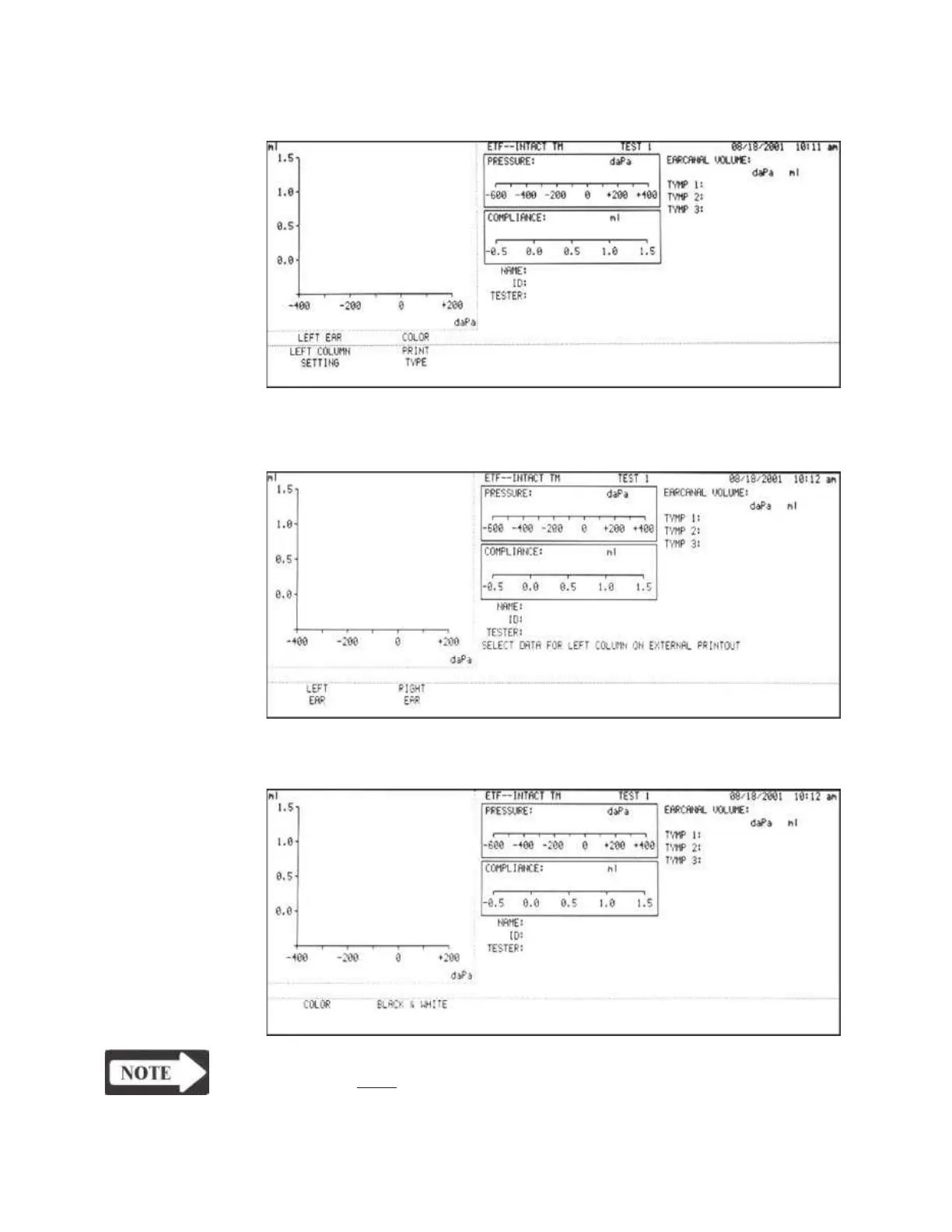
4) Press the EXTERNAL PRINTER SETUP softkey to display the External Printer
Setup Menu.
5) Press the LEFT COLUMN SETTING softkey of the External Printer Setup
Menu to set the left column of the printed data to the left or right ear.
6) Press the PRINT TYPE softkey of the External Printer Setup Menu to set the
printout to Black and White or Color.
NOTE
The setting must be Black and White for grayscale printers.
Grason-Stadler



 To Next Page