Chapter 4
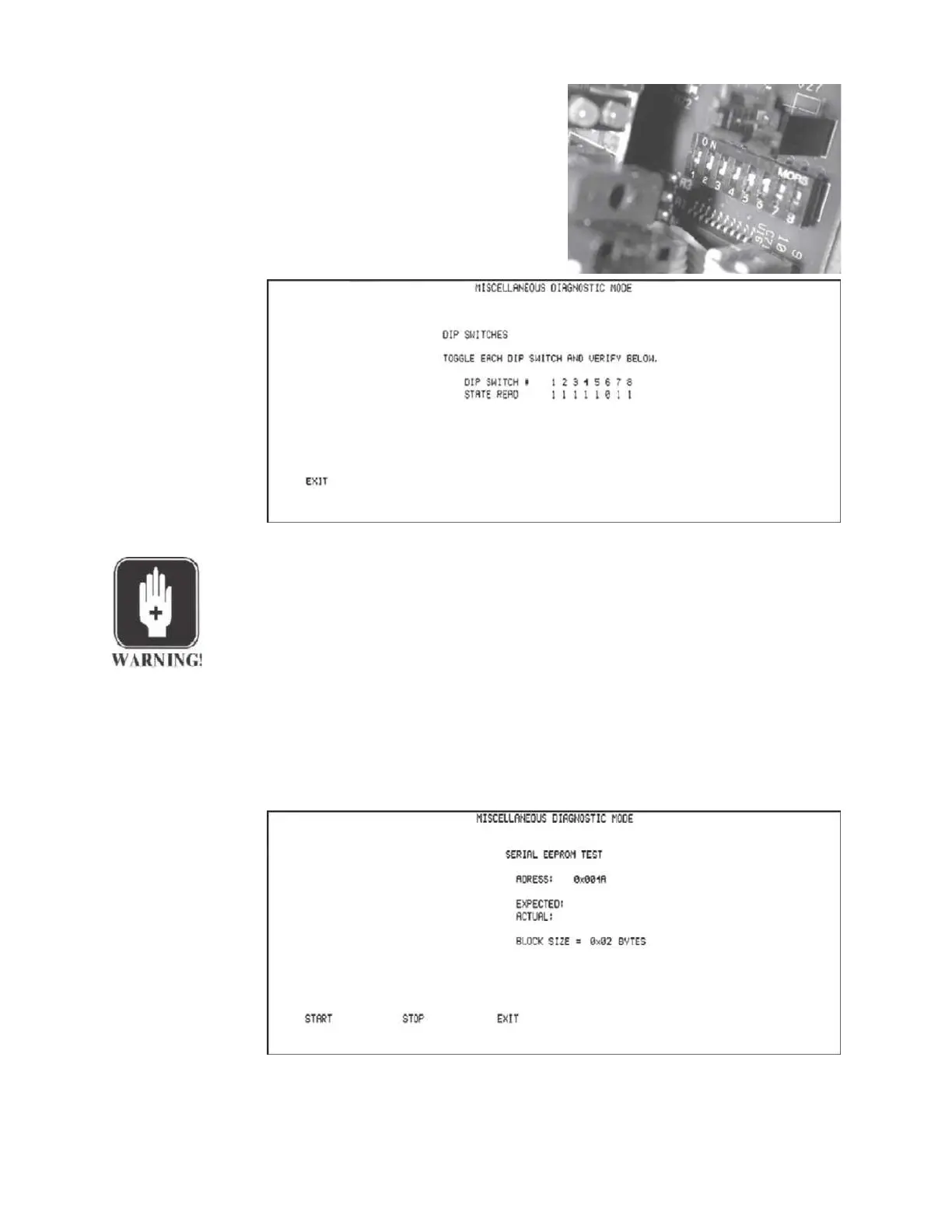
Pressing the DIP SWITCHES softkey dis-
plays the current settings of the Cal op-
tions DIP switch on the LCD.
The DIP switch settings can be changed
and verified on the LCD.
WARNING
Do not touch any wires, circuitry or components in the Tympstar enclosure
directly, or with conductive tools. AC power present in the enclosure can
cause serious injury or death.
Pressing the EXIT softkey displays the Miscellaneous Diagnostic menu.
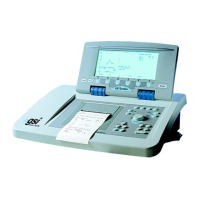
Pressing the EEPROM softkey displays a sequence of serial EEPROM test ad-
dresses and test results.
Grason-Stadler


 To Next Page