Disassembly
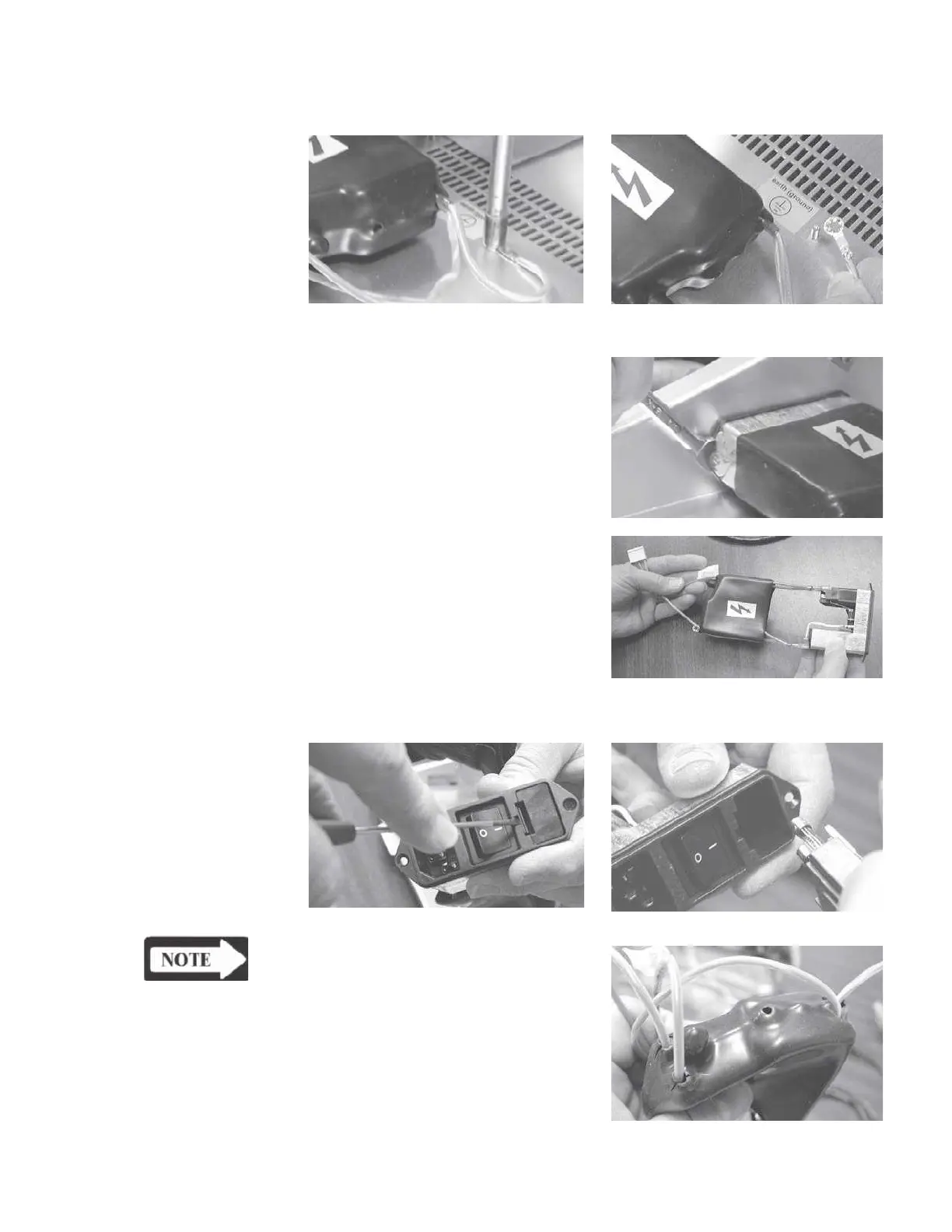
Removing the power
Step 1
module
Disconnect the grounding lug connection.
Step 2
Pull the protective rubber boot away
from the side panel and remove the
two retaining nuts using a 1/4" open-
end wrench.
Step 3
Remove the power module from the
chassis.
Fuse holder
The fuse holder can be removed us-
ing a flat-edge screwdriver.
NOTE
Holes may need to be cut in re-
placement protective rubber boots
to accommodate wiring harnesses.
GSI TympStar Version 1 and Version 2 Service Manual 5 - 9



 To Next Page