Chapter 4
This position will activate the diagnostic portion of the Cal mode when the Cal/
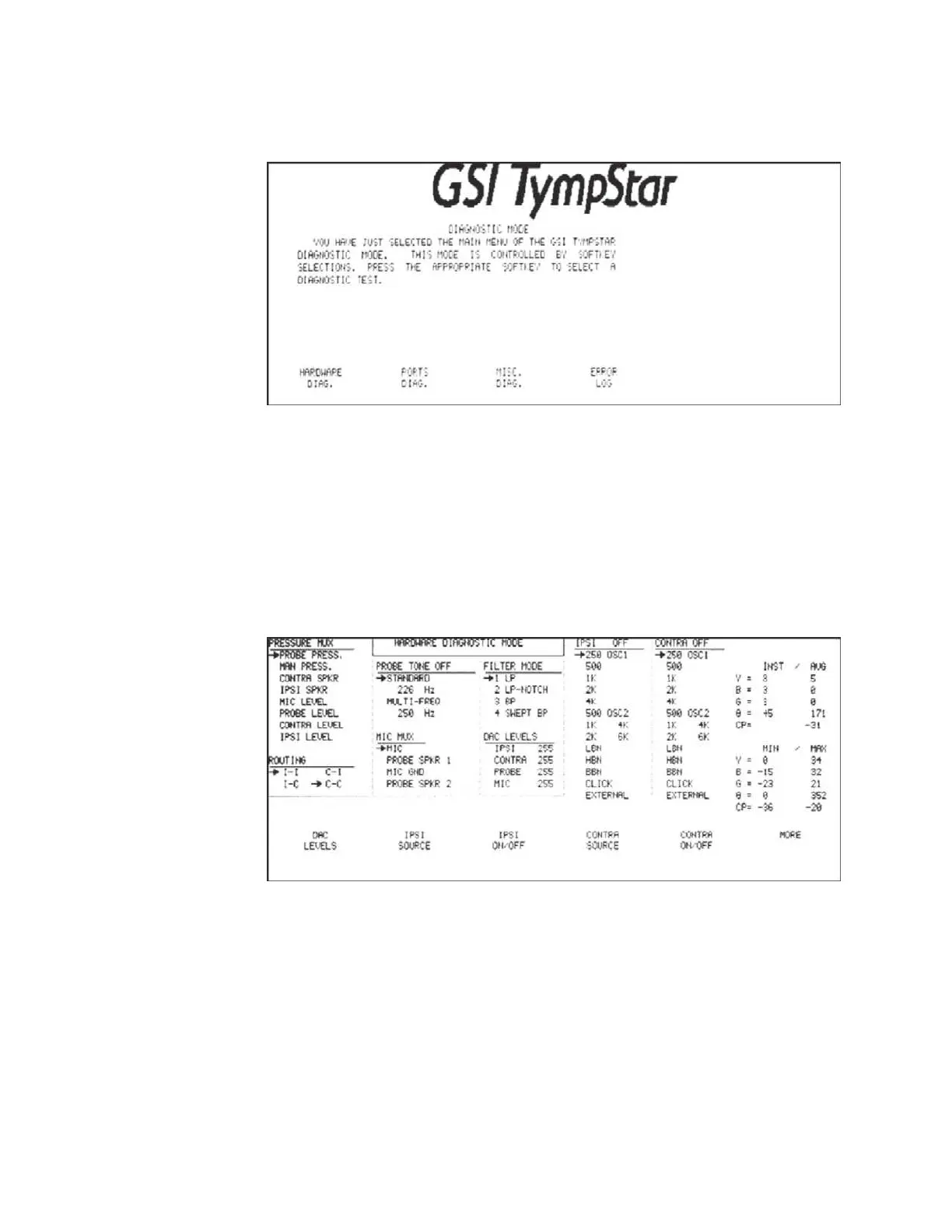
Normal switch is in the Cal position. The Diagnostic Mode Screen will be dis-
played.
Four diagnostic functions are displayed above softkeys at the bottom of the screen.
These include the following:
• Hardware Diagnostics
• Ports Diagnostics
• Miscellaneous Diagnostics
• Error Log
Pressing the HARDWARE DIAG softkey displays the Hardware Diagnostic Mode
screen.
The right side of the screen shows real-time analog to digital (A/D) values for theY,
B, G and
q
MIC circuit outputs. Minimum and maximum values are also shown.
The CP value displays the control processor A/D output for the selected source to
the pressure MUX.
Grason-Stadler



 To Next Page