Chapter 4
Step 1
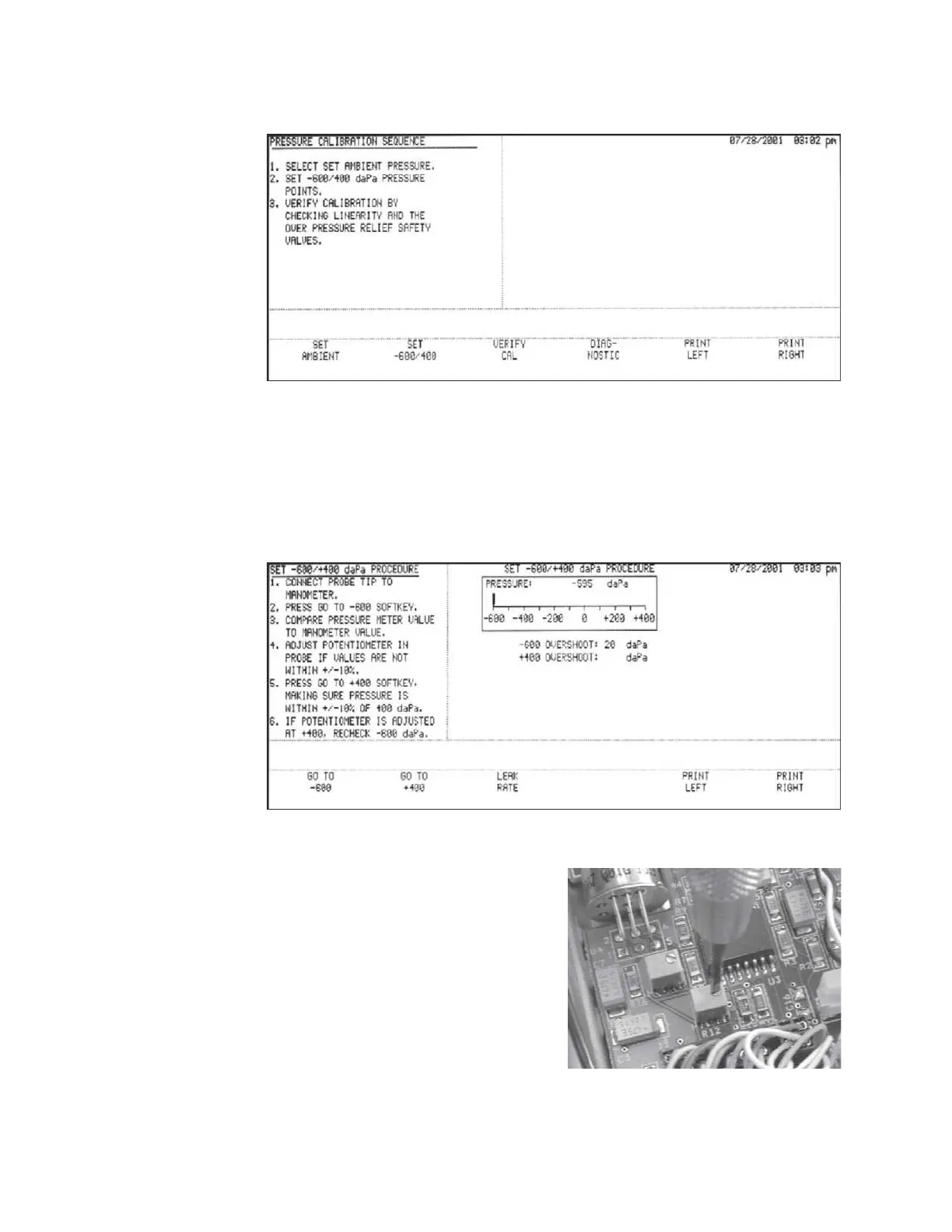
Press the SET -600/400 softkey.
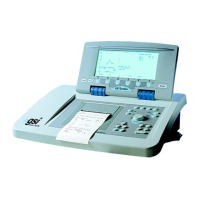
The SET -600/+400 daPa PROCEDURE screen will be displayed.
Step 2
Follow the instructions on the screen.
When the GO TO -600 softkey is pressed, the meter will display the current -600
daPa pressure. The manometer and LCD meter should agree within 10%.
Step 3
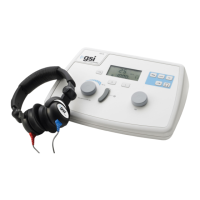
If the LCD meter is not within the re-
quired 10%, adjust the span potentiom-
eter as shown until an acceptable read-
ing is achieved.
Grason-Stadler


 To Next Page