Calibration
Step 2
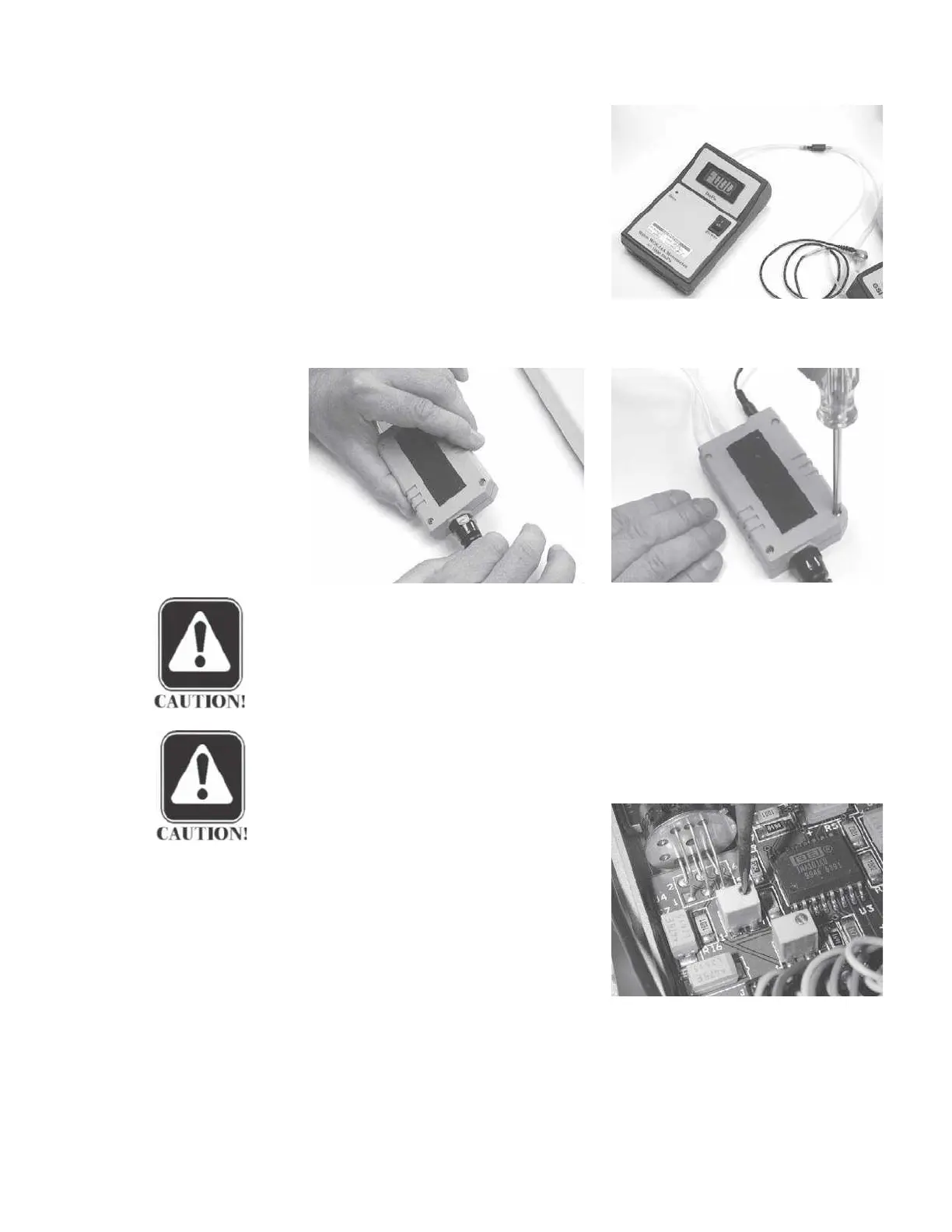
Follow the instructions on the screen to
measure the ambient pressure calibra-
tion using an electronic manometer. The
manometer and LCD meter should agree
within ± 10 daPa.
Adjusting the probe Step 3
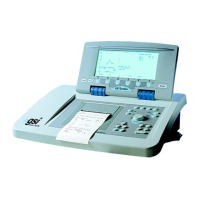
If it is necessary to adjust the probe’s
ambient pressure potentiometer:
• Loosen the cable strain relief by hand.
• Remove the two metal, and two nylon screws.
CAUTION
These screws must be reinstalled in the same positions later.
• Carefully remove the probe cover.
CAUTION
Do not disconnect the shield wire.
• Adjust the ambient potentiometer
as shown to achieve an acceptable
reading on the LCD meter.
Step 4
Proceed to the set -600/400 calibration
function or reinstall the cover and press
RETURN to return to the Main Calibra-
tion Menu.
GSI TympStar Version 1 and Version 2 Service Manual 4 - 43


 To Next Page