Calibration
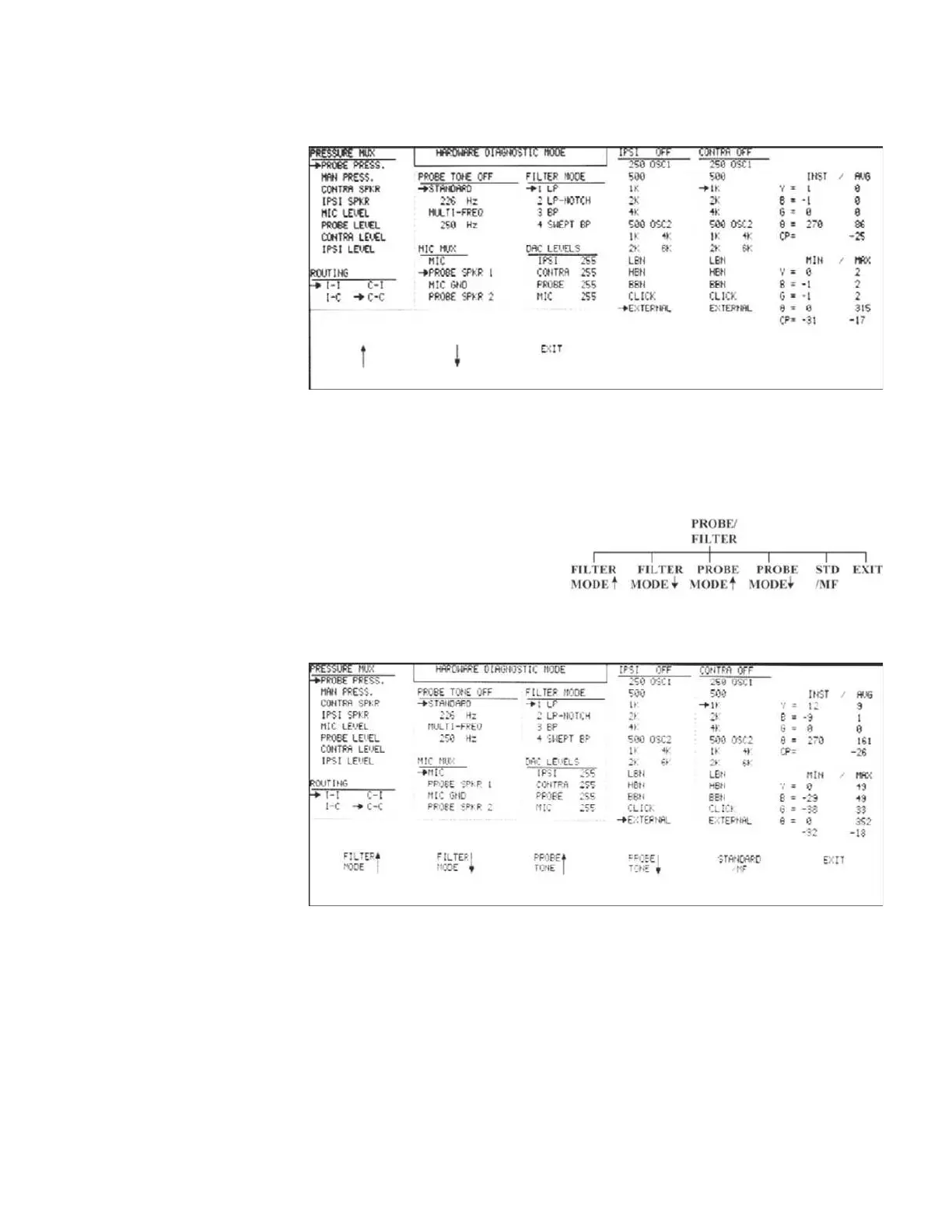
The MIC MUX sources are shown in the center-left portion of the LCD.
This
example shows the PROBE SPKR1 source selected as the input for the MIC MUX.
Pressing the EXIT softkey displays the MUX input menu again. Pressing the RE-
TURN hardkey displays the Hardware Diagnostic Mode menu.
The probe output tone and input
filter mode can be selected by
pressing the PROBE/FILTER
softkey.
The output can also be
toggled between standard and
multi-frequency tones. The PROBE/FILTER menu will be displayed.
Selected probe tones are displayed in the PROBE TONE list in the center-left of
the LCD, and can be changed for standard and multi-frequency tones by pressing
the PROBE TONE UP and DOWN NO CAPS.
GSI TympStar Version 1 and Version 2 Service Manual 4 - 13



 To Next Page