Chapter 4
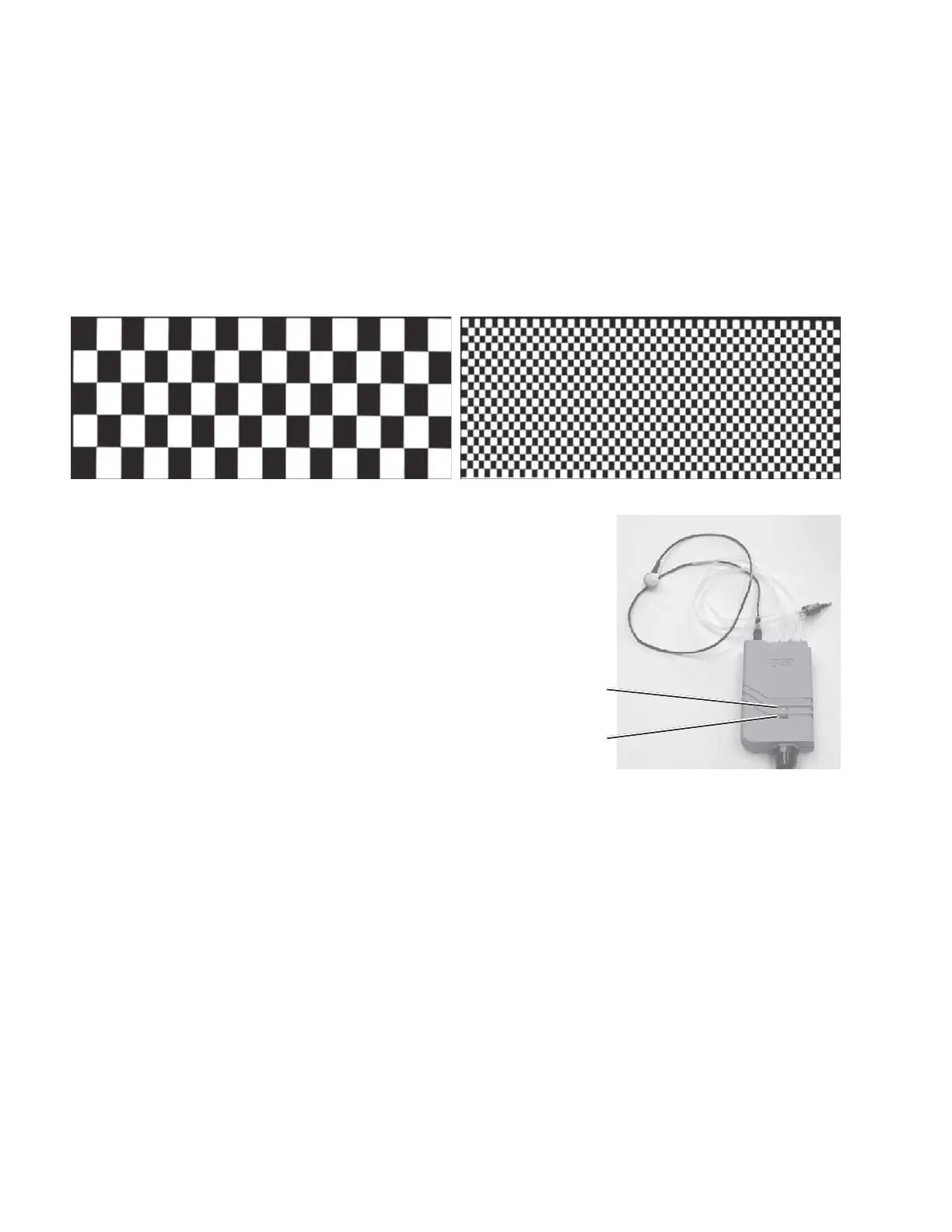
Pressing the DISPLAY & LEDS softkey starts an automatic test sequence that
displays decreasing size checkerboard patterns on the LCD and flashes the probe
box LEDs.
The LCD pattern automatically progresses through the following sequence:
• LCD is all black
• LCD is all white
• LCD is a checkerboard. Black on white squares, then white on black squares.
The checkerboard pattern automatically decreases in size until the test is
complete.
The probe box LEDs illuminate as follows:
LCD is all black: Green LED is ON
LCD is all white: Orange LED is ON
LCD is checkerboard: Repeating pattern:
3 Green flashes, then
1 Orange Flash
Upon conclusion of the test, the
Miscellaneous Diagnostic menu is
displayed.
Grason-Stadler



 To Next Page