Chapter 5
Step 6
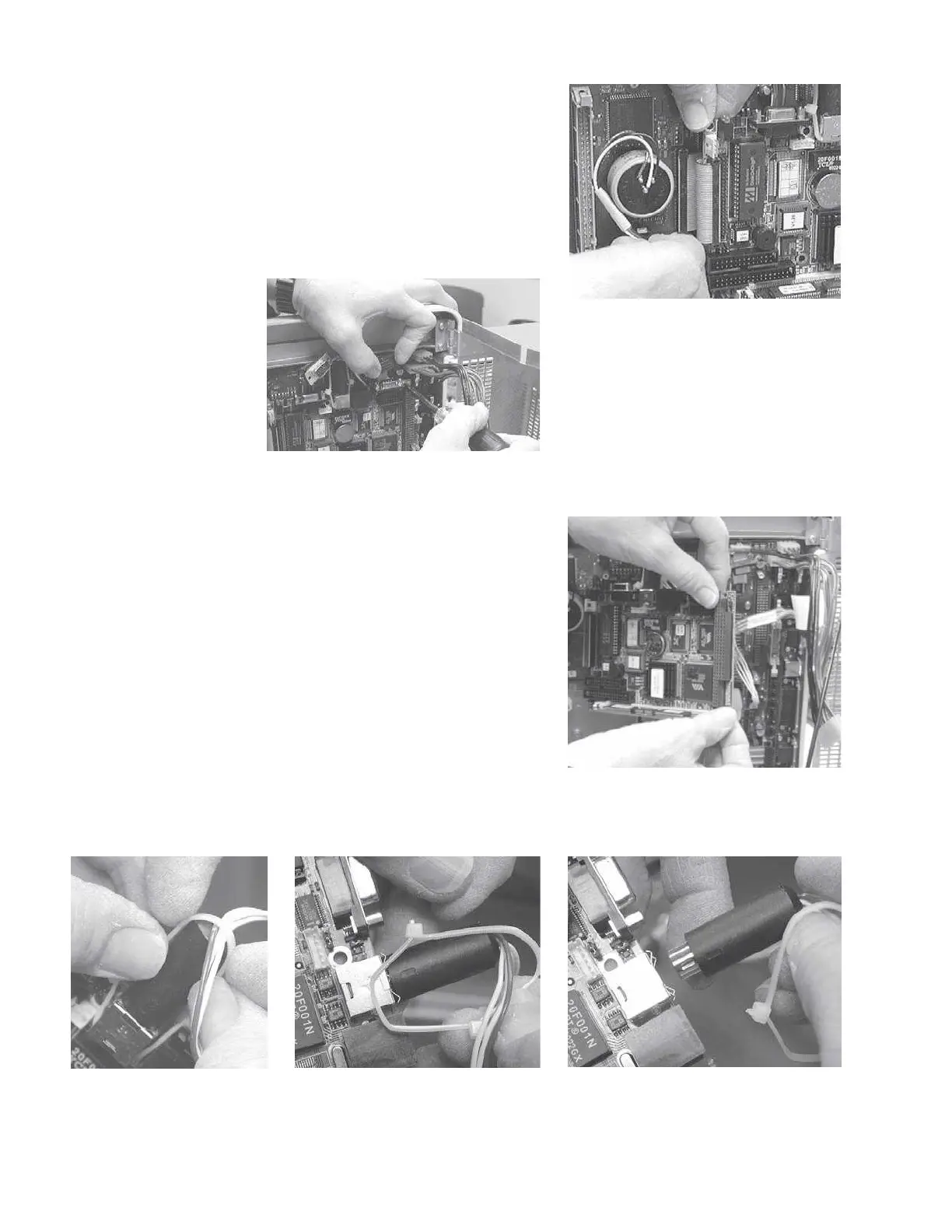
Disconnect the digital board cable
from the PC104 board by pulling the
connector straight up.
Step 7
Remove the four retaining screws at
the corners of the PC104 board.
Step 8
Remove the PC104 board by pulling
the connector on the end of the board
straight away from the digital board.
Gently rock the connector slightly
back and forth to ease the connector
out of the digital board.
Step 9
Remove the 5-wire cable from the PC104 board by slipping the tie-wrap over
the cylindrical board connector and pulling the connector straight away from
the board.
Grason-Stadler



 To Next Page