Chapter 4
The gain for the desired circuit can be adjusted by pressing the corresponding softkey.
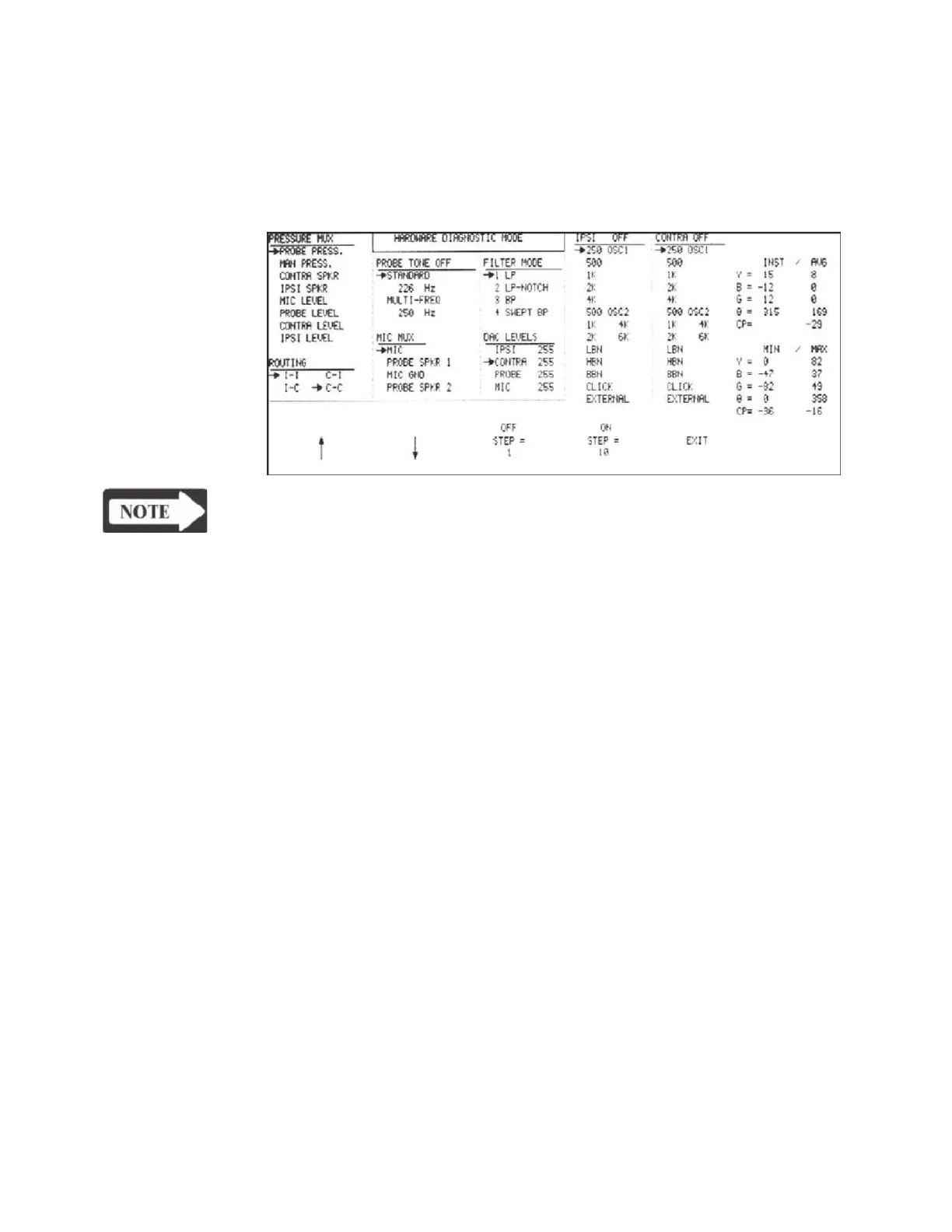
The selected circuit will be indicated in the left column of the DAC LEVELS portion
of the LCD screen with its level shown in the right column.
The example below
shows the contra circuit selected with a level of 255.
NOTE
The IPSI/CONTRA/PROBE outputs must be turned ON using the IPSI ON/
OFF, CONTRA ON/OFF or PROBE ON/OFF softkey.
The minimum gain for each circuit corresponds to a DAC value of 0, the maximum
corresponds to 255.
The DAC Level is adjusted by pressing the UP and DOWN ARROW softkeys.
The adjustment increment can be set to step values of 1 or 10 by pressing the
STEP=1 or STEP=10 softkey.
Pressing EXIT returns the display to the DAC level menu, where other circuits can
be selected and adjusted in the same manner.
Pressing the RETURN hardkey displays the Hardware Diagnostic Mode menu at
the bottom of the screen.
Grason-Stadler



 To Next Page