26
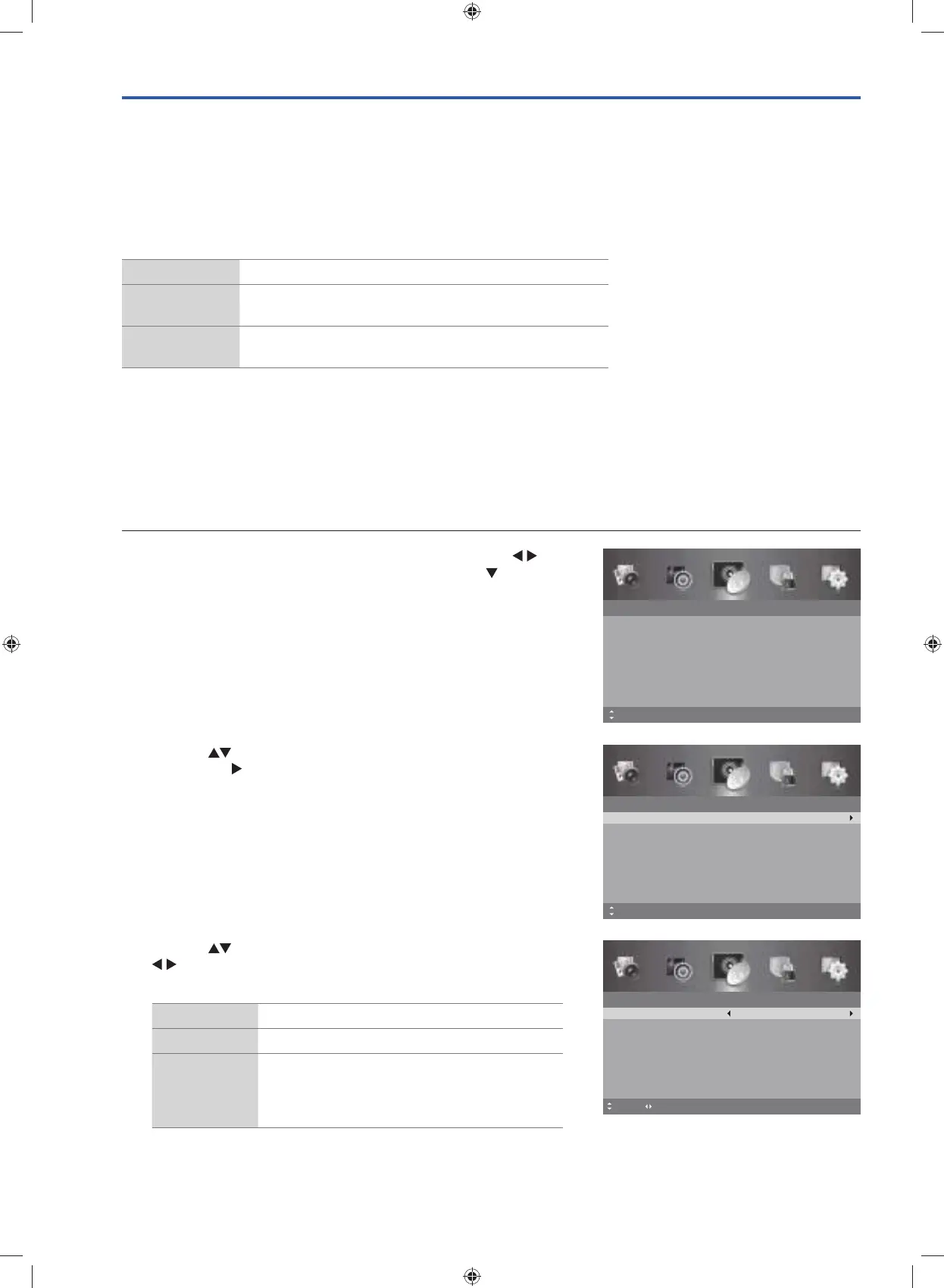
2. Press the buttons to select Auto Scan and then press the OK
button or the
button to enter the Auto Scan menu.
Channel
Auto Scan
Manual Scan
Auto Channel Update
Channel Edit
Favourite Manager
Signal Information
On
MENU: ReturnOK: Select EXIT: ExitMove
Mono sound selection
If the stereo signal is weak, you can switch to mono by pressing the AUDIO button. In mono reception, the clarity of sound
is improved. To switch back to stereo, press the AUDIO button again.
Language selection for dual language broadcast
If a programme can be received in two languages (dual language), you can switch to NICAM DUAL I, NICAM DUAL
II, NICAM DUAL I+II or MONO by pressing the AUDIO button repeatedly.
NICAM DUAL I
Sends the primary broadcast language to the loudspeakers
NICAM DUAL II
Sends the secondary broadcast language to the
loudspeakers
NICAM DUAL I+II
Sends the primary and secondary broadcast languages to
the loudspeakers
Channel Setting
Auto Scan
Use this to automatically find and store all available channels. This is normally recommended if some channels have been
added or removed by the broadcaster or if you have moved.
1. Press the MENU button to display the main menu. Press the
buttons to select the Channel menu and then press the
button or
the OK button.
Channel
Auto Scan
Manual Scan
Auto Channel Update
Channel Edit
Favourite Manager
Signal Information
On
MENU: Return EXIT: ExitMove
3. Press the buttons to select the following options, and then press
buttons to adjust each option’s setting or OK button to select
the options.
Country Selects the desired country.
Mode Selects tune type: DTV / ATV / DTV + ATV.
LCN
(Logical
Channel
Number)
Sets LCN On or Off if you want to sort the
channels manually.
Auto Scan
Country
Mode
LCN
Start
Move MENU: Return EXIT: Exit
Australia
DTV
On
Adjust
G24HTC16_IB_160630-V2_Annie.indd 26 30/6/16 下午6:06



 To Next Page