35
Parental Rating (DTV Mode)
This function allows you to set up blocking schemes to block specific channels and ratings. It operates according to
information from the broadcasting station, therefore if the signal has incorrect information, this function will not operate.
This TV is programmed to remember the last option set even if the TV is switched off.
The Lock System must be set to On for this function to operate. When a programme is locked or rated, a valid password
must be entered.
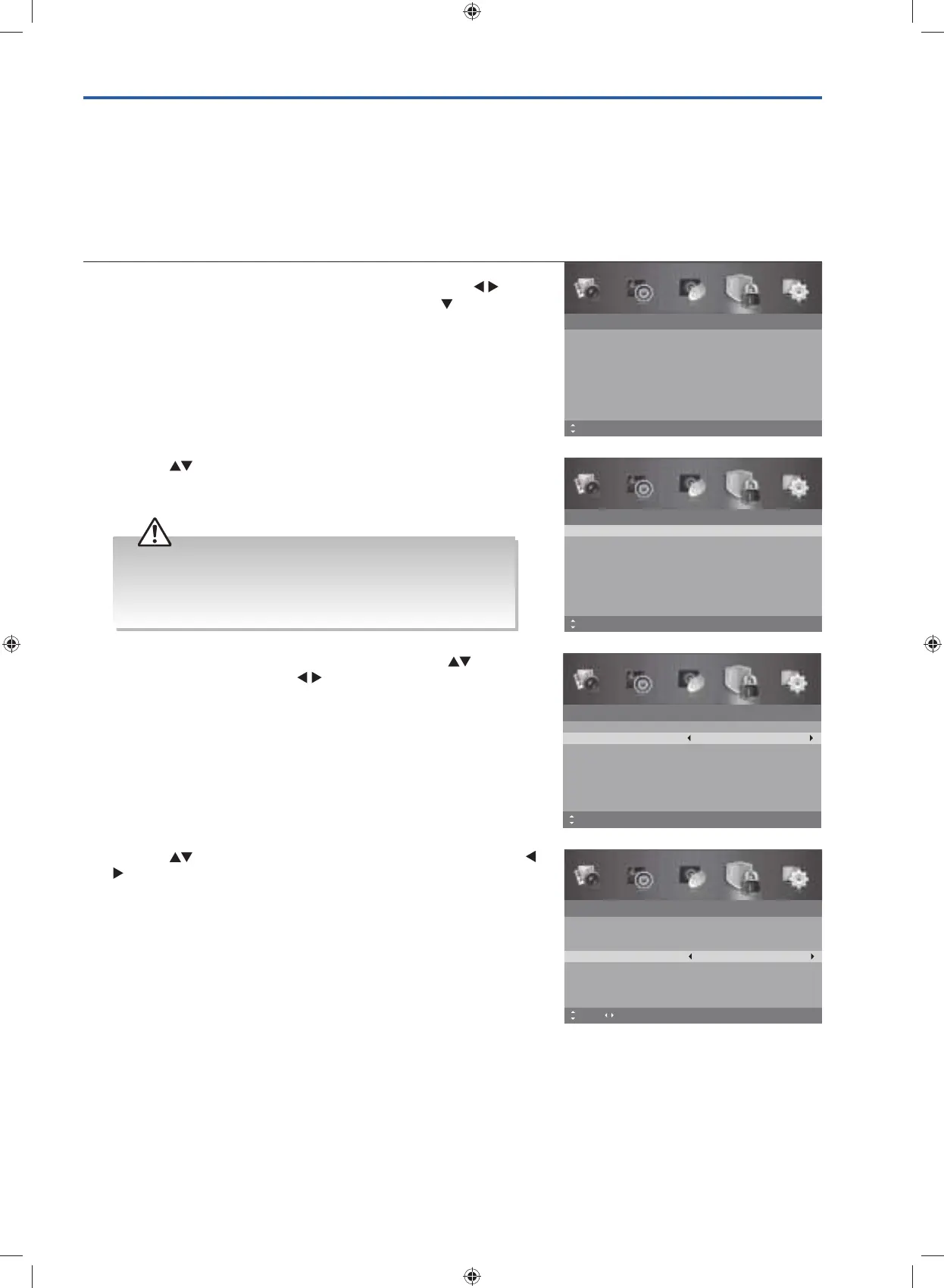
1. Press the MENU button to display the main menu. Press the
buttons to select the Lock System and then press the
button or
the OK button.
Lock System
Enter Password
Off
No Block
Enable
Channel Block
Parental Rating
Lock Keypad
New Password
Clear Lock
Off
MENU: Return EXIT: ExitMove
– – – –
– – – –
2. Press the buttons to select the Enter Password. Use the 0-9
buttons to input a 4-digit password to enter the Lock System
menu.
Lock System
Enter Password
– – – –
Off
No Block
Enable
Channel Block
Parental Rating
Lock Keypad
New Password
Clear Lock
Off
– – – –
MENU: Return0~9: Input EXIT: ExitMove
• The default password is “0000”.
• If you change the password, be sure to remember the new
password! If you forget the new password, enter the master
password“8899”.
4. Press the buttons to select Parental Rating and then press the
buttons to select an age rating: No Block / Block G / Block PG
/ Block M / Block MA / Block AV / Block R / Block All.
5. Press the MENU button to return to the previous menu, press again
to return to the main menu.
6. Press the EXIT button to exit the menu.
Lock System
Enter Password
– – – –
On
No Block
Enable
Channel Block
Parental Rating
Lock Keypad
New Password
Clear Lock
Off
– – – –
MENU: Return EXIT: ExitMove Adjust
3. Ensure the option Enable is set to On. If not, press the buttons
to select Enable and then the
buttons to select On.
Lock System
Enter Password
– – – –
On
No Block
Enable
Channel Block
Parental Rating
Lock Keypad
New Password
Clear Lock
Off
– – – –
MENU: Return0~9: Input EXIT: ExitMove
G24HTC16_IB_160630-V2_Annie.indd 35 30/6/16 下午6:06



 To Next Page