58
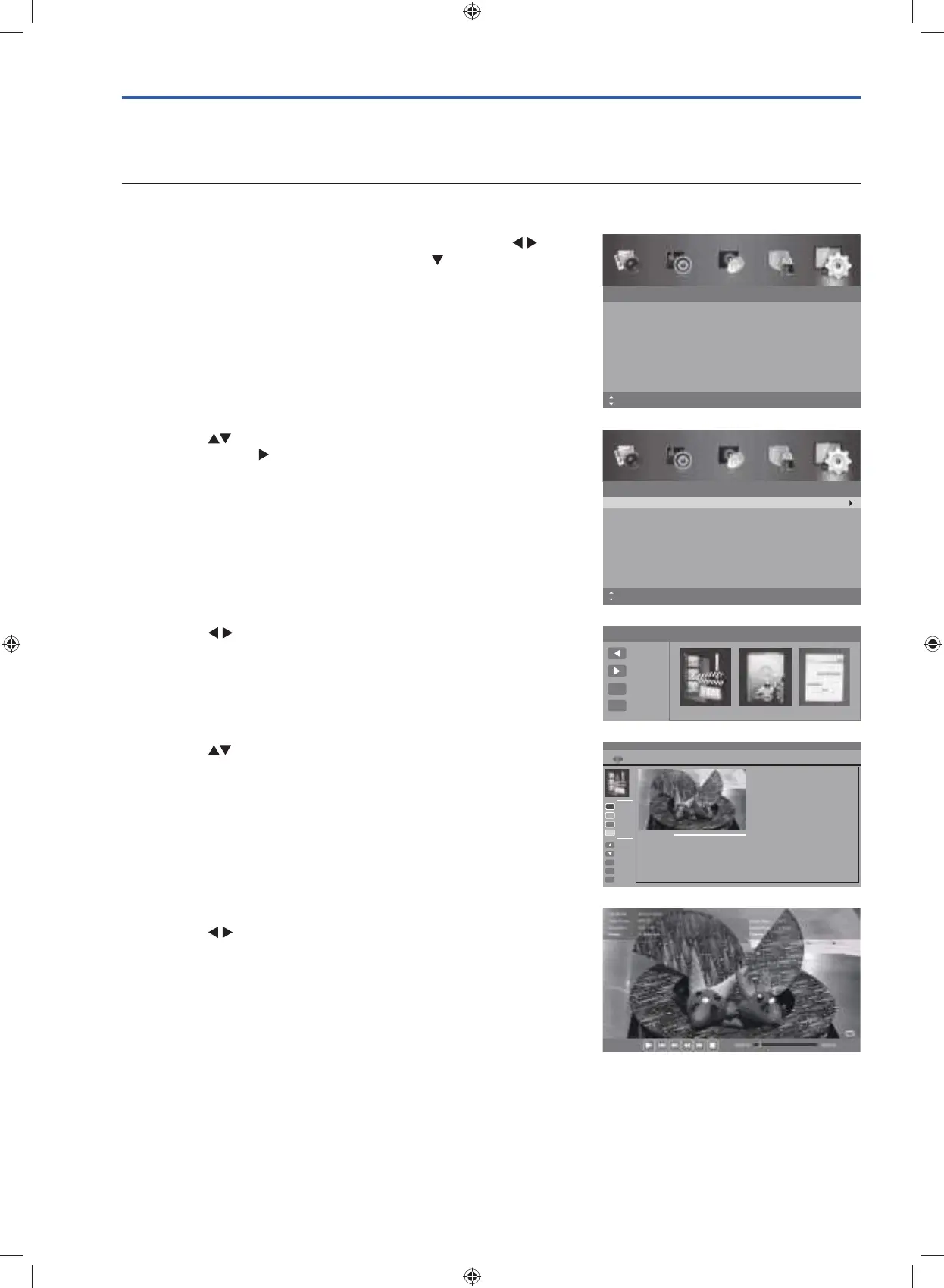
4. Press the buttons to select the recorded programme and the
press the OK button to view.
Play Recorded Programme
You can play a recorded programme from the File Manager or from a USB Storage Device.
From File Manager
1. Press the MENU button to display the main menu. Press the
buttons to select the Setup and then press the
button or the OK
button.
2. Press the
buttons to select PVR Settings and then press the
OK button or the
button to enter PVR Settings menu.
3. Press the buttons and then the OK button to select the File
Manager. The File Manager with Scheduled Record will be
displayed.
Setup
OSD Language
Audio Language
Subtitle
Teletext
Blue Screen
Mode Setting
MENU: Return EXIT: Exit
English
On
Home Mode
Time Settings
HDMI CEC Control
Move
Setup
PVR Settings
OAD
Restore Factory Default
MENU: Return EXIT: ExitMove OK: Select
PVR Settings
Move Left
File Manager Device List Scheduled Record
Move Right
Select
OK
Exit
EXIT
File Manager
Scheduled Record
Move Up
Hot Key
Current Playing File Info
Channel Name
Enjoy Your Time_Spring Kitchen_2010407_142535
4Music_The Hottest Hits of 2014!_20141230_110238
Programme Name
Recorded Time
Total Time
Parental Rating
Enjoy Your Time
Spring Kitchen
07-Apr-2015 14:25
01:03:20
None
Move Down
Select
OK
Return
Replay
Delete One
Delete All
Zoom In/Out
MENU
Exit
EXIT
Function
5. Press the OK button or the i button to display the function bar.
Press the
buttons and then OK button to select the playback
function.
G24HTC16_IB_160630-V2_Annie.indd 58 30/6/16 下午6:06



 To Next Page