57
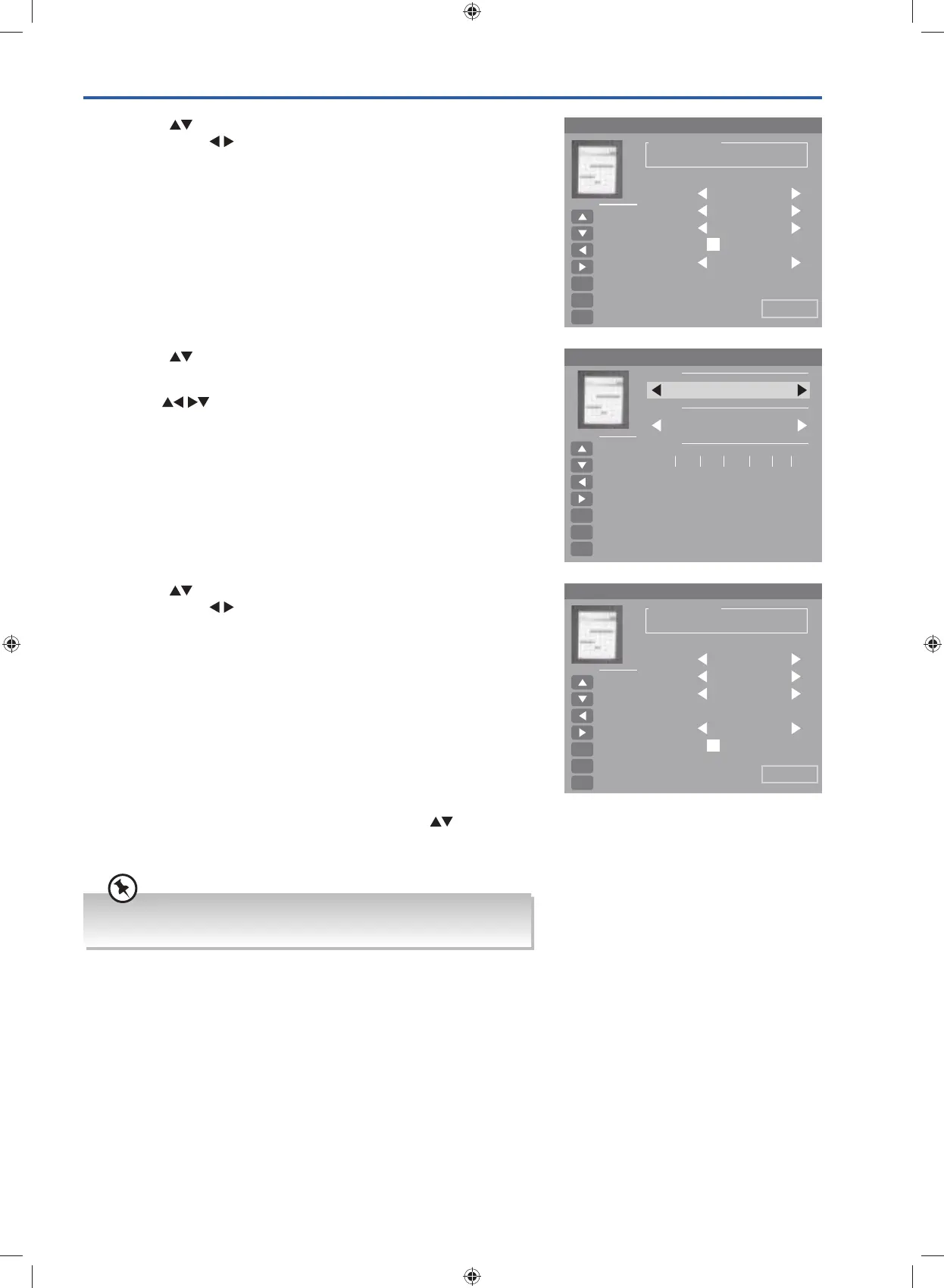
11. After finishing all the recorder adjustments, press the buttons to
select Save to confirm your settings. A Scheduled Record Setting List
will be displayed.
7. Press the
buttons to select the first digit of hour. Use the 0-9
buttons and the
buttons to enter the Hour and Minutes.
Scheduled Record - Group 1
Setting Status
Setting Is Not In Use
Frequency Once
Save
Hot Key
Move Up
Move Down
Adjust
Adjust
Select
OK
Return
MENU
Exit
EXIT
Channel 4Music
Start Time 2014-12-30
0 1 4 7:
End Time 2014-12-30
0 3 0 0:
8. Press the buttons to select the End Time. The Calendar will be
display.
9. Use the
buttons select the Year / Month / Day. And then press
the OK button to confirm.
Canlendar
Year
Hot Key
Move Up
Move Down
Adjust
Adjust
Select
OK
Return
MENU
Exit
EXIT
Month
Day
Sun.
2015
1
Mon. Tue. Wed. Thu. Fri. Sat.
1 2 3
4 5 6 7 8 9 10
11 12 13 14 15 16 17
18 19 20 21 22 23 24
25 26 27 28 29 30 31
10. Press the buttons to select the first digit of hour. Use the 0-9
buttons and the
buttons to enter the Hour and Minutes.
Scheduled Record - Group 1
Setting Status
Setting Is Not In Use
Frequency Once
Save
Hot Key
Move Up
Move Down
Adjust
Adjust
Select
OK
Return
MENU
Exit
EXIT
Channel 4Music
Start Time 2014-12-30
0 1 4 7:
End Time 2014-12-30
0 3 0 0:
If a programme recording starts when the TV is in standby mode, the
LED indicator will flash red and blue.
G24HTC16_IB_160630-V2_Annie.indd 57 30/6/16 下午6:06


 To Next Page