52
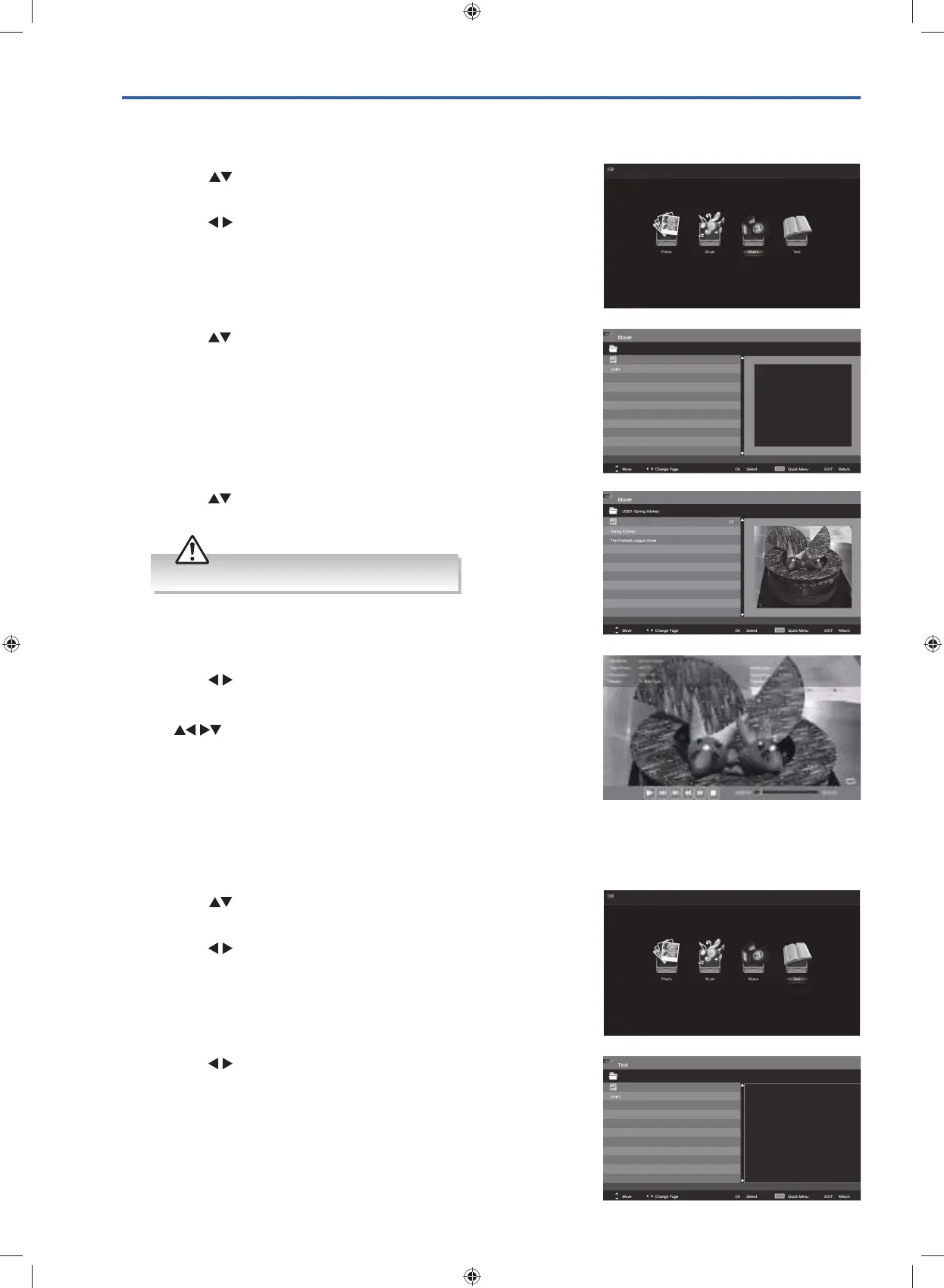
4. Press the buttons to navigate in the movie folder and then press
the OK button to view.
5. Press the OK button or the i button to display the function bar.
Press the
buttons and then OK button to select the playback
function.
Press the BLUE button to enter the Quick Menu. And then press
the
buttons to select the functions: Repeat / Encode Type.
6. Press the EXIT button to return to the previous menu.
3. Press the
buttons to select your storage device and then press
the OK button.
Viewing Movies
1. Press the INPUT button on the TV or on the remote control then
press the
buttons to select the USB mode and then press the
OK button.
2. Press the
buttons to select MOVIE and then press the OK
button.
3. Press the buttons to select your storage device and then press
the OK button.
My Text
1. Press the INPUT button on the TV or on the remote control then
press the
buttons to select the USB mode and then press the
OK button.
2. Press the
buttons to select TEXT and then press the OK button.
Some video file formats will not be supported.
G24HTC16_IB_160630-V2_Annie.indd 52 30/6/16 下午6:06



 To Next Page