53
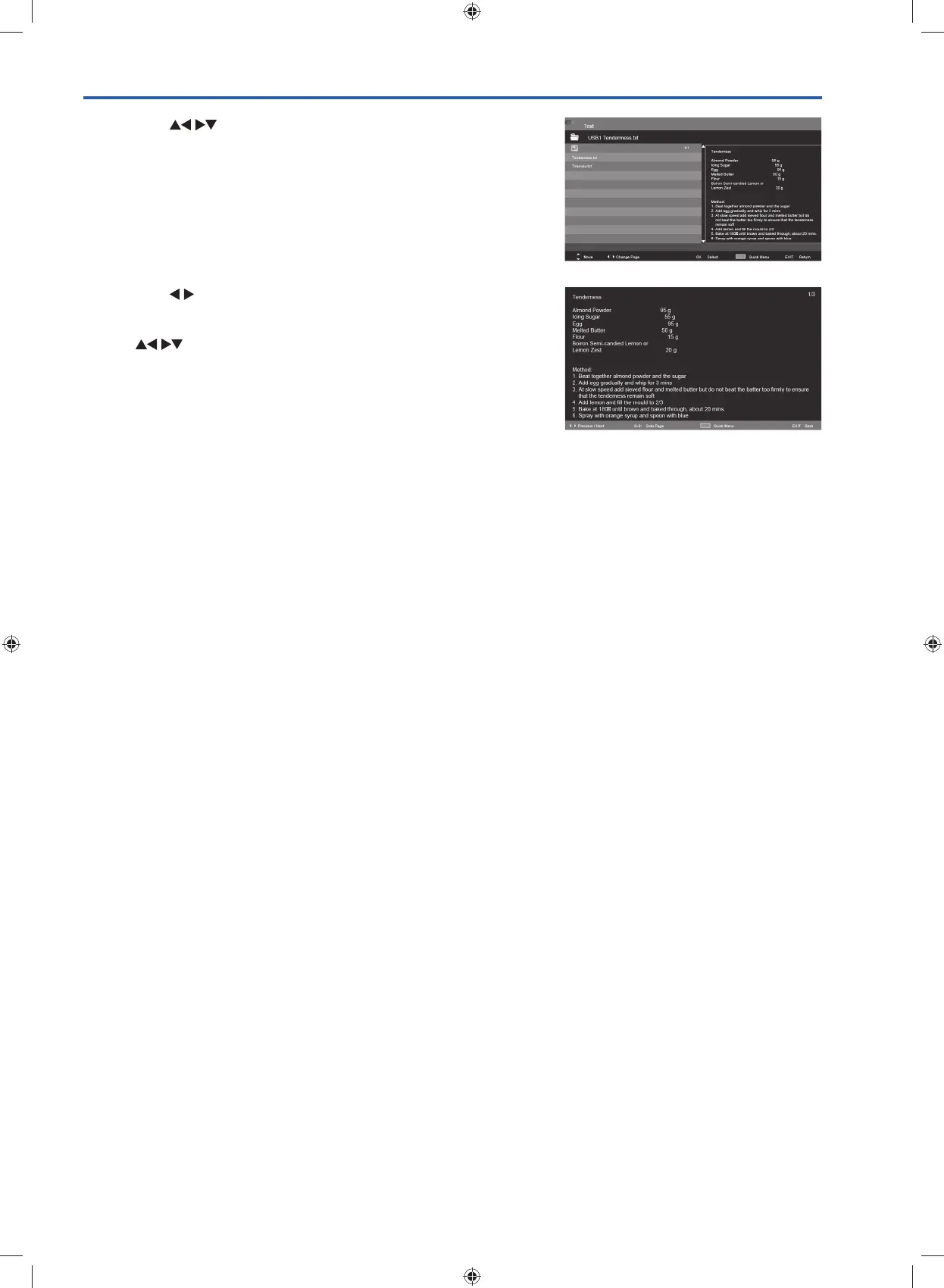
4. Press the buttons to navigate in the text folder and then
press the OK button to view.
5. Press the
buttons to go to previous or next page.
Use 0-9 buttons to goto the specified page.
Press the BLUE button to enter the Quick Menu. And then press
the
buttons to select the functions: Repeat / Background
Music / Encode Type.
6. Press the EXIT button to return to the previous menu.
G24HTC16_IB_160630-V2_Annie.indd 53 30/6/16 下午6:06



 To Next Page