13
Selecting the Input Source
1. Press the INPUT button on the TV or on the remote control to
display the INPUT SOURCE list.
2. Press the
buttons to select the input source that you want:
DTV / ATV / AV / YPbPr / HDMI / PC / USB / DVD.
3. Press the OK button to confirm your selection.
Alternative
Press the CH / buttons to switch to DTV mode directly.
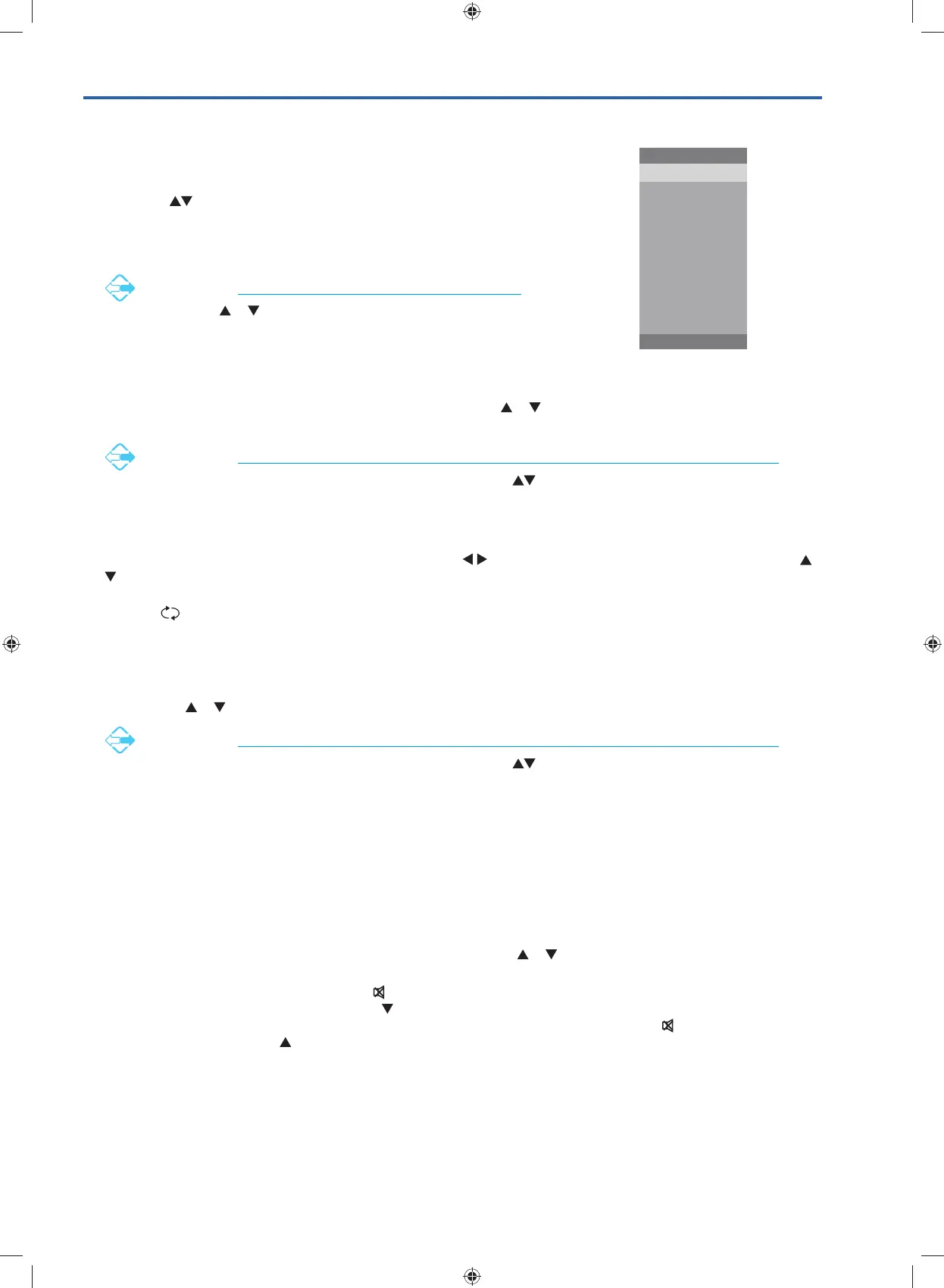
INPUT SOURCE
INPUT: Exit
DTV
ATV
AV
YPbPr
HDMI
PC
USB
DVD
Channel Selection
• Press the CH + / – buttons on the rear panel of the TV or the CH / buttons on the remote control repeatedly or
the 0-9 buttons to select the channel.
Alternative
Press the LIST button to enter the Channel List. Then use the buttons to highlight and select the
channel. Press the OK button to view the selected channel.
• If a blocked channel is selected, the password screen will be displayed. Press the 0-9 buttons to enter the password,
the channel will then be unlocked (refer to page 34 for details on Channel Locks).
• Press the FAV button to view the Favourite List. Then the
buttons to select your favourite list and then use the
buttons to highlight and select the channel from the list. Press the OK button to view the selected channel (refer to
page 31 for details on Favourite Manager).
• Press the
button to return to the previously viewed channel.
Listening to the Radio (Radio Mode)
• In DTV mode, press the TV.RD button to switch between DTV and Digital radio channel.
• Press the CH
/ buttons on the remote control repeatedly to change the radio stations.
Alternative
Press the LIST button to enter the Channel List. Then use the buttons to highlight and select the
station. Press the OK button to listen to the selected station.
• Press the GUIDE button to see all the stations in the Programme Guide (refer to page 48 for details on EPG).
Display Channel Information
Press the i button to view the current information.
Volume Adjustment
• Press the VOL + or – button on the rear panel of the TV or the VOL / buttons on the remote control to adjust the
volume.
• If you wish to switch the sound off, press the
button. You can turn the volume down while your TV is in mute mode.
Press the VOL – button on the TV or the VOL
button on the remote control, you will see the volume level reduce, but
you won’t hear anything at the moment. To listen to your TV at the new lower level, press the
button again or VOL +
button on the TV or the VOL
button on the remote control.
G24HTC16_IB_160630-V2_Annie.indd 13 30/6/16 下午6:05



 To Next Page