64
Using the DVD General Setup Page
In the DVD mode, press the DVD SETUP button on the remote control. Press the buttons to select the General Setup
Page menu, and then press the
buttons to select the menu options. Press the DVD SETUP button to exit the menu.
Option Description
- - General Setup Page - -
TV Display 16:9
OSD Language Eng
Screen Saver On
Last Memory Off
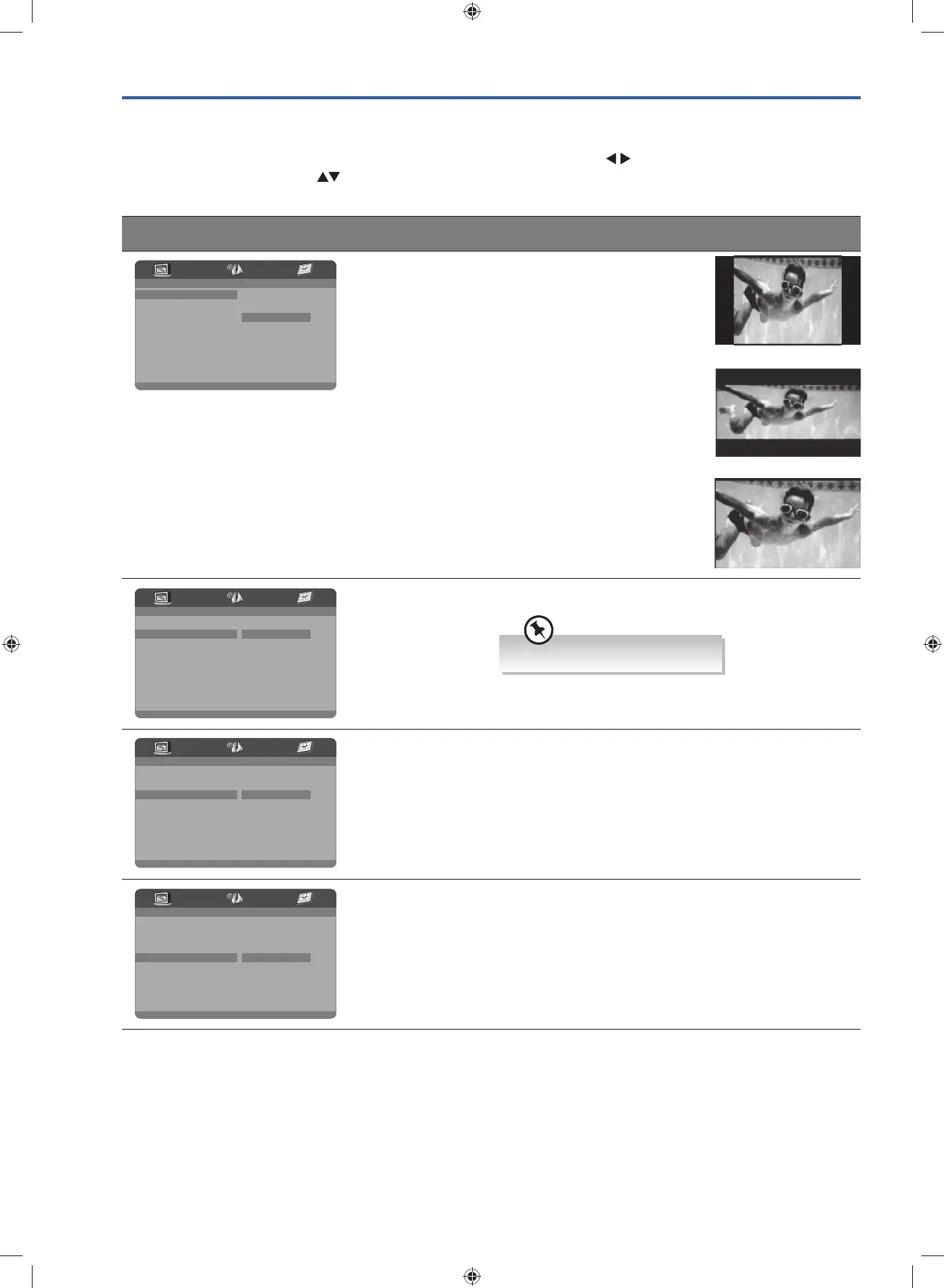
4 : 3 PanScan
4 : 3 Letter Box
Wide
TV Type 4:3 Pan Scan
Widescreen picture shown in
the full screen with some part
cut.
4:3 Letter box
Widescreen picture shown in
the full screen with black bars
on the top and bottom of the
screen.
Wide
Widescreen picture shown in
the full screen.
- - General Setup Page - -
TV Display
Eng
Screen Saver On
Last Memory Off
English
16:9
OSD Language
OSD Language Set the OSD language to your language of choice
- - General Setup Page - -
TV Display
Eng
Screen Saver On
Last Memory Off
On
Off
16:9
OSD Language
Screen Saver When the player stops or the picture becomes motionless
for a couple of minutes, there will be a screen saver to
prevent damage to the display screen.
ON: To activate screen saver.
OFF: To disable screen saver.
- - General Setup Page - -
TV Display
Eng
Screen Saver On
Last Memory Off On
Off
16:9
OSD Language
Last Memory ON: Shutdown the TV before the settings for memory,
re-boot the machine setting.
OFF: Every time the TV automatically switched back to the
default settings.
The default language is English.
G24HTC16_IB_160630-V2_Annie.indd 64 30/6/16 下午6:06



 To Next Page