38
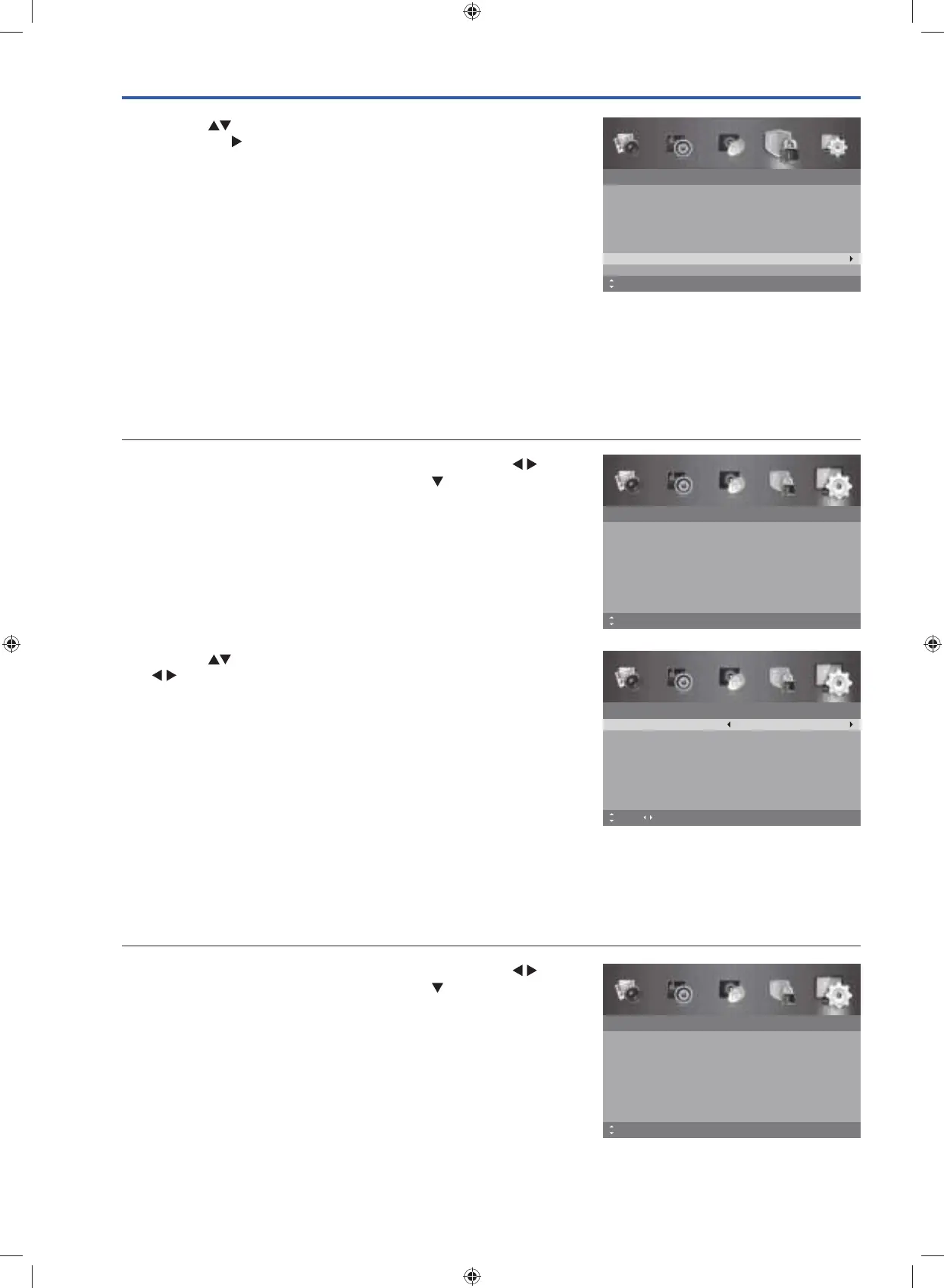
3. Press the buttons to select Clear Lock and then press the OK
button or the
button. All settings in Lock System will reset to the
factory defaults.
4. Press the MENU button to return to the previous menu, press again
to return to the main menu.
5. Press the EXIT button to exit the menu.
Lock System
Enter Password
– – – –
Off
None
Enable
Channel Block
Parental Rating
Lock Keypad
New Password
Clear Lock
Off
– – – –
MENU: Return EXIT: ExitMove OK: Select
Setup Setting
OSD Language
Allows you to select your desired on screen menu language.
1. Press the MENU button to display the main menu. Press the
buttons to select the Setup and then press the
button or the OK
button.
Setup
OSD Language
Audio Language
Subtitle
Teletext
Blue Screen
Mode Setting
MENU: Return EXIT: Exit
English
On
Home Mode
Time Settings
HDMI CEC Control
Move
Audio Languages (DTV Mode)
Allows you to select your desired audio language. (Available for digital channels if multiple audio languages are
broadcast.) The Audio Language is used to describe the programmes when the Hearing Impaired option is switched On.
1. Press the MENU button to display the main menu. Press the
buttons to select the Setup and then press the
button or the OK
button.
Setup
OSD Language
Audio Language
Subtitle
Teletext
Blue Screen
Mode Setting
MENU: Return EXIT: Exit
English
On
Home Mode
Time Settings
HDMI CEC Control
Move
2. Press the buttons to select OSD Language and then press the
buttons to select the desired language. The default on-screen
menu language is English.
3. Press the MENU button to return to the previous menu, press again
to return to the main menu.
4. Press the EXIT button to exit the menu.
Setup
OSD Language
Audio Language
Subtitle
Teletext
Blue Screen
Mode Setting
MENU: Return EXIT: Exit
English
On
Home Mode
Time Settings
HDMI CEC Control
Move Adjust
G24HTC16_IB_160630-V2_Annie.indd 38 30/6/16 下午6:06



 To Next Page