33
Lock Setting
To access the Lock System menu, you must enter the password. Enter the default password “0000” for first time use. To
change the password, refer to “New Password” (see below).
Lock System
The Lock System is designed to prevent accidental re-tuning of the TV / losing of channels and to prevent children from
watching unsuitable programmes.
The Lock System must be set to On for this function to operate. If the Lock System is set to On, a valid password must be
entered when you access channel locks, rated programme and first time setup, also all buttons on the TV will be locked.
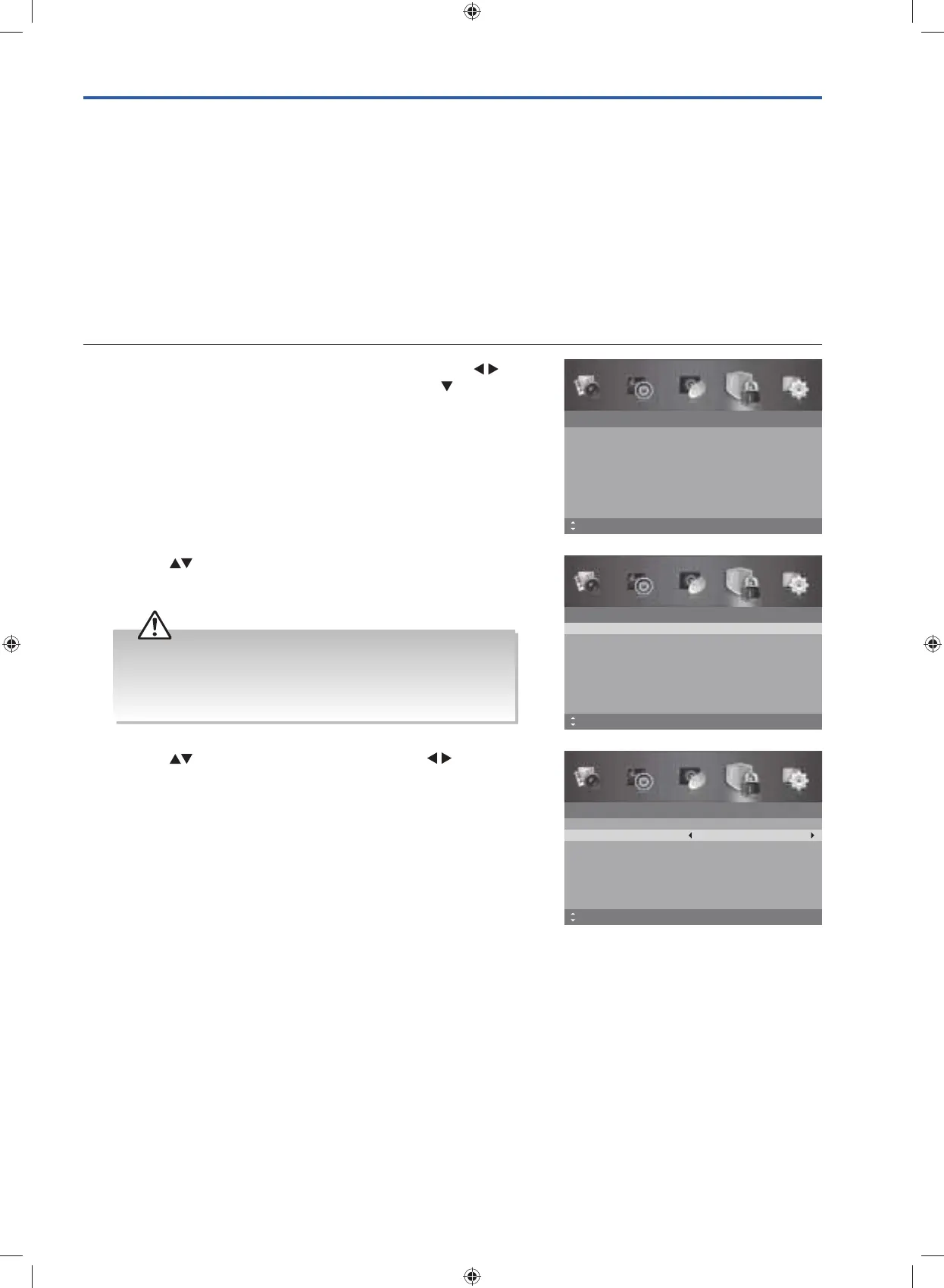
1. Press the MENU button to display the main menu. Press the
buttons to select the Lock System and then press the
button or
the OK button.
Lock System
Enter Password
Off
No Block
Enable
Channel Block
Parental Rating
Lock Keypad
New Password
Clear Lock
Off
MENU: Return EXIT: ExitMove
– – – –
– – – –
2. Press the buttons to select the Enter Password. Use the 0-9
buttons to input a 4-digit password to enter the Lock System
menu.
Lock System
Enter Password
– – – –
Off
No Block
Enable
Channel Block
Parental Rating
Lock Keypad
New Password
Clear Lock
Off
– – – –
MENU: Return0~9: Input EXIT: ExitMove
3. Press the buttons to select Enable and then the buttons to
select On / Off.
If the Enable is set to On, a valid password must be entered when
you access Auto Scan / Manual Scan / Channel Edit / Favourite
Manager / Restore Factory Default.
4. Press the MENU button to return to the previous menu, press again to
return to the main menu.
5. Press the EXIT button to exit the menu.
Lock System
Enter Password
– – – –
Off
No Block
Enable
Channel Block
Parental Rating
Lock Keypad
New Password
Clear Lock
Off
– – – –
MENU: Return0~9: Input EXIT: ExitMove
• The default password is “0000”.
• If you change the password, be sure to remember the new
password! If you forget the new password, enter the master
password“8899”.
G24HTC16_IB_160630-V2_Annie.indd 33 30/6/16 下午6:06



 To Next Page