65
Using the DVD Audio Setup Page
In the DVD mode, press the DVD SETUP button on the remote control. Press the buttons to select the Audio Setup
Page menu, and then press the
buttons to select the menu options. Press the DVD SETUP button to exit the menu.
Option Description
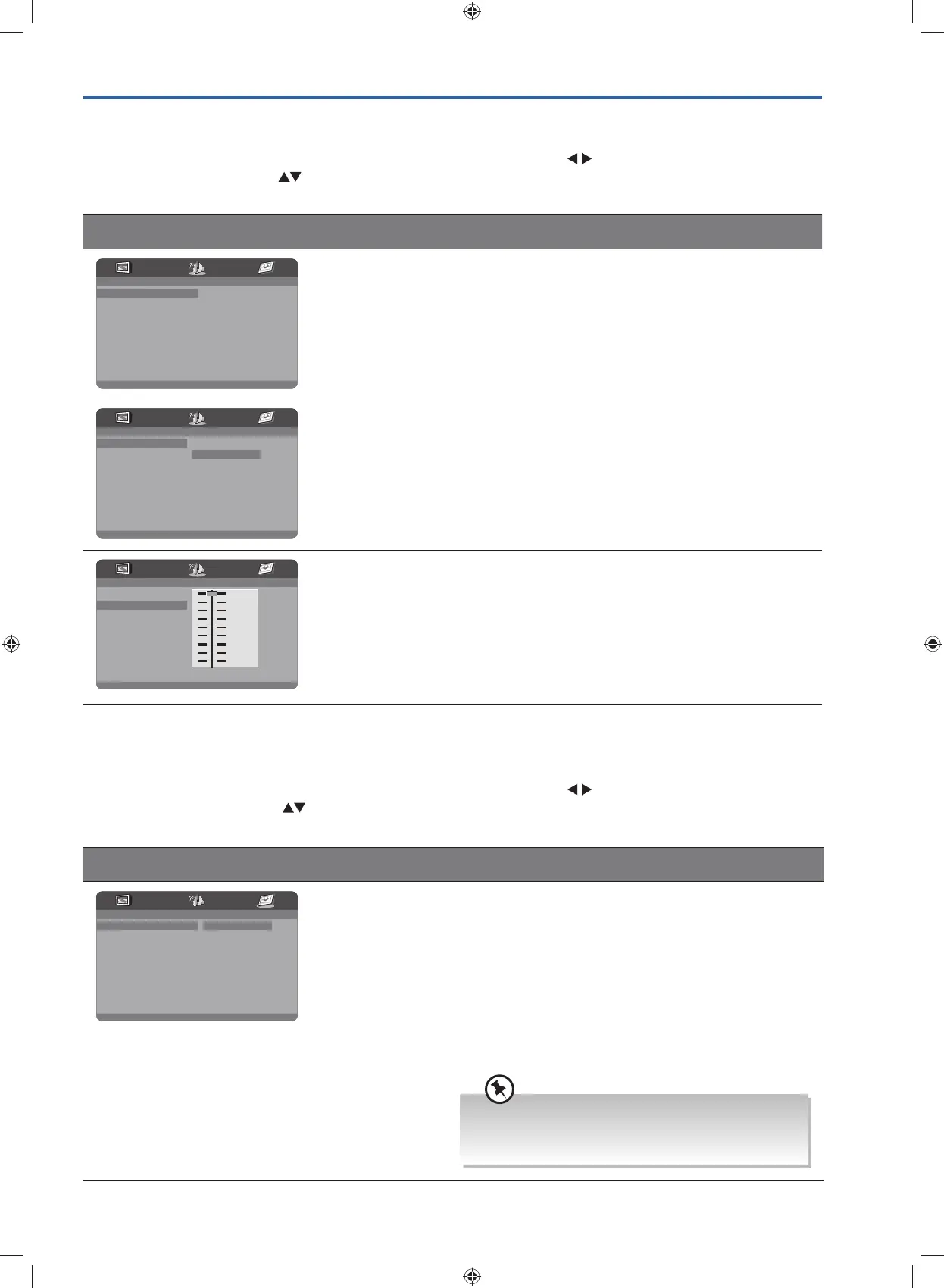
- - Audio Setup Page - -
Speaker Setup
Dynamic
- - Audio Setup Page - -
Downmix STR
LT/RT
Stereo
Speaker Setup
/ Downmix
LT/RT
Mixed stereo LT/RT output.
Stereo
Mixed stereo surround output.
- - Audio Setup Page - -
Speaker Setup
Dynamic
FULL
3/4
1/2
1/4
OFF
Dynamic This is used to set the compression ratio in order to control
the sound (volume) contrast.
Using the DVD Preference Setup Page
In the DVD mode, press the DVD SETUP button on the remote control. Press the buttons to select the Preference
Setup menu, and then press the
buttons to select the menu options. Press the DVD SETUP button to exit the menu.
Option Description
- - Preference Page - -
TV Type PAL
Audio Eng
Subtitle Off
DiscMenu Eng
Parental
Password
Default
PAL
Multi
NTSC
TV Type In order for the disc to play, the colour system of the DVD
player, disc and TV should match.
PAL
This is the format used in UK.
Multi
This format can be used if your TV / DVD is capable of
both PAL and NTSC formats and this is the default setting.
NTSC
This format is used by some other countries, e.g. USA.
PAL format is generally used for TV’s in the UK.
If NTSC is selected with a non-compatible television,
you may experience interference or picture scrolling.
G24HTC16_IB_160630-V2_Annie.indd 65 30/6/16 下午6:06



 To Next Page