32
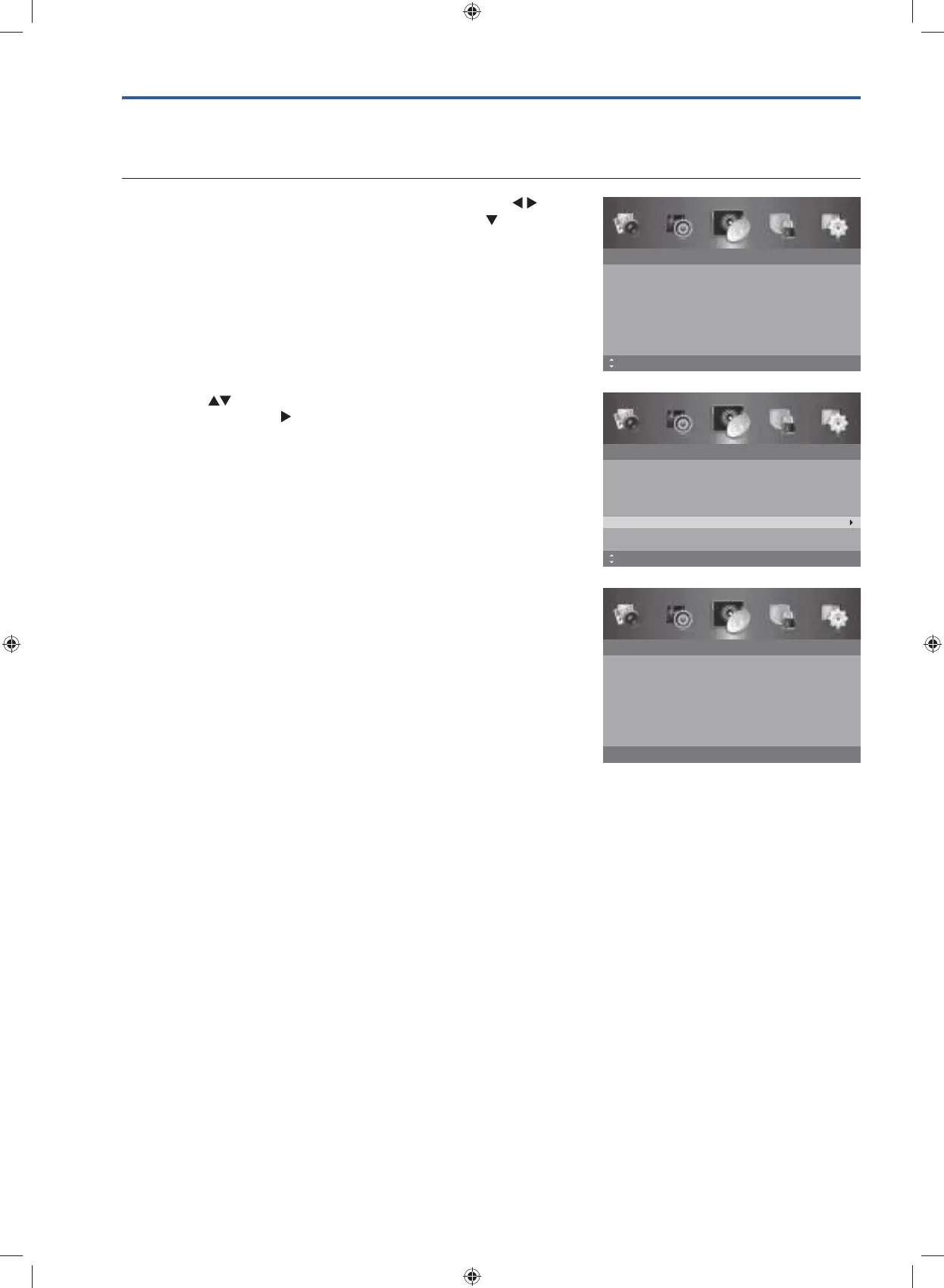
2. Press the buttons to select Signal Information and then press
the OK button or the
button to view the signal information.
Signal Information (DTV Mode)
Allows you to view the signal information.
1. Press the MENU button to display the main menu. Press the
buttons to select the Channel menu and then press the
button or
the OK button.
Channel
Auto Scan
Manual Scan
Auto Channel Update
Channel Edit
Favourite Manager
Signal Information
On
MENU: Return EXIT: ExitMove OK: Select
Channel
Auto Scan
Manual Scan
Auto Channel Update
Channel Edit
Favourite Manager
Signal Information
On
MENU: Return EXIT: ExitMove
3. Press the MENU button to return to the previous menu, press again
to return to the main menu.
4. Press the EXIT button to exit the menu.
Signal Information
Network Name
Channel
Frequency
Modulation
Strength
Quality
706.00 MHz
64 QAM
99
91
CH50
BBT
MENU: Return EXIT: Exit
G24HTC16_IB_160630-V2_Annie.indd 32 30/6/16 下午6:06



 To Next Page