49
Digital Teletext (DTV Mode)
Digital teletext can access special digital teletext services and specific services which broadcast digital teletext. You will
need to turn off Subtitle Function before using teletext (refer to page 39 for details).
Teletext within Digital Service
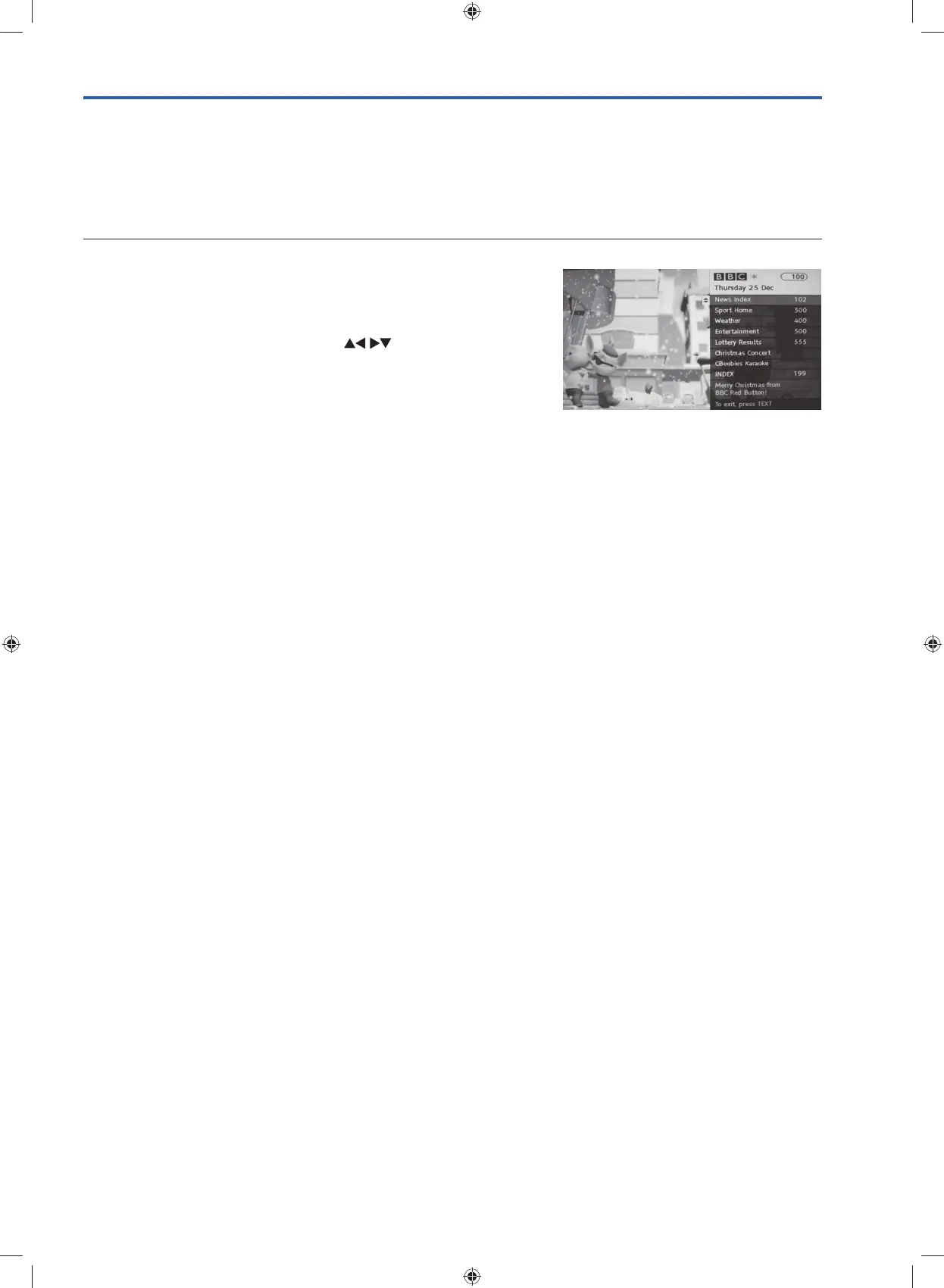
1. In DTV mode press the TEXT button to display the main information
page. You may see slightly different looking pages depending if your
TV is accessing the page over air or via the internet.
2. Follow the instructions on the interactive services page and move
around the page by pressing the OK,
, RED, GREEN,
YELLOW, BLUE or 0-9 buttons etc.
To change the digital teletext service, you will need to exit the current
text service and change channels. Then enter the text service of the
newly selected channel.
3. Press the TEXT button to exit.
G24HTC16_IB_160630-V2_Annie.indd 49 30/6/16 下午6:06



 To Next Page