43
Sleep Timer The sleep timer automatically switches the TV to standby after the preset time has elapsed.
The clock will be set automatically when receiving a digital signal. Time must be set before
using Sleep Timer function.
Selects a period of time after which the TV automatically switches to standby mode: OFF /
5 / 15 / … / 120 / 240 min. The timer begins to count down from the number of minutes
selected.
If you turn the TV off after setting the sleep timer, the sleep timer setting will be erased.
Alternative
1. You may press the SLEEP button repeatedly to select the number of minutes: OFF /
5 / 15 / … / 120 / 240 min directly.
2. To cancel the sleep time, press the SLEEP button repeatedly until Off appears.
Auto Standby The unit will automatically switch to standby mode 4 hours after the last time the remote
control was used. A reminder screen will pop up and count down before the unit switches to
standby mode.
If you want to operate the TV for a long period of time, turn off the auto standby function.
To save energy you should always turn the auto standby function back to "3 hours", "4
hours" or "5 hours".
Time Zone
(DTV Mode)
When you select a Time Zone city, the TV time is set by the time offset information based on
Time Zone and GMT (Greenwich Mean Time) which is received with the broadcast signal
and the time is set automatically by a digital signal.
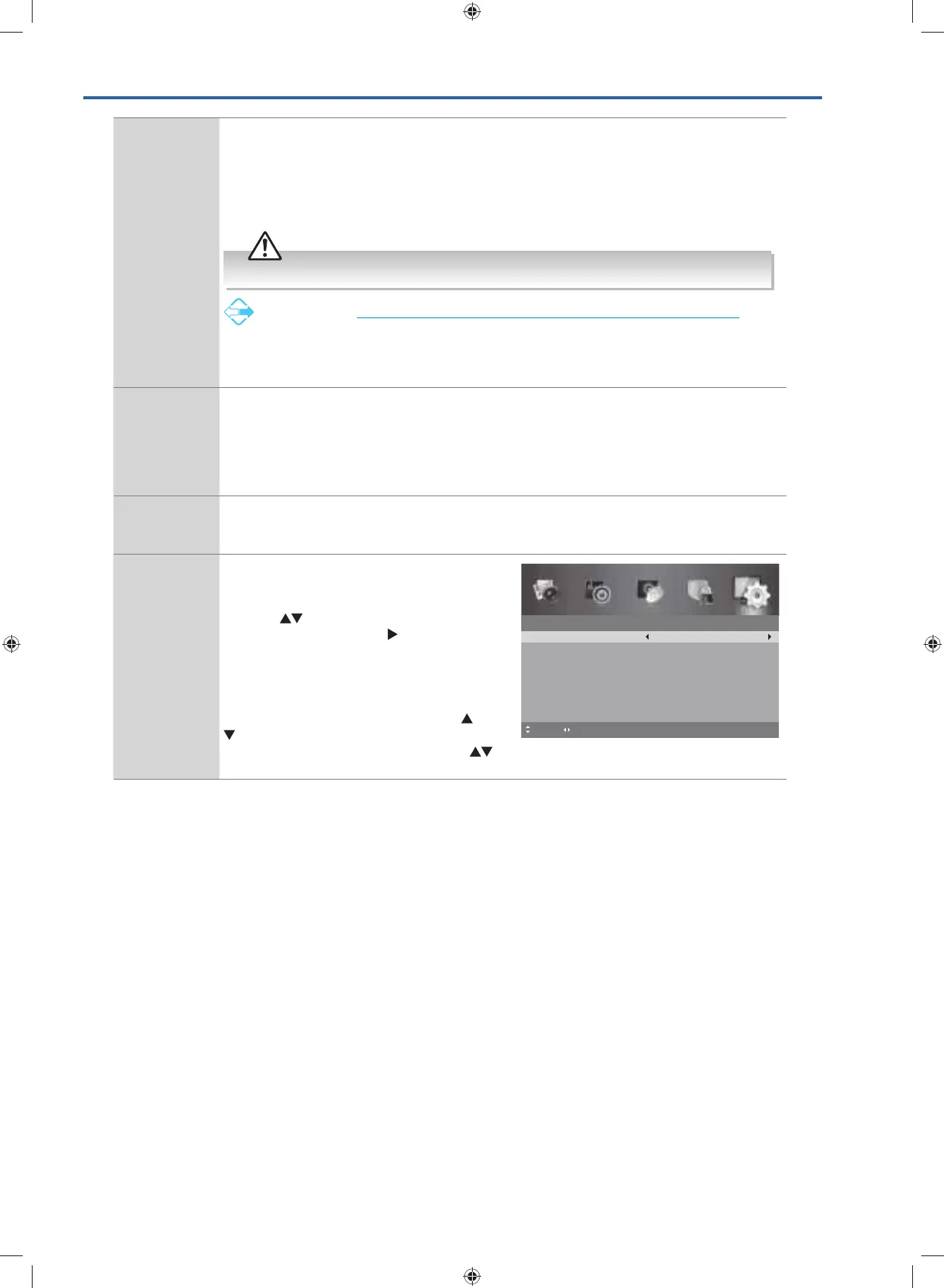
Time Allows to set the time and date manually or
set automatically when receiving a digital
signal.
Press the
buttons to highlight TIME, then
press the OK button or the
button to enter
the sub-menu.
Selects Auto Sync to On, the time and date
will be set from the broadcast signal.
If you want to set the time and date manually,
set Auto Sync to OFF. Then press the
buttons to highlight the Date and Time
options and press the 0-9 buttons or the
buttons to set the date and time.
4. Press the MENU button to return to the previous menu, press again
to return to the main menu.
5. Press the EXIT button to exit the menu.
Time
Auto Sync
Date
MENU: Return EXIT: Exit
On
03 Apr 2015
Time
01:53:42
Move Adjust
G24HTC16_IB_160630-V2_Annie.indd 43 30/6/16 下午6:06



 To Next Page