5 - Operation
5.12
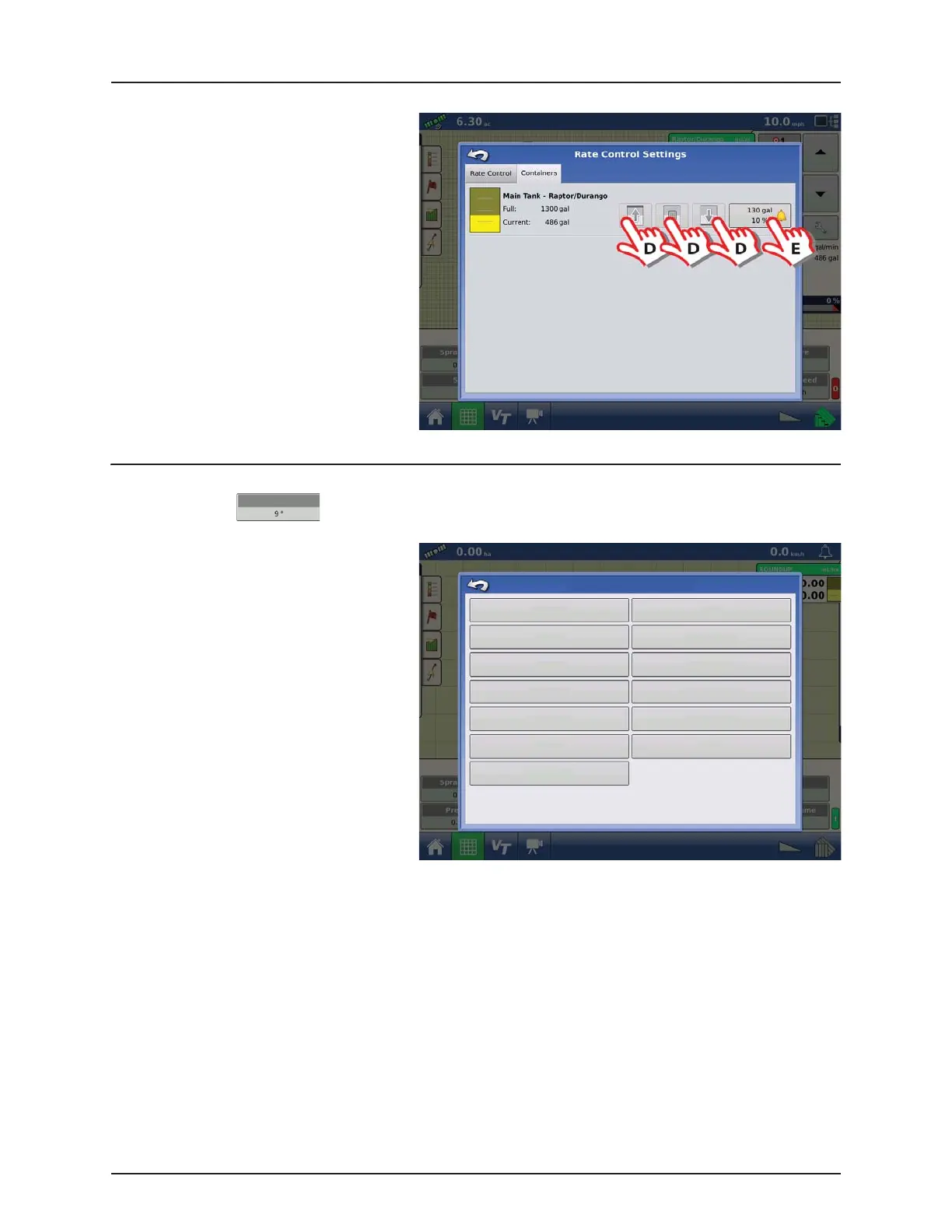
Containers tab
D. Press to adjust Container Content.
E. Press to set Container Alarm Content.
ATTENTION!
Tank Gauge fitted:
It is not possible to change the content as
all tank/container data are transferred
between the Work Screen and the VT.
No Tank Gauge:
The content can be entered here or in the
VT menus.
Display Item Selection
Press one of the four buttons on the Work Screen to enter the menu:
• Press your Display Item Selection to change
the Work Screen view.
Slant
Display Item Selections
Pump RPM
Pressure
DF4 Flow
Tank Volume
Tank Distance
Agitation
Wheel Speed
Slant
DynamicCenter
TWIN Fan RPM
Rinse Tank Volume
AutoWash Status
Voltage


 To Next Page
 Loading...



