7 - Fault finding
7.11
GPS Information - NTRIP
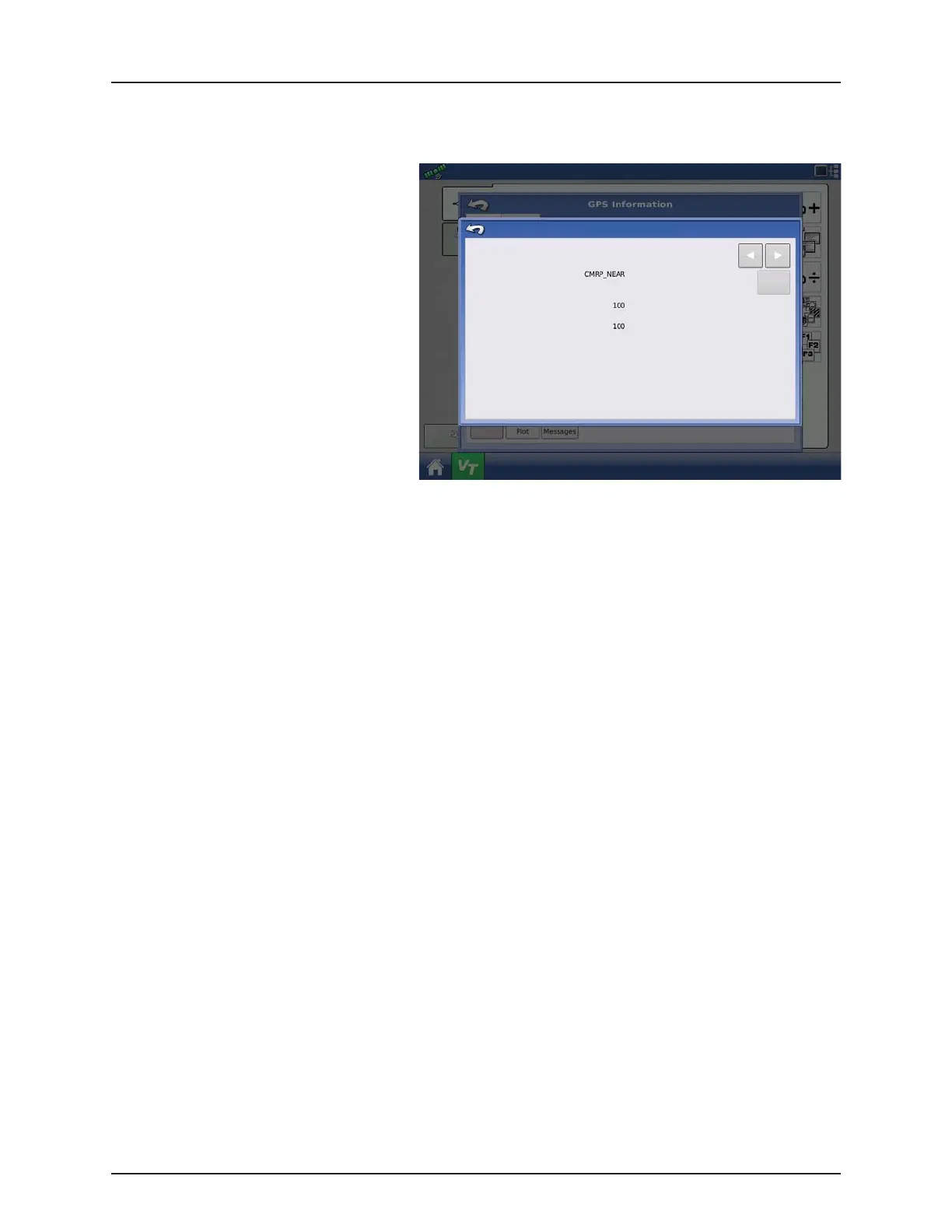
Users of the NTRIP guidance system can also view the NTRIP Information screen below, in addition to the GPS Information
screens discussed previously.
• NTRIP Connect. Connects the display to the
NTRIP correction source.
• NTRIP Stream. Network mount point.
• NTRIP Status. Displays NTRIP connection;
either Connected or Disconnected.
• Cellular Status. Displays status of ParaDyme
cellular modem; either Connected or
Disconnected.
• Cellular Signal Strength (%). Displays a
number between 0 and 100%.
• WiFi Status. Displays status of WiFi router;
either Connected or Disconnected.
• WiFi Signal Strength. Displays a number
between 0 and 100%.
GPS Information
NTRIP Stream:
NTRIP Status:
Cellular Status:
Cellular Signal Strength (%)
WiFi Status:
WiFi Signal Strength (%)
NTRIP
Connect
Stream Connected
Connected
Connected


 To Next Page
 Loading...



