4 - System setup
4.16
Quick Setup Guide
General Info
For a quick and easy start with your new HC 8500/9500 controller, it is strongly recommended to set up the controller by
using this quick setup guide.
To change settings later, or for a more in-depth explanation of settings, please refer to the following parts of this chapter.
Sprayer Types
The following configuration is split into two parts, depending on the sprayer type:
• Trailer and Lift sprayers. See “Configuration for Trailer and Lift sprayers” on page 4.16 (below).
ATTENTION! As this part covers both Trailer and Lift sprayers, please note that some steps may vary, as some do not
appear while others may be specific to your sprayer type.
• Self-Propelled sprayer. See “Configuration for Self-Propelled sprayers” on page 4.33.
Configuration for Trailer and Lift sprayers
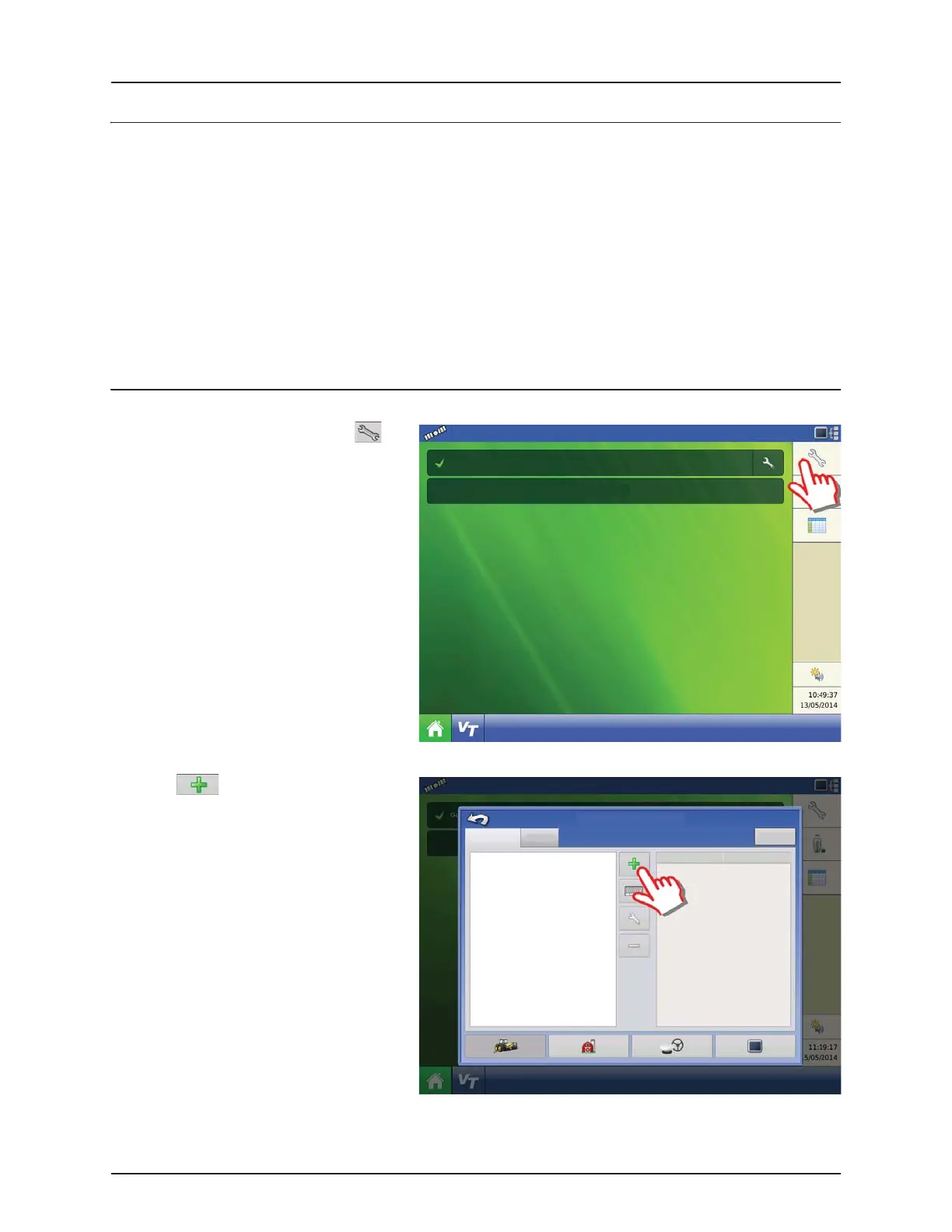
1. At the HC9500 Home Screen, press to
enter the Configuration Setup.
2. Press to add a Configuration.
Select Event
Guidance
Configuration
Configuration Setup
Product
Equipment
Equipment
Name


 To Next Page
 Loading...




