3 - Description
3.11
Video
÷
NOTE! Video is only available when enabled in the Console Setup menu - see “Display Button” on page 4.62.
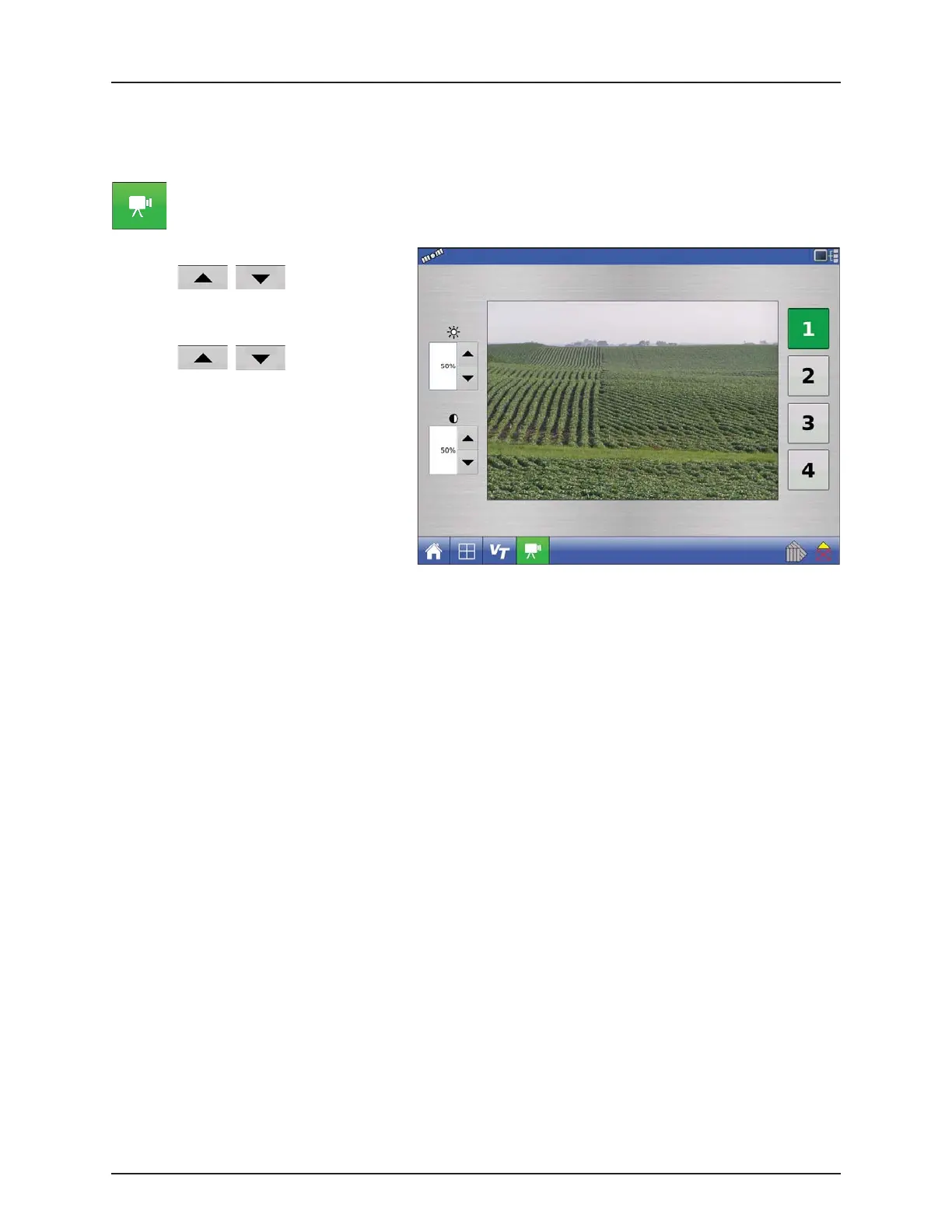
Video button. Press and the Video screen appears.
• Brightness
Press / to increase or
decrease the brightness of the video input.
• Contrast
Press / to increase or
decrease the contrast of the video input.
• Camera Number Selection
The display can receive input from up to four
video cameras. Press the numbered buttons
to switch views between video cameras.
÷
NOTE! You can adjust the brightness and
contrast of each input individually.


 To Next Page
 Loading...




