4 - System setup
4.51
Rename button.
Press to rename the product.
Remove button
Press to remove a product.
÷
NOTE! When you remove a product all regions using that product will also be removed!
Application Settings
For more information, see “Legend Settings” on page 5.1.
Management button
The Management tabs, which are accessible from the Management button on the Setup screen, include Grower/Farm/Field,
Season, and Operator.
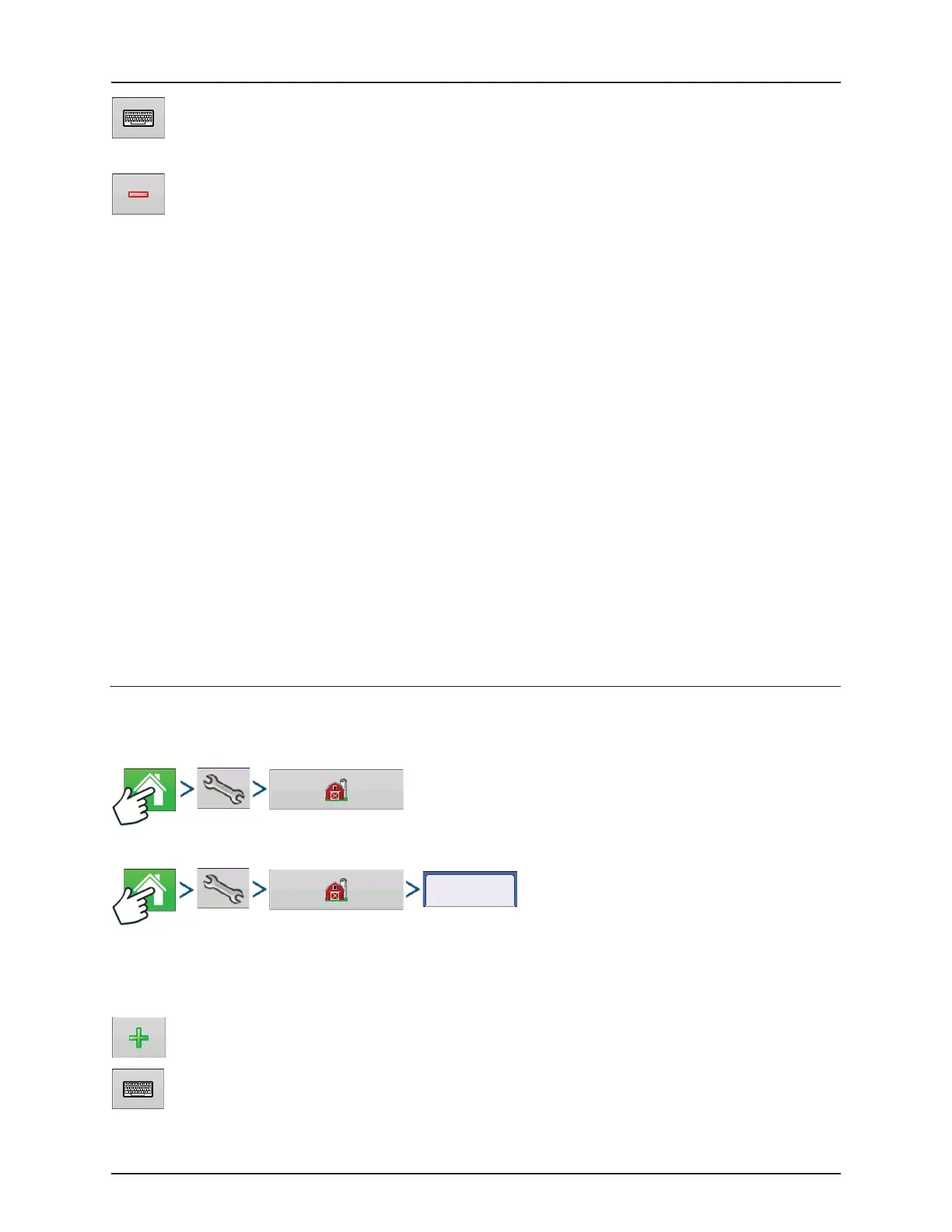
Grower/Farm/Field tab
Grower
The Grower refers to the business or person that the system is in operation for. Contact information can also be entered for
each Grower. The Grower information will be passed into mapping software for automatic Grower setup within desktop
software.
Add button. Press to add a Grower.
Rename button. Edit an existing name of a Grower by highlighting that name and pressing button.
Edit Info button Press to edit the following information for the highlighted product in the Product List.
• Product Units
• Manufacturer
• EPA Number
• Check box for restricted use pesticides
Edit Legend button
Press to change the legend settings listed below.
• Average
• Range Spacing
• Color Scheme
• Ranges
• Reset to Default Legend
Grower/Farm/Field



 To Next Page
 Loading...



