5 - Operation
5.14
Headlands
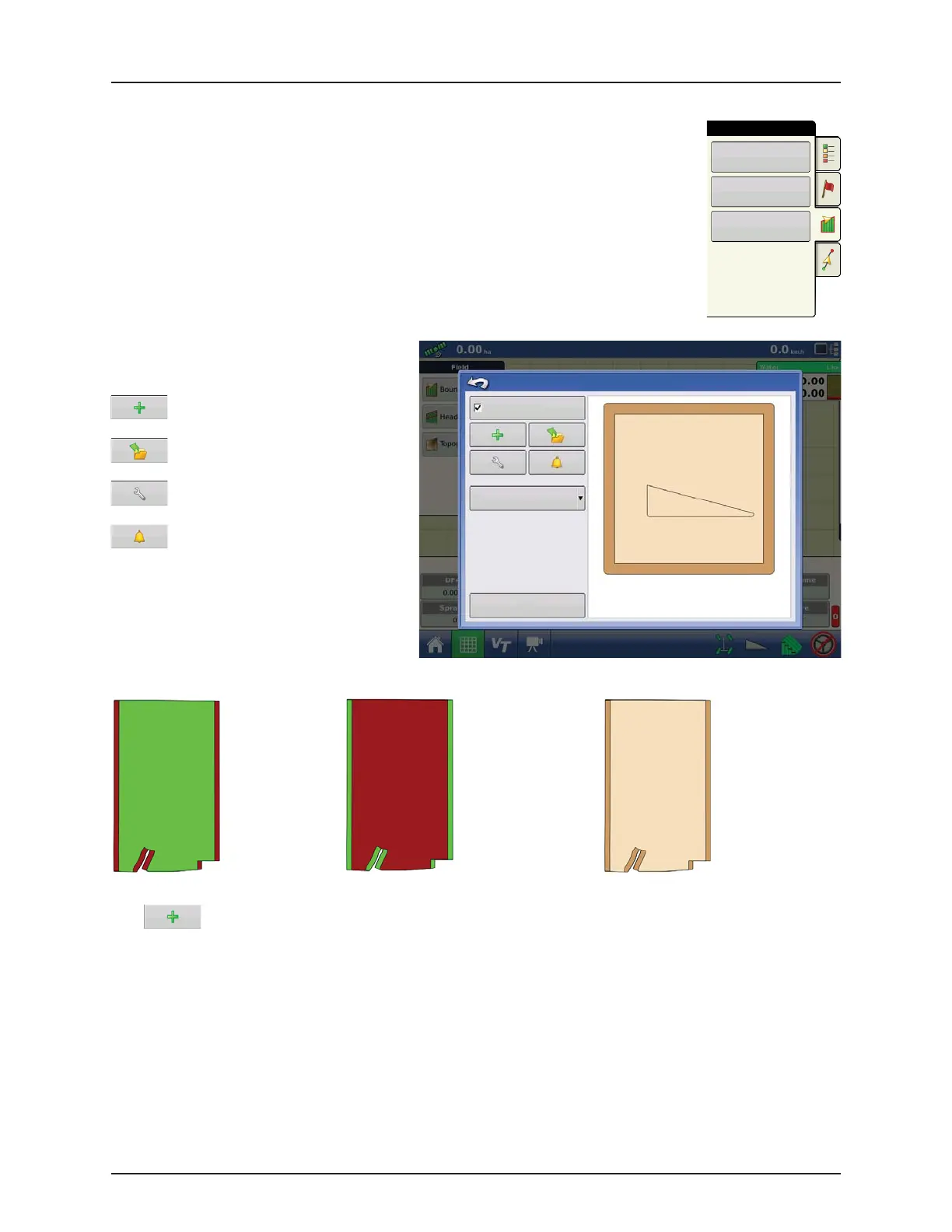
Press the Headlands button on the Field tab to access the Headland Options screen.
ATTENTION! A Field Boundary is required to create a headland.
Enable Headlands: Use check box to turn
Headlands functionality on and off.
Add Headland
Load a Headland
Edit Headland
Alarm Settings
Active Area
Add a Headland
Press on Headlands Options screen.
Select Headland Type from drop-down box.
Work Area Headlands All
Field
Boundary
Headlands
Topography
Headland Options
Enable Headlands
Active Area
All
Save
Product will
be applied to
main section
of field.
AutoSwath
will turn off
product on
headlands.
Product will
be applied to
headlands of
field.
AutoSwath
will turn off
product on
main section
of field.
AutoSwath
will not be
affected by
headlands.


 To Next Page
 Loading...




