4 - System setup
4.57
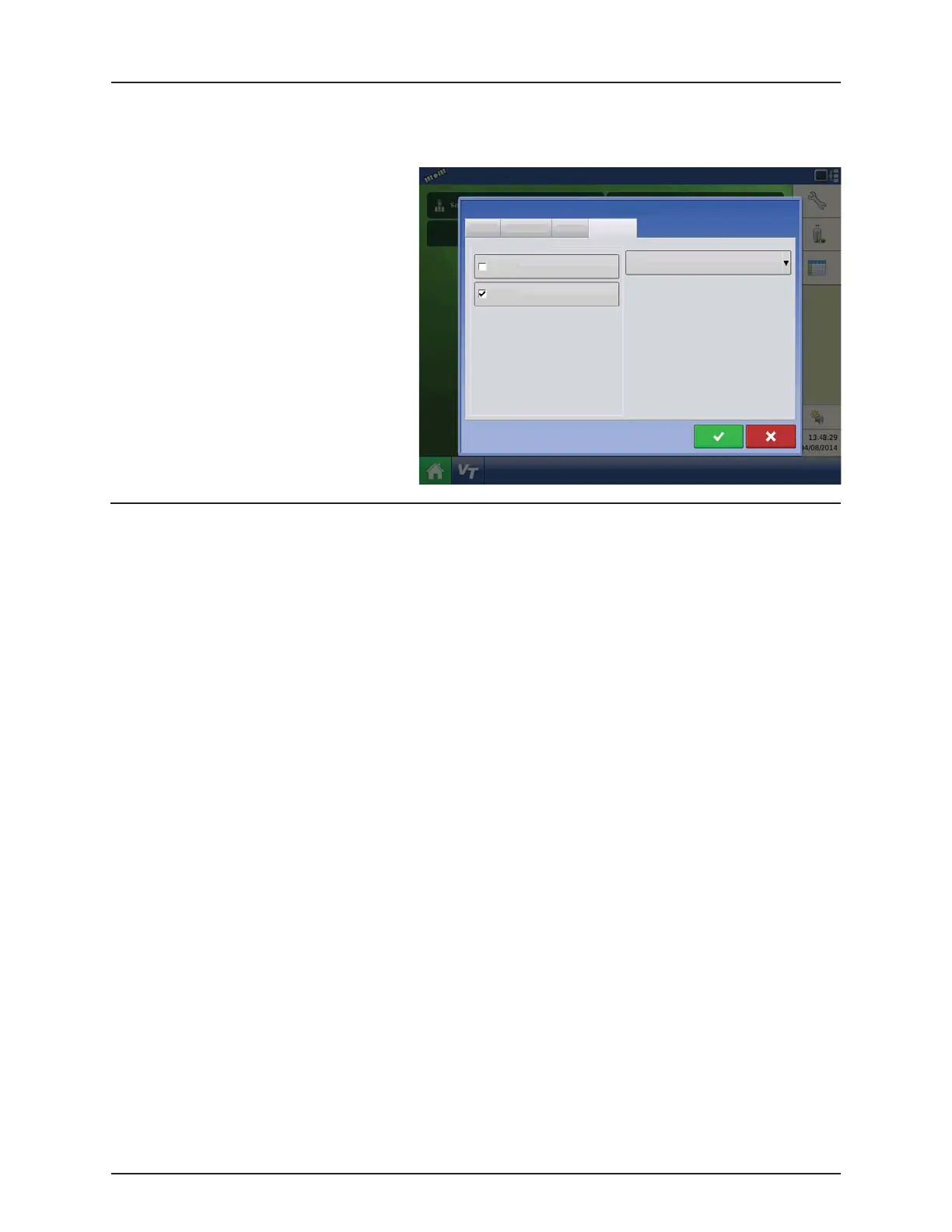
Permissions
This is an optional function that defines what access the user will have in the display. Users are defined as Operator or
Manager (can select either, none, or both).
Operators
• Have full or limited access
• No access to USB or Setup options, unless
also set as a Manager
Can import from USB from Map Screen (RX,
patterns, boundaries)
• Manager sets up privileges
Managers
• Full access to the display settings and
functions
• Only user that can change the selected
configuration
• Ability to log out of the display
System can be set up with operators only.
Passwords are not used when set up this way.
Permission Level for Operators
Full Permission
Provides full access to features and functionality on the map and home screen. A user, set only as an Operator, cannot select
a different configuration and cannot access USB or Setup, when a manager is setup in the display.
Basic Permission
No access to:
• Summary screen
• Legend Tab on Map screen
• Marks Tab on Map screen
• Boundary Tab on Map screen
Limits Guidance options to:
• Creating & loading Straight AB or SmartPath patterns
• Nudge
• Remark A
• Save or reset guidance line
Full permission provides this user access to all
unlocked features and functionality.
Full
Operator
Manager
User Role
Permission Level
General Phone/Email Address Permissions
Edit User


 To Next Page
 Loading...



