4 - System setup
4.56
• Setup button.
Press to edit operator information by highlighting that name and pressing button. Setup button allows user to edit
information originally entered when profile was added. Edit button also allows access to more phone, email, and
address information.
• Remove button.
Press to remove an operator.
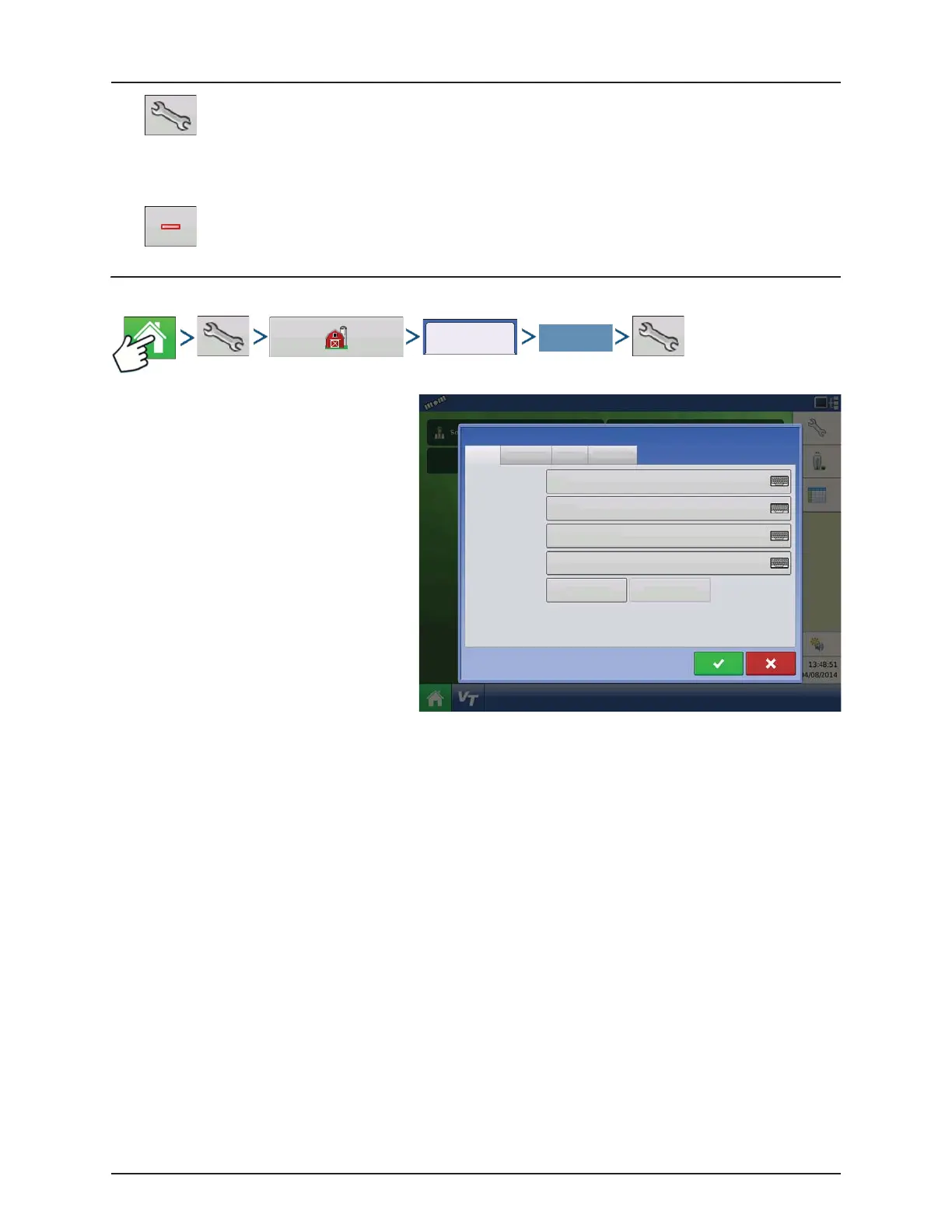
User Setup button (Edit User)
General tab
• First and Last Name
• Set and Clear Password
• Applicator License
• Memo
Phone/Email tab
• Home Phone
• Mobile Phone
• Business Phone
• Home Email
• Business Email
Address tab
• Address
• Extended Address
• City/Locality
• State/Province
• Country
• Postal Code
Users
Edit User
General Phone/Email Address Permissions
First
Last
Applicator License
Memo
Password
George
Eilers
Set Password Clear Password


 To Next Page
 Loading...




