14 ODROID C2 USER MANUAL
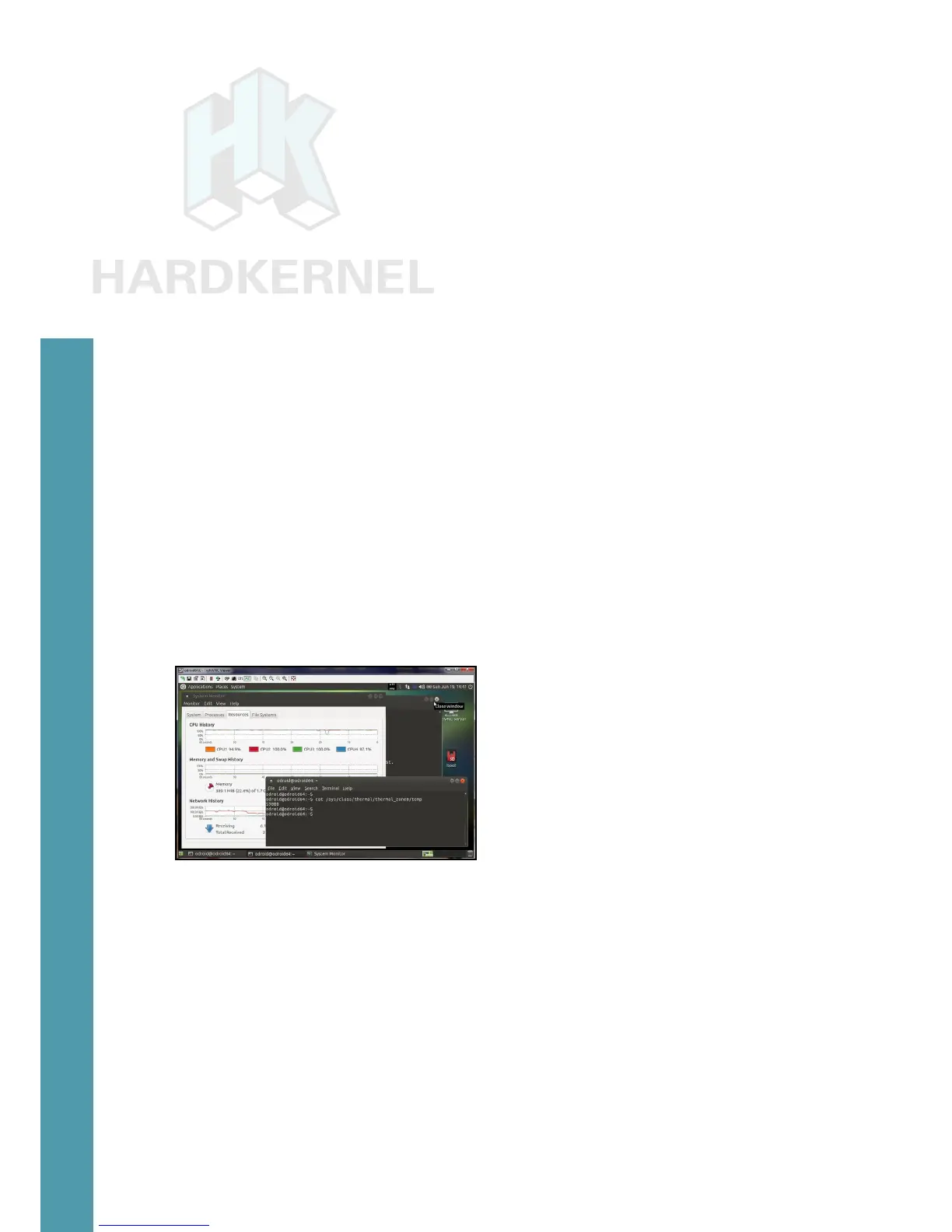
Ensure that there are no unnecessary user-initiated applications
running. Start two terminal windows. In the rst terminal window, type
in the following command to obtain the baseline temperature:
$ cat /sys/class/thermal/thermal_zone0/temp
48000
If the value has 5 digits, then that value should be divided by
1000 to get the temperature in Celsius. The baseline temperature in
this case is 48 degrees Celsius.
In the second terminal window, type in the following command, to in-
crease system load:
$ sysbench --test=cpu --num-threads=4 --cpu-max-prime=1000000000
run
After waiting at least 5 minutes, re-enter the temperature mea-
sure command into the rst window:
$ cat /sys/class/thermal/thermal_zone0/temp
59000
Measuring the operating temperature of the ODROID-C2
The temperature is 59 degrees Celsius. The heatsink will be
warm to touch as expected. Make sure to touch a grounded metal
object rst to discharge all static.
Chapter 1



 To Next Page