20 ODROID C2 USER MANUAL
G
iven the introduction to the ODROID-C2 development board
and the fact that you obtained it and the needed peripherals,
you must be curious to get started with your ODROID-C2 now.
To be able to use the computer on the Internet, we rst need an idea
of how the ODROID-C2 will t into a home computing network.
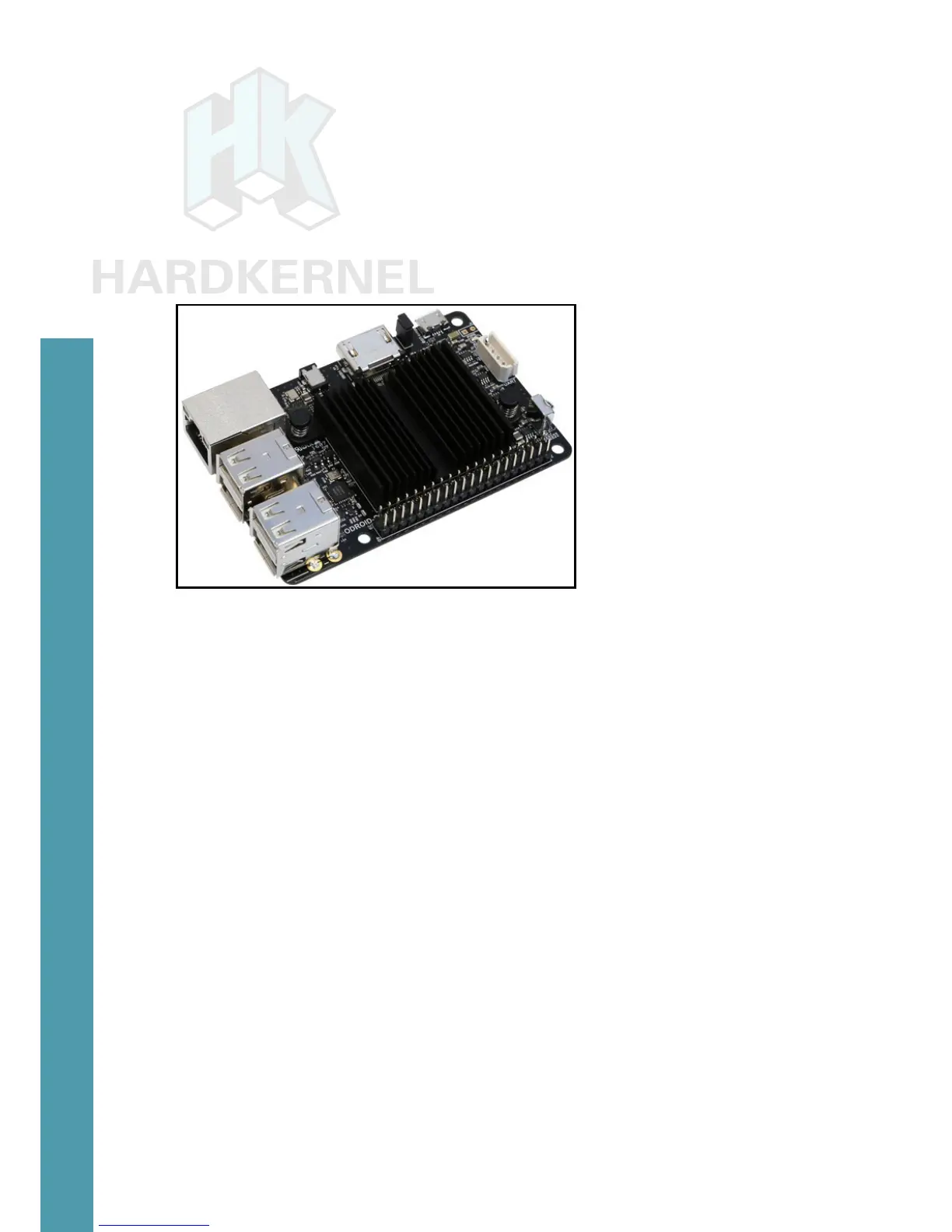
Basic C2 board
Home Computing Network
A typical simplistic home computing network environment in-
cludes the following, as shown in the diagam on the following page:
• A Digital Subscriber Line (DSL) modem, typically provided by
your Internet Service Provider (ISP), which connects your net-
work to the Internet,
• A single (2.4GHz) / Dual (2.4 and 5GHz) band 802.11b/g/n
WiFi router, with at least four (4) Gigabit Ethernet (gigE) ports
and an additional Wide Area Network (WAN) port, where the
WAN port connects to the DSL modem,
• An Intel/AMD based laptop (running MS Windows 7+ or Ubun-
tu 16.04 LTS+ Linux), that connects via wired ethernet or WiFi
to the router, and
• At least one C2, that connects (wired ethernet or WiFi) to the
router, which uses a High-Definition Multimedia Interface (HDMI)
monitor (possibly touch-capable, such as an ODROID-VU).
After preparing the boot media, it is theoretically possible to use
a C2 in a network disconnected from the Internet. However, many
use cases require an always-ON functioning secure connection to the
Getting Started



 To Next Page