50 ODROID C2 USER MANUAL
“Universal 1-Click GApps Installer for ODROID” application, available
at http://bit.ly/1gkv4PM.
Kodi
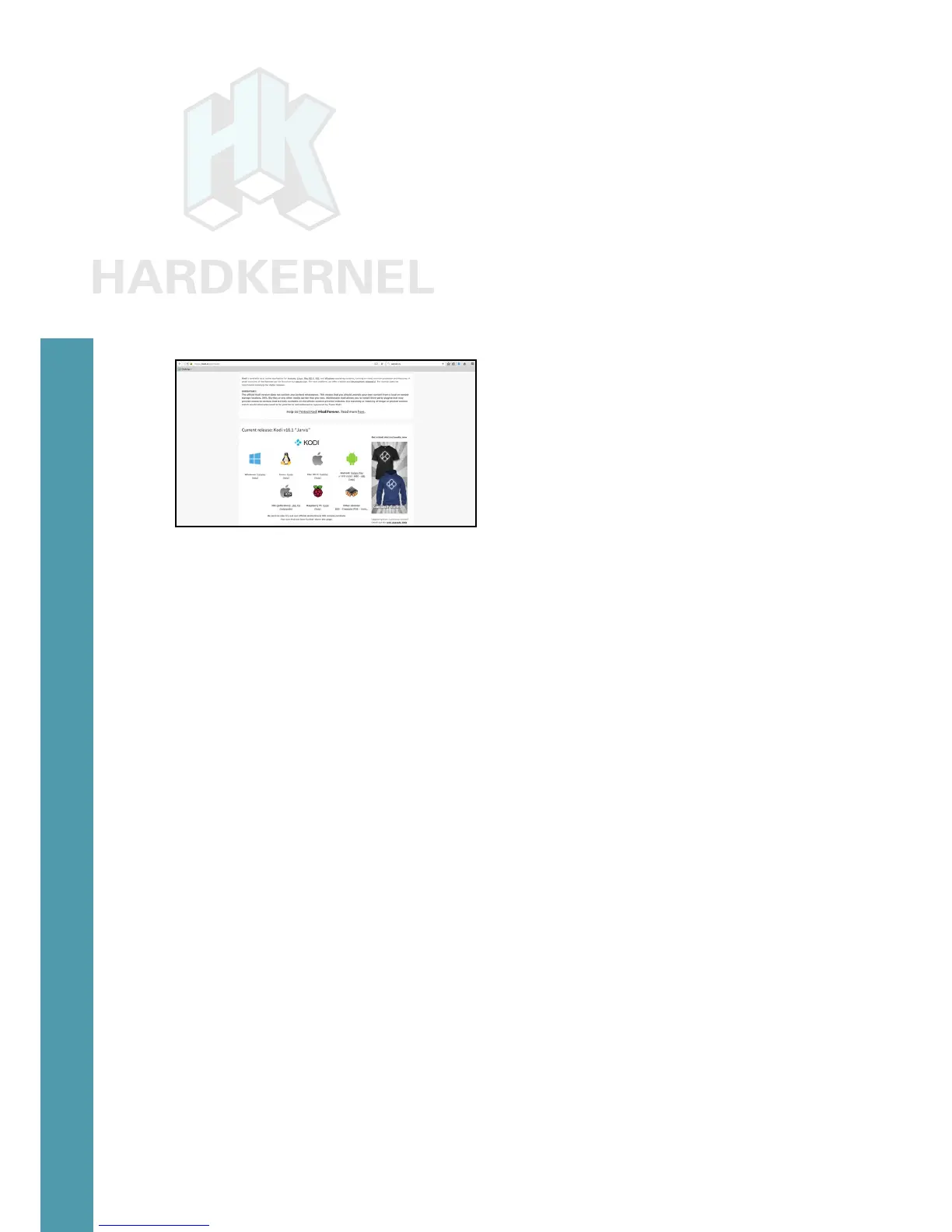
To install Kodi, you will rst need to download the most recent
.apk le from the Kodi Download page at http://bit.ly/1yIrUDd, as
shown in the image below. Find the link to the ARM build, then click
on the link to download the .apk installation package. After download,
simply click on the .apk le to install. The ofcial Kodi website pro-
vides more detail on the Android installation at http://bit.ly/1FFK7B9.
Netix
Install Netix from Google Play, then click on its icon, which
should be automatically added to the Android desktop. Login with
your existing Netix account or create a new one. When you start a
video, it always begins playing at low quality, then switches to higher
quality after about 30 seconds, depending on the speed of your Inter-
net connection.
Gaming
Most Android games are compatible with the ODROID-C2, but
some applications that use multitouch gestures won’t be playable with-
out a touchscreen. The ODROID-VU, available from the Hardkernel
Store, will allow all Android games to be played without the need for an
auxiliary controller.
Music and MIDI
There are a number of Android Apps available for music and
MIDI. In order to work correctly with Android, USB MIDI adapters and
sound cards typically need to be class-compliant USB MIDI devices
that do not require a device driver, and need to be used on a USB
connector that supports host mode. For some devices, the USB OTG
connection must be used with an adapter.
The MIDI Manufacturers Association webpage at http://bit.
ly/1IzGkvb
is a good source for additional links on this topic. Oth-
er good webpages for MIDI and computer music on Android include
http://bit.ly/1FFKoUH and http://bit.ly/1IzGumw.
Chapter 3



 To Next Page