74 ODROID C2 USER MANUAL
bDeviceSubClass 2 ?
bDeviceProtocol 1 Interface Association
bMaxPacketSize0 64
idVendor 0x1b71 Fushicai
idProduct 0x0056
bcdDevice 0.00
iManufacturer 2 Sonix Technology Co., Ltd.
iProduct 1 USB 2.0 Camera
iSerial 0
bNumCongurations 1
...
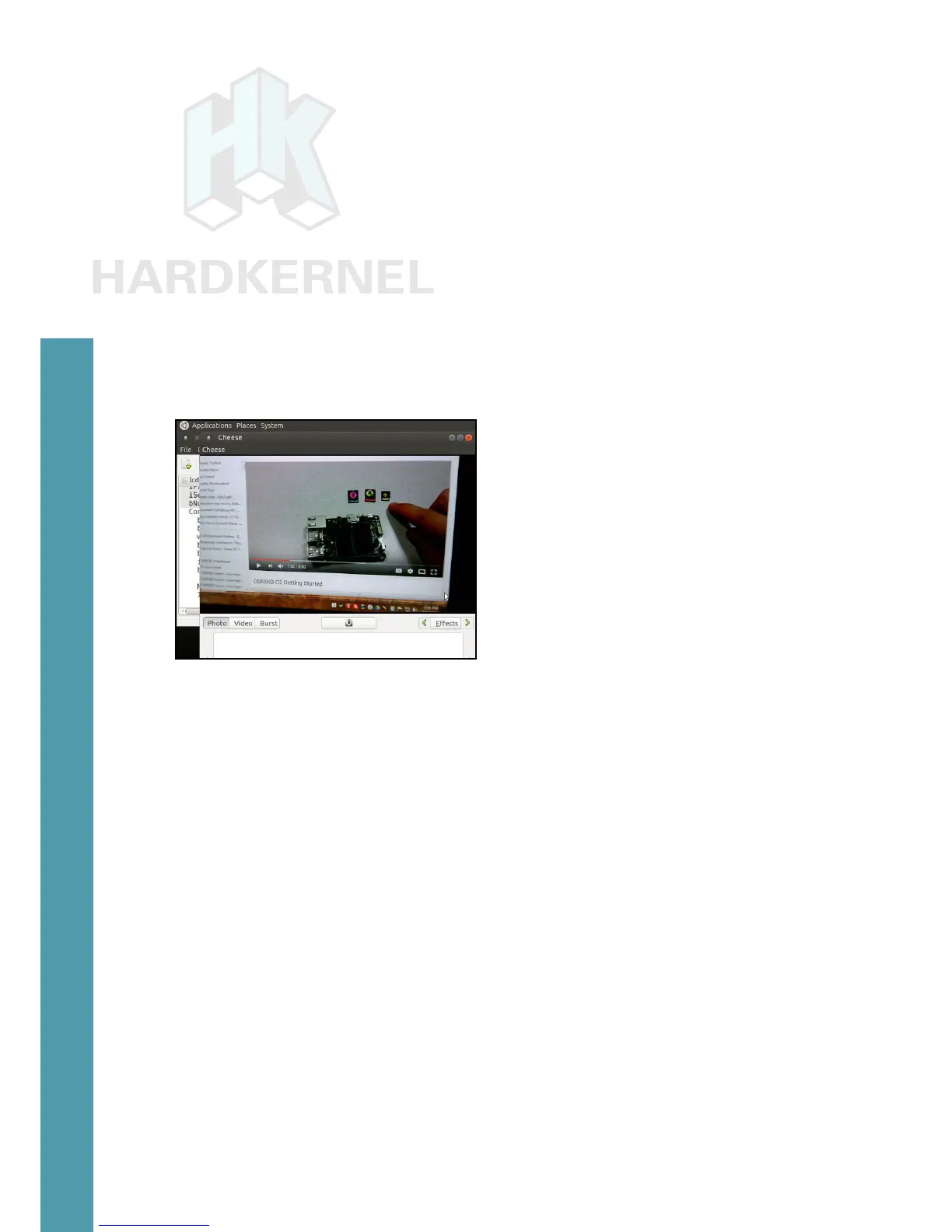
Now, launch the Cheese application from the Applications →
Sound & Video menu. Point the camera at a well lit object. You should
see a screen as shown below.
Cheese application
USB3 / SATA3 HDD/SSD interface kit
The USB3/SATA3 HDD/SDD interface kit offered by Hardker-
nel allows a SATA hard drive (HDD) or solid-state drive (SSD) to be
attached to the ODROID-C2. The package includes the docking sys-
tem, a power supply (12V/2A) and a USB3.0 cable, which is compati-
ble with both Android and Linux. To use it, follow these steps:
• Shutdown the ODROID-C2 and turn the power off
• Attach the docking system to the ODROID-C2 with the included
USB3 cable
• Insert the SATA storage device (HDD/SSD) with its SATA interface
aligned with the receptacle in the docking system
• gently press down the storage device so the SATA connectors con-
nect well and the storage device sits rmly in the docking system
Chapter 4



 To Next Page