88 ODROID C2 USER MANUAL
Chapter 4
the relevant components:
$ sudo apt-get remove mali-x11
$ sudo apt-get install qt5-default libqt5serialport5-dev libusb-
1.0-0-dev
$ sudo apt download mali-x11
$ sudo dpkg -i --force-overwrite mali-x11*.deb
$ sudo apt-get install xserver-xorg-video-mali
$ sudo ldcong
Then, install the open-source application using the following
commands:
$ cd ~
$ git clone https://github.com/ganzziani/xscopes-qt
$ cd xscopes-qt
$ qmake
$ make -j5
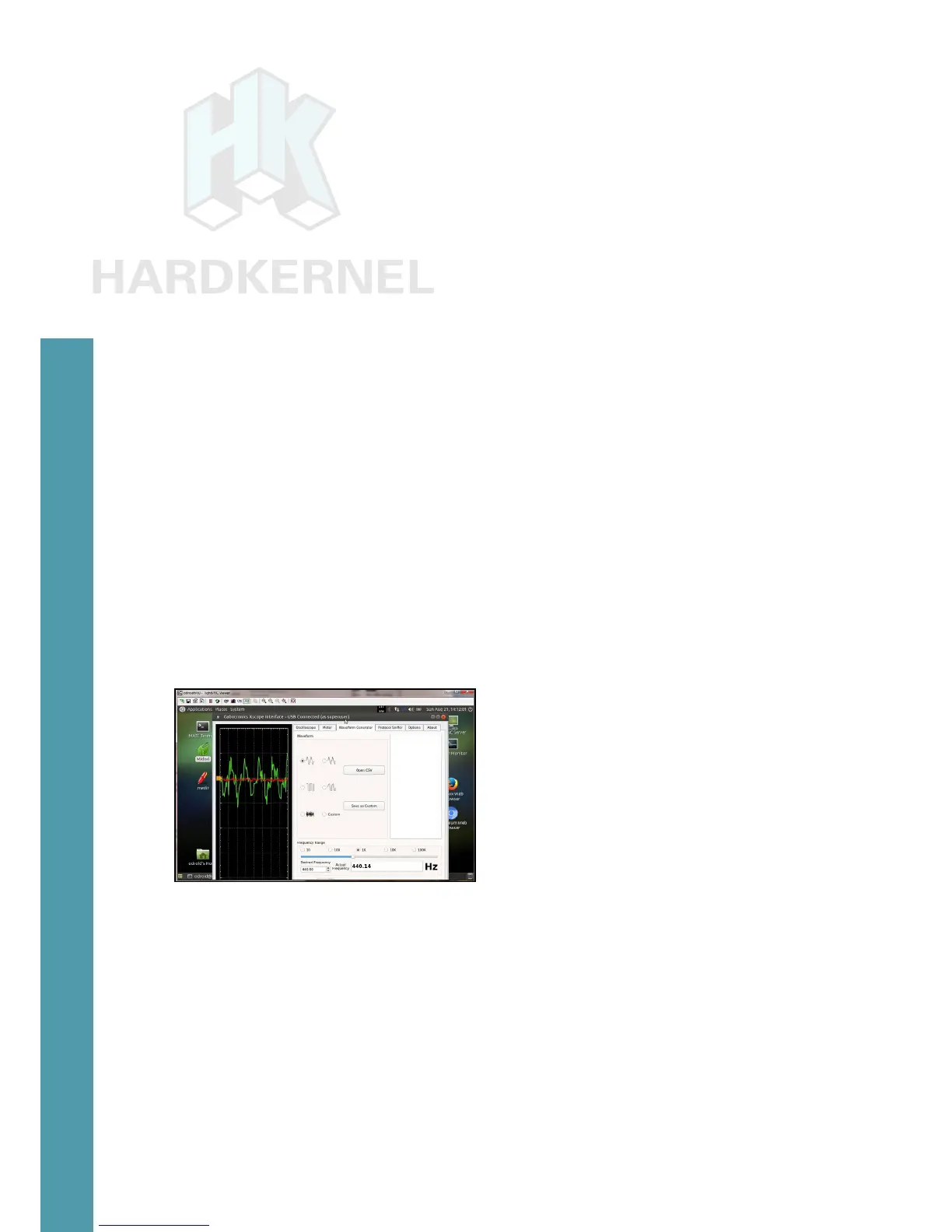
After connecting the cable as shown in the image on the previ-
ous page, launch the application using the following command:
$ sudo ./xscope
Usage details for the Xprotolab Plain can be found at http://
bit.ly/22xfjzn.
Xprotolab Plain data acquisition
ODROID-VuShell for ODROID-VU7
The VuShell is a laser-cut acrylic enclosure for the ODROID-
VU7 and ODROID-VU7 Plus. With the use of the ODROID-C2, you
can create your own desktop PCl. Its design allows for two different
viewing angles. The components of the VuShell are shown here.
Detailed assembly instructions can be found at http://bit.
ly/2b8lk6a
. The assembled VuShell housing an ODROID-C2 running
Android, is shown next.



 To Next Page