71 ODROID C2 USER MANUAL
Install Audacity to test the setup:
$ sudo apt-get install audacity
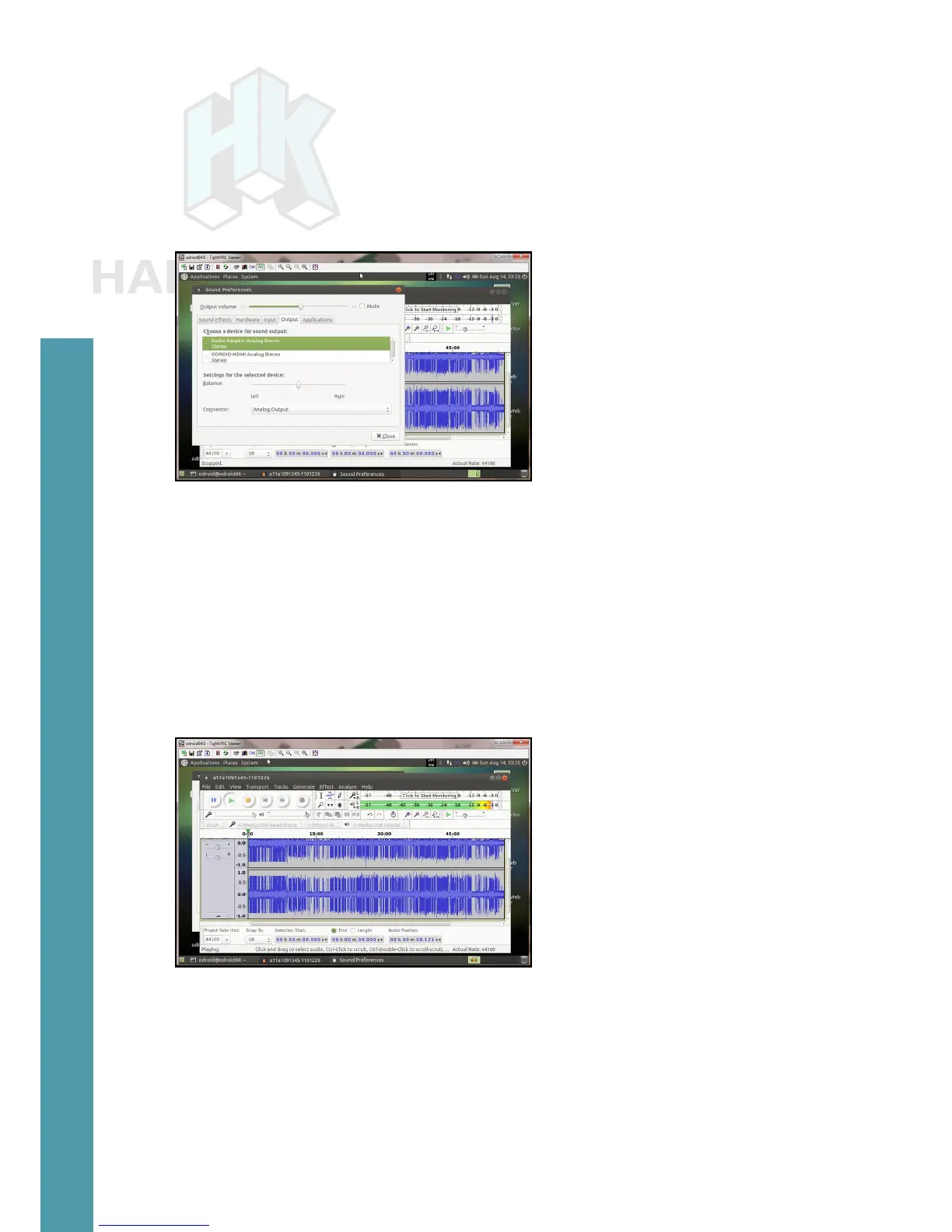
Congure the sound preferences to select the audio adapter by
default, instead of the HDMI option.
Sound preferences
Adjust the volume using speaker icon at the top right of the desk-
top. Set it to ~25% of the maximum for safety, then start a web brows-
er such as Firefox and access a Youtube link in order to play some
video with audio.
Next, download a sample MP3 le. Start Audacity from the Ap-
plications > Sound & Video menu of the desktop, open the mp3 le
within Audacity and select play in order to listen to it.
Audacity screen showing play
USB-SPDIF
Hardkernel offers an ODROID-C2-compatible S/PDIF (Sony/
Philips Digital Interface Format) kit with a USB interface. This allows
you to hook up the audio from the ODROID-C2 via USB to an ampli-
er (A/V receiver), when the HDMI audio out option is not used. The
images on the next page show the kit and device internals.
Chapter 4



 To Next Page