72 ODROID C2 USER MANUAL
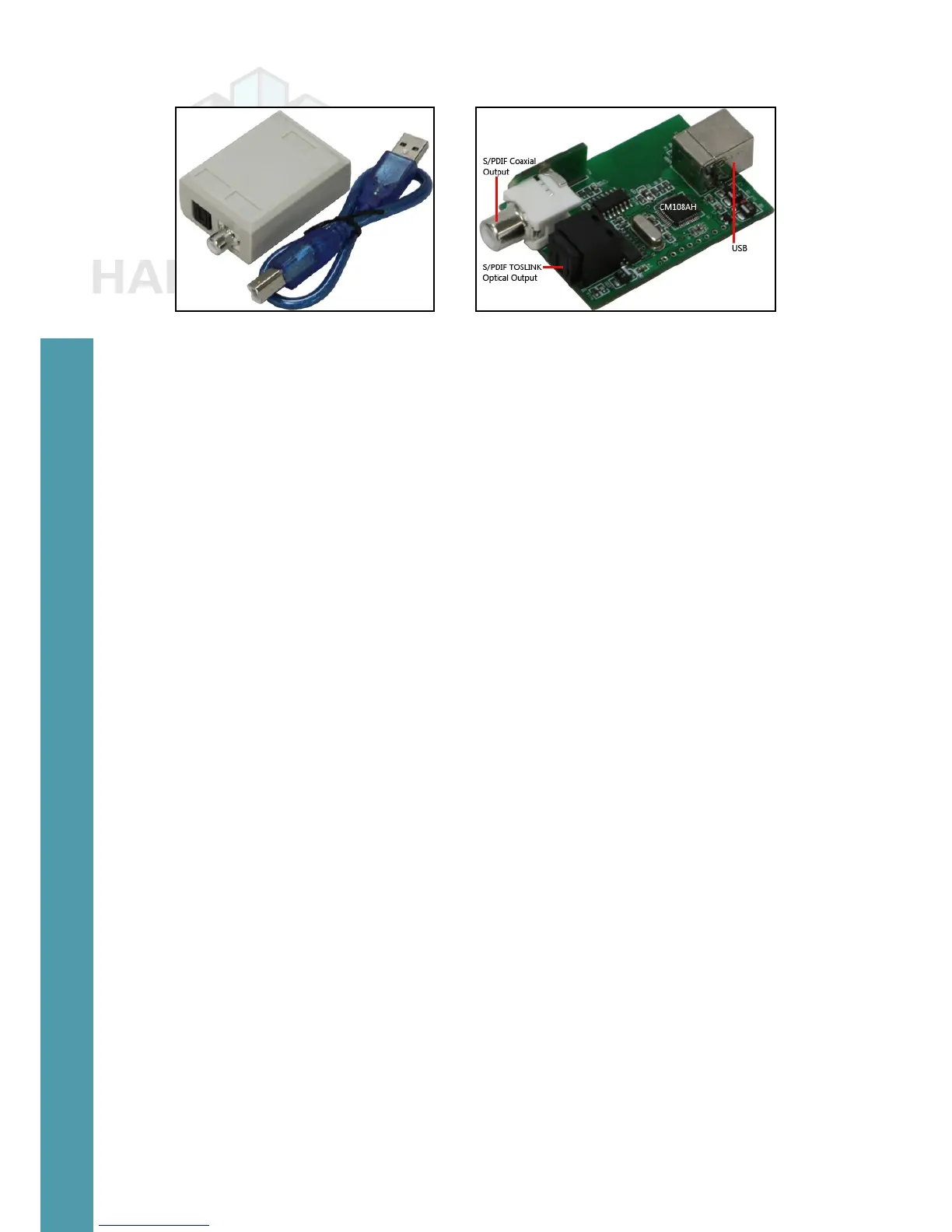
USB-SPDIF kit USB-SPDIF device internals
Attach the cable provided in the kit to one end of the device, and the
ODROID-C2’s USB port to the other end, then reboot the system. You
can check to see if the device is detected using the following commands:
$ lsusb
…
Bus 001 Device 005: ID 0d8c:013c C-Media Electronics, Inc. CM108
Audio Controller
…
$ sudo lsusb -D /dev/bus/usb/001/005
[sudo] password for odroid:
Device: ID 0d8c:013c C-Media Electronics, Inc. CM108 Audio Con-
troller
Device Descriptor:
bLength 18
bDescriptorType 1
bcdUSB 1.10
bDeviceClass 0 (Dened at Interface level)
bDeviceSubClass 0
bDeviceProtocol 0
bMaxPacketSize0 8
idVendor 0x0d8c C-Media Electronics, Inc.
idProduct 0x013c CM108 Audio Controller
bcdDevice 1.00
iManufacturer 1 C-Media Electronics Inc.
iProduct 2 USB PnP Sound Device
iSerial 0
bNumCongurations 1
…
Now that the device is veried to be recognized by the system,
congure it by launching the PulseAudio Volume Control conguration
option from the desktop. Then, in the Conguration tab, select the
Digital Stereo Output prole, select the Output Devices tab and update
the conguration for the CM108 device as shown in the image below.
Note that TrueHD or DTS-MA pass-through is unsupported.
Connect a TOSLINK optical cable to the SPDIF peripheral and
Chapter 4



 To Next Page