37 ODROID C2 USER MANUAL
Chapter 3
Linux Basics
Ubuntu and Debian, along with most Linux distributions, have
a home folder structure where documents, les and media may be
stored for each user of the system. For example, downloaded les
from the Internet are automatically saved to the Downloads folder, and
the other folders may be used to organize various public and private
les such as pictures, video, and word processing documents. There
are also many special folders that are normally hidden from view that
start with a dot (.), where settings for various applications are stored.
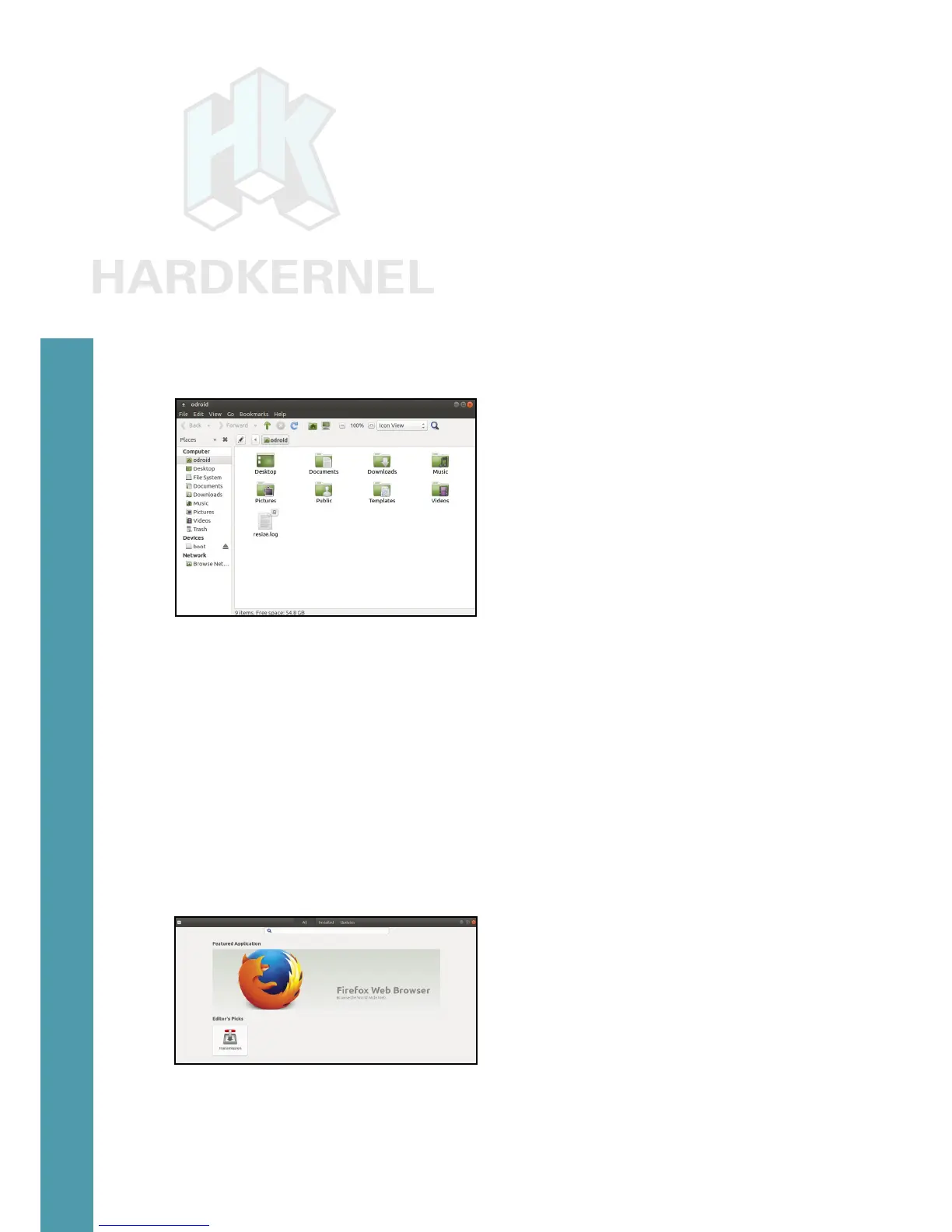
To view the Home folder, start the File Manager application from the
Applications menu in the bottom left corner of the screen, which will
look like the screenshot below.
Home folder structure as viewed in Ubuntu File Manager
Both Ubuntu and Debian offer many different types of desk-
top environments, such as Xubuntu, LXDE (Lubuntu), Gnome,
KDE (Kubuntu), and Blackbox, to name a few, all of which
are interchangeable. Each one includes specic applications
that are useful for different types of users. For instance, a typ-
ical desktop user who wishes to browse the Internet, use Li-
breOfce to create, edit and read documents, and listen to
music or watch videos might choose Lubuntu, Kubuntu, or Xu-
buntu since they include a robust Applications menu along with
a Software Center that facilitates downloading new programs.
Home folder structure as viewed in Ubuntu File Manager
If the ODROID-C2 is being used as part of robotics project, a
more lightweight environment such as Blackbox may be more suit-



 To Next Page