83 ODROID C2 USER MANUAL
Wireless Adapter
…
$ sudo lsusb -D /dev/bus/usb/001/014
[sudo] password for odroid:
Device: ID 148f:5572 Ralink Technology, Corp. RT5572 Wireless
Adapter
Device Descriptor:
bLength 18
bDescriptorType 1
bcdUSB 2.00
bDeviceClass 0 (Dened at Interface level)
bDeviceSubClass 0
bDeviceProtocol 0
bMaxPacketSize0 64
idVendor 0x148f Ralink Technology, Corp.
idProduct 0x5572 RT5572 Wireless Adapter
bcdDevice 1.01
iManufacturer 1 Ralink
iProduct 2 802.11 n WLAN
iSerial 3 1.0
bNumCongurations 1
…
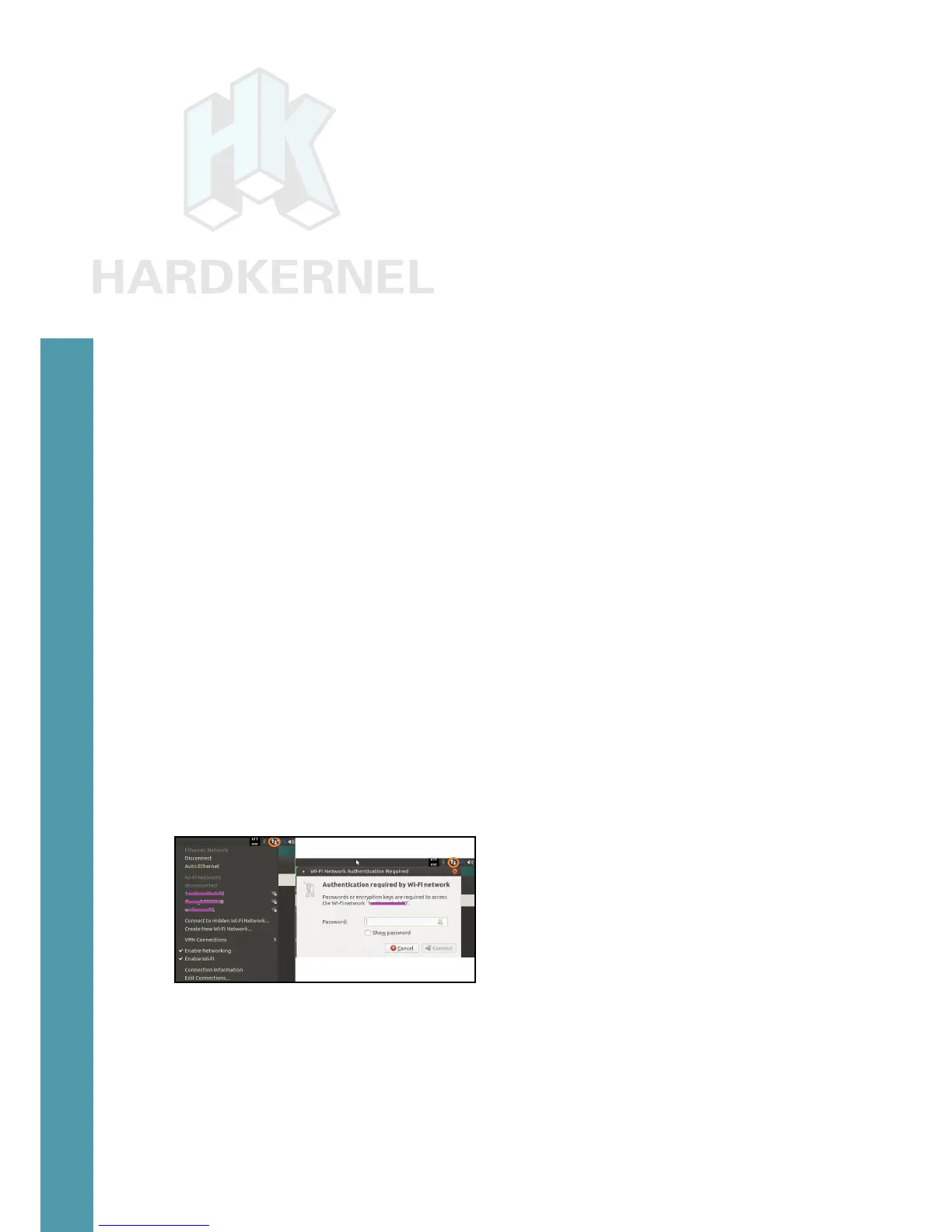
The module can be congured to use your WiFi network. Click
the up-down arrow icon on the top right as shown in the image below.
You will rst be presented with the option to enable WiFi.
Enable the WiFi adapter, and it will automatically scan and pres-
ent the various networks that can be accessed. Select your WiFi net-
work, and you will be presented with a login window. Enter the pass-
word and click the Connect button. In a few moments, you should be
connected to the network. You can then run the ifcong command
to obtain connection details, such as IP address and packets trans-
ferred. Other WiFi modules offered by Hardkernel can be used using
the same steps listed above.
WiFi conguration
HiFi Shield+
To use the HiFi Shield+, follow the installation and congura-
tion guide available at
http://bit.ly/2brrGdG. After installation
and power-up, run the following commands to let the system detect
the new shield labeled ODROIDDAC, along with the details of the
Chapter 4



 To Next Page