69 ODROID C2 USER MANUAL
Weather board on 16x2 LCD I/O Shield
The Weather board is an add-on developed by Hardkernel, to be
used with either the SHOW2 or 16x2 LCD device. The following steps
demonstrate how to get the Weather board to work with the LCD I/O
shield mounted on the ODROID-C2. First, enable the I2C module:
$ sudo modprobe aml_i2c
$ ls /dev/i2c-*
0 crw------- 1 root root 89, 1 Aug 14 20:06 /dev/i2c-1
0 crw------- 1 root root 89, 2 Aug 14 20:06 /dev/i2c-2
Ensure that the wiringpi is installed as previously described.
Power down the system, attach the Weather board via the 6 I2C pins
to the ODROID-SHOW or 16x2 LCD device, then power it up. Next,
download the I2C sample and built it using the commands:
$ git clone https://github.com/hardkernel/WEATHER-BOARD.git
$ cd WEATHER-BOARD/c_weather
$ make
Run the program to see the weather data on the terminal:
$ sudo ./weather_board
======== si1132 ========
UV_index : 0.03
Visible : 360 Lux
IR : 196 Lux
======== bme280 ======== WEATHER-BOARD v1.5
temperature : 35.11 ‘C
humidity : 35.49 %
pressure : 999.12 hPa
altitude : 209.064621 m
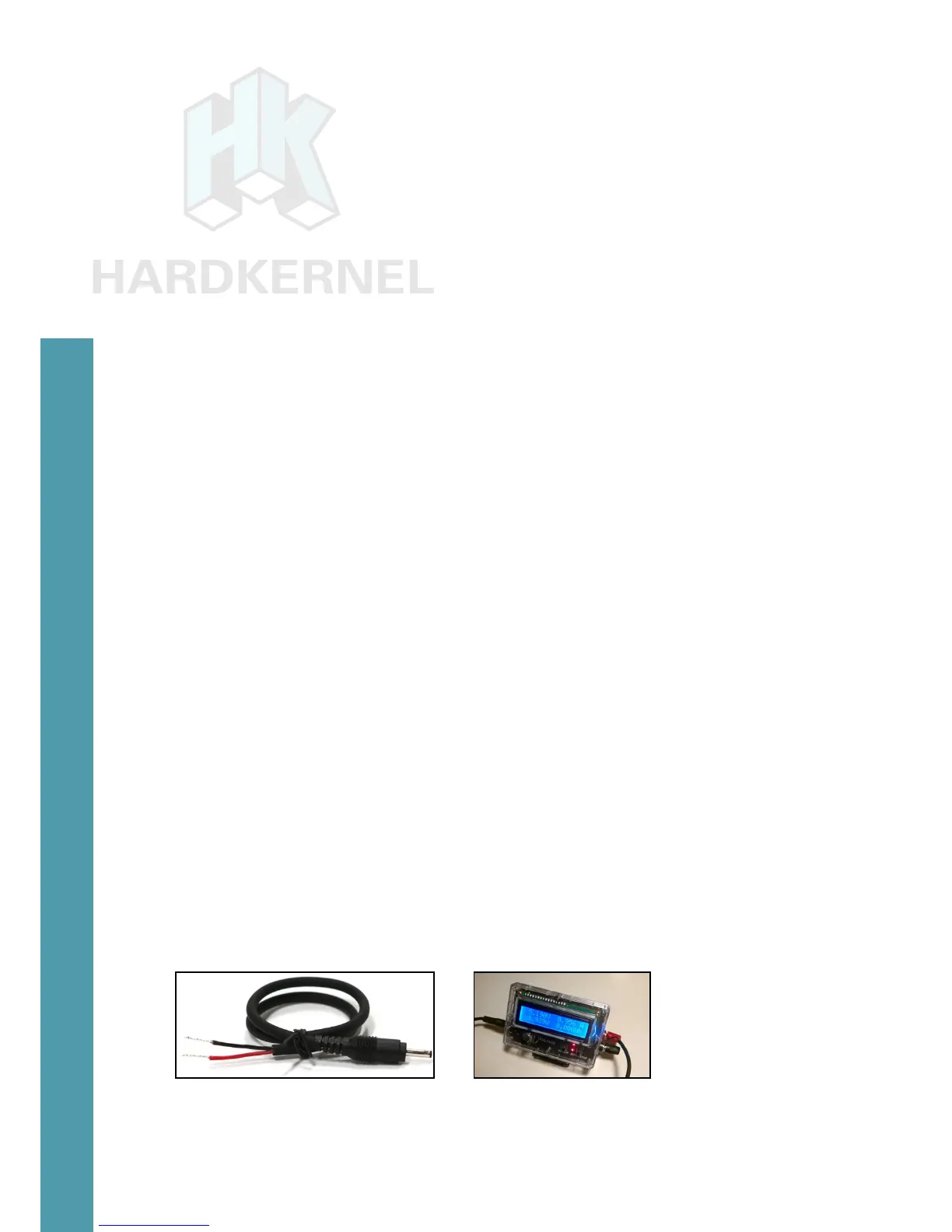
DC plug cable assembly 2.5mm
This accessory, shown in the image below, typically used to pro-
vide power to the ODROID-C2, using a special purpose power supply.
These power supplies could include bench-top models that can pro-
vide clean power at 2~3 Amps, at the least. Use the cable colors to
ensure polarities match at either end.
DC plug cable assembly DC plug cable usage
Chapter 4



 To Next Page