85 ODROID C2 USER MANUAL
Chapter 4
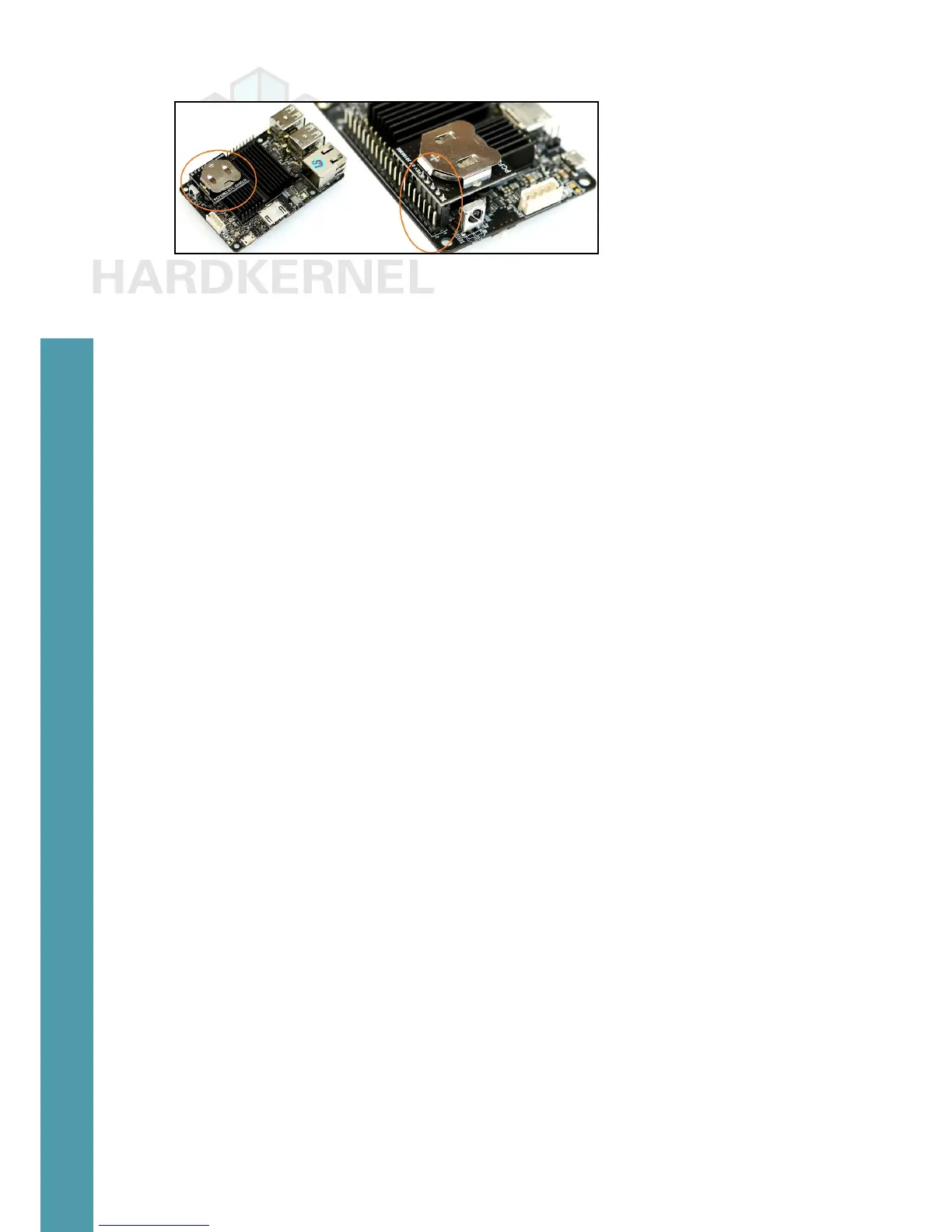
RTC shield mounted
The included Lithium-coin battery can keep the RTC chip run-
ning up to 4 years without an external power supply, thereby helping
with the maintenance of the clock. The ofcial ODROID-C2 case can
be used even with this shield mounted.
After connecting the C2 to the Internet, enable the shield:
$ sudo apt install device-tree-compiler
$ sudo fdtput -t s /media/boot/meson64_odroidc2.dtb \
/i2c@c1108500/pcf8563@51 status “okay”
Edit the /etc/modules le using any text editor:
$ sudo vi /etc/modules
Then, add the text aml_i2c at the end of the le and save it. Sim-
ilarly, update the /etc/rc.local le:
$ sudo vi /etc/rc.local
Then, add the following command to the bottom of the le, save
the le, and reboot the system:
$ sudo hwclock -r
Ensure the system is able to access the ntp servers on the inter-
net. Run the following command:
$ ntpq -p
Remote red st t when poll reach delay off-
set jitter
=================================================================
==============
0.ubuntu.pool.n .POOL. 16 p - 64 0 0.000 0 . 0 0 0
0.001
1.ubuntu.pool.n .POOL. 16 p - 64 0 0.000 0 . 0 0 0
0.001
2.ubuntu.pool.n .POOL. 16 p - 64 0 0.000 0 . 0 0 0
0.001



 To Next Page