Chapter 4 Maintenance
© 2016 Harmonic Inc. All rights reserved. 49 ProStream 9100 Release 17.5, Rev A
Power Supply
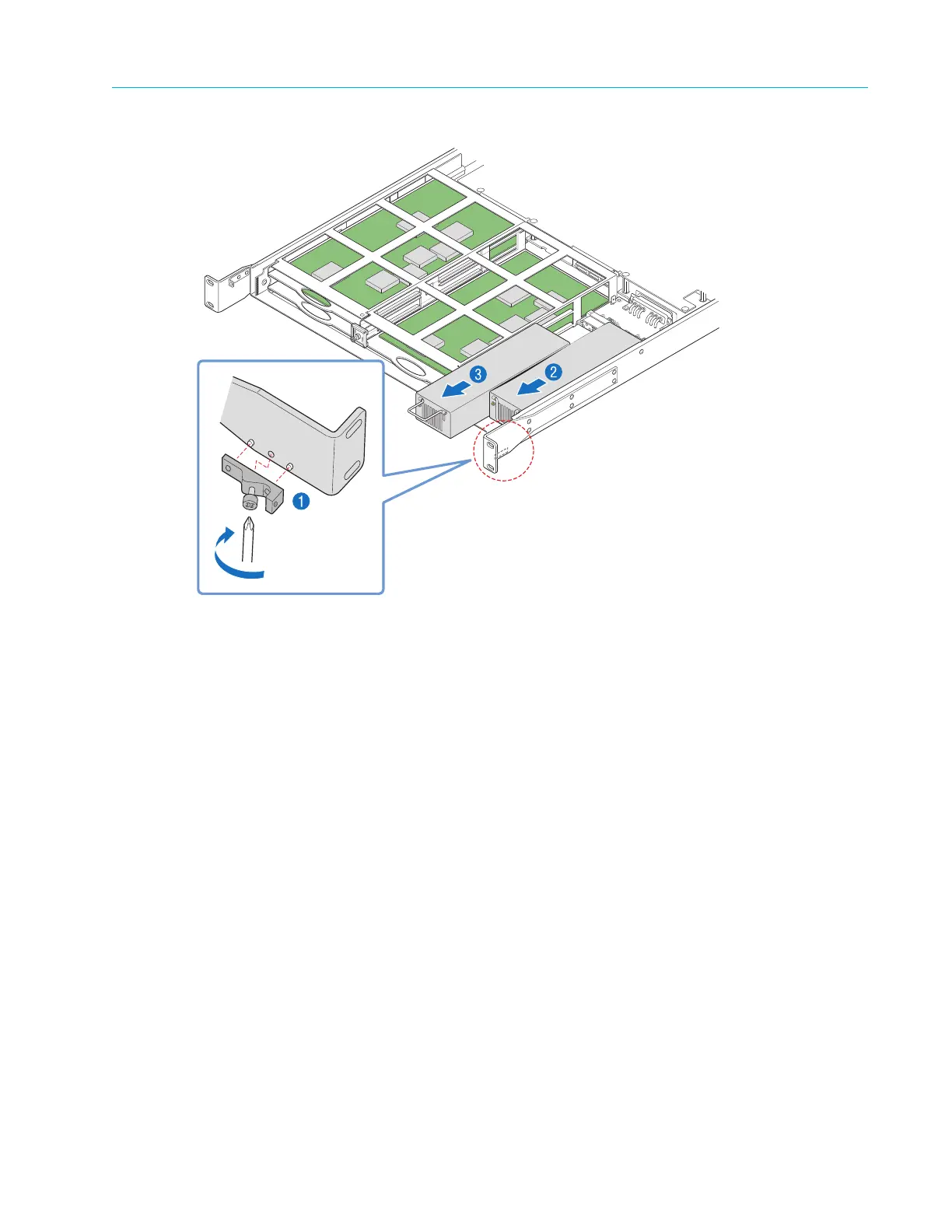
Figure 4–7: Removing the Power Supply Unit
5. Grasp the metal handle on the front of the power supply unit and pull firmly
to disengage the
power supply from the connector, as shown in Figure 4–7, step 2.
6. Slide the power supply away from the unit.
To replace the power supply:
1. With the bezel and fan tray assembly removed, insert the power supply into the chassis until it
engages with the connector, as shown in Figure 4–8, step 1.



 To Next Page