96
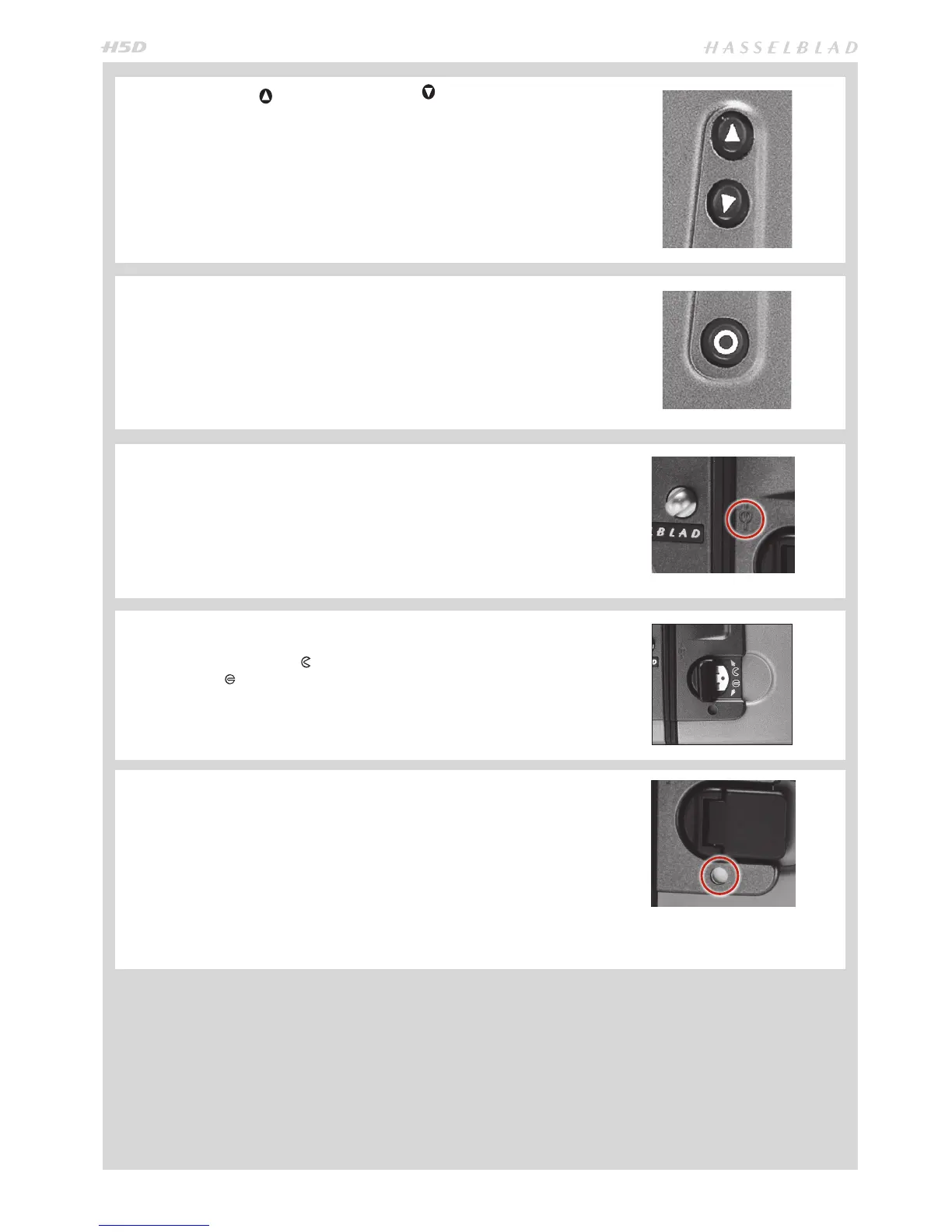
CHANGE UP /CHANGE DOWN BUTTON
Can alter the settings ‘upwards’. For example, to increase the lm speed setting.
Toggle action.
Can alter the settings ‘downwards’. For example, to decrease the lm speed set-
ting. Toggle action.
FUNCTION SELECTOR
Selects the four functions that can be changed on the magazine. The functions
are on a menu loop so that repeated pressing of the selector button will succes-
sively access all functions in turn. After a time-out of ve seconds of non-activity,
the display returns to the main screen.
NOTE: Changes can only be made when the settings lock switch is in the unlocked
position.
FILM PLANE INDEX
Provides a measuring point for the actual position of the lm plane in the maga-
zine. Used for calculations in critical applications.
DARKSLIDE KEY
Withdraws and replaces the darkslide. Fold out the key and turn it counter-clock-
wise 360° (towards the open symbol) to withdraw it and clockwise 360° (to-
wards the closed symbol) to replace it.
NOTE: The darkslide can only be withdrawn when the magazine is attached to the
camera.
DARKSLIDE INDICATOR
Indicates whether the darkslide is in place or withdrawn:
RED = stop ! = exposure CANNOT be made
(magazine can be removed from camera)
WHITE = ok ! = exposure CAN be made
(magazine cannot be removed from camera)
If you attempt to make an exposure when the darkslide is closed, however, you
will receive a warning message in the viewnder and grip LCDs – ‘The darkslide
is closed’.



 To Next Page