S321 User Guide Chapter 2-Installation Page 8 of 65
Installing/Connecting S321
Installing Batteries
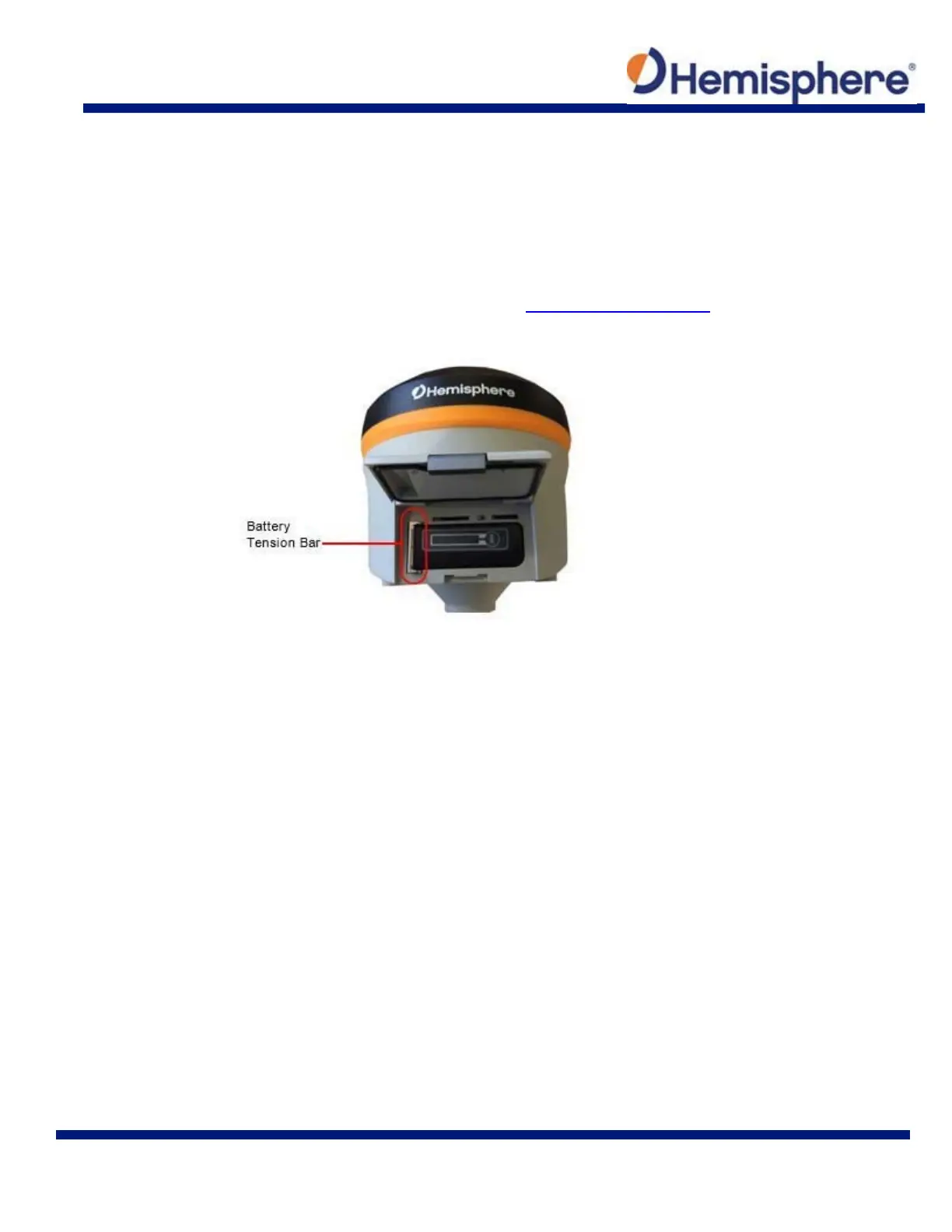
The S321 allows for one battery (11.1 V ‐ 37.74 Wh) to be installed at a time. When installing the
battery, ensure the contact points are facing up towards the “Hemisphere” logo. Slide the battery
into the designated spot until the “battery tension bar” clicks into place. The projected run time of
the battery is 6 hours in the UHF receive mode.
The S321 kit provides two batteries, as noted in the What’s Included in your Kit portion of this
User Guide.
Figure 2-2: Battery installation



 To Next Page