S321 User Guide Chapter 3
Setup and Configuration Page 23 of 65
Bluetooth Communication
If you have a Bluetooth‐enabled device, such as a data collector, you can wirelessly
communicate with the S321.
When you attempt to connect the S321 to a Bluetooth‐enabled device, such as a hand‐held data
collector, the following S321 Bluetooth information appears on the device:
S321 XXXXXX
where “XXXXXX” is the serial number
Hemisphere WebUI
The WebUI can work on any PC, Tablet, or Phone that has Wi‐Fi network capabilities.
Initial Setup
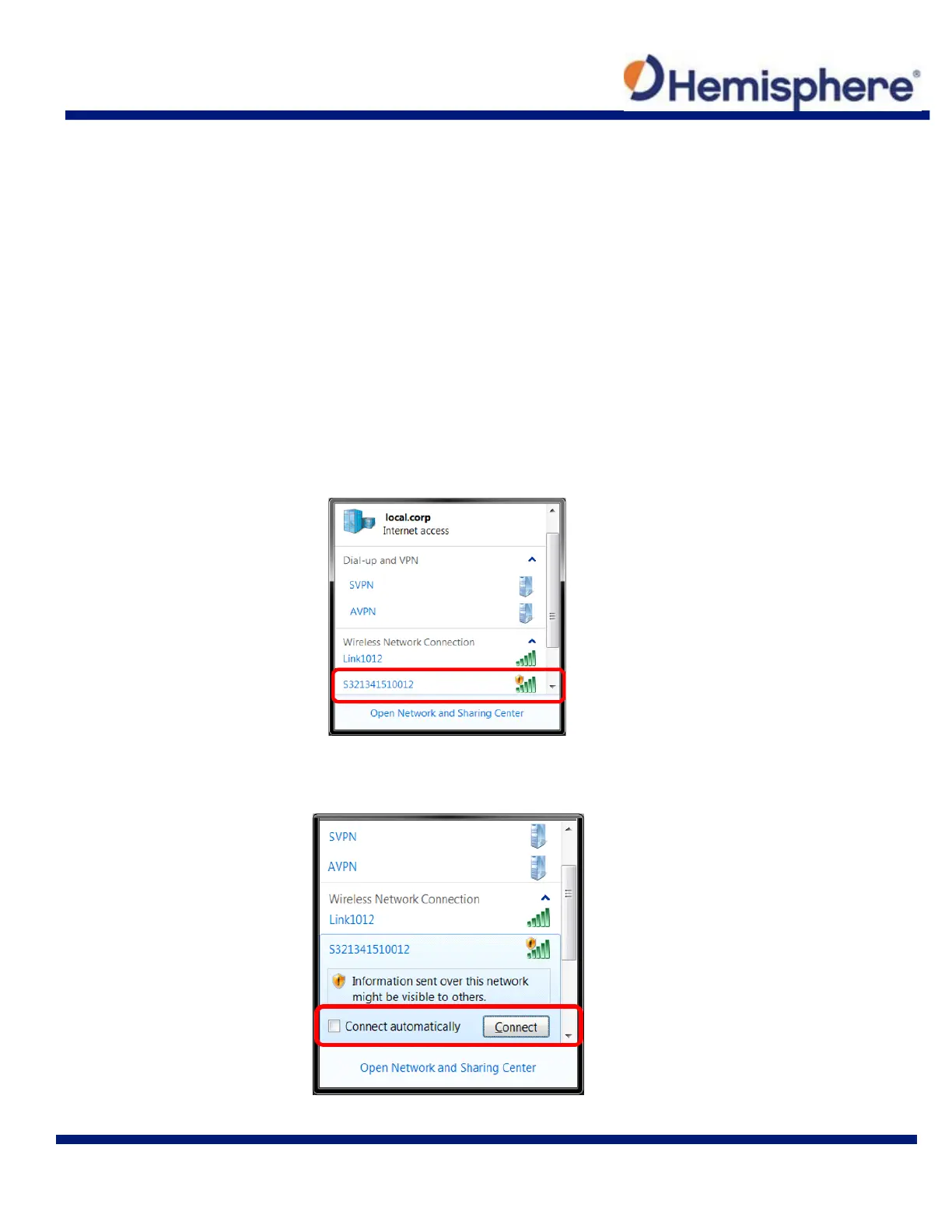
Using the Windows Wi‐Fi network, locate the Wireless Network Connection labeled
S321XXXXXXXXX.
If you want this network to automatically connect, select the “Connect automatically” check box
before pushing the “Connect” button. If not, click on the “Connect” button.



 To Next Page