S321 User Guide Chapter 3
Setup and Configuration Page 18 of 65
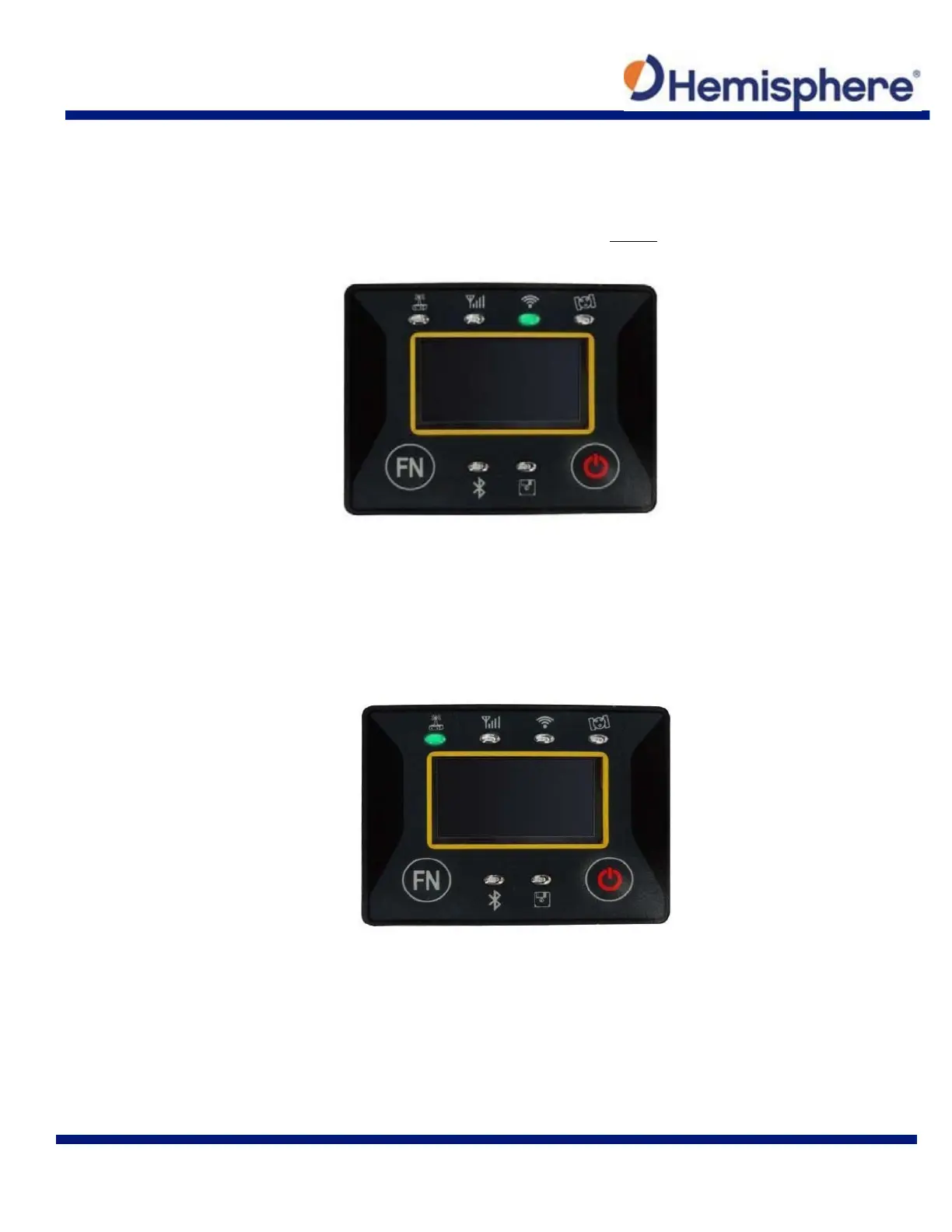
Wi-Fi-LED (Green)
This indicates the S321 is emitting a Wi‐Fi network and is ready to be paired with a Wi‐Fi enabled
controller or device. By connecting to the S321 device network, you can control the S321 via
WebUI. For more information on the WebUI, please see section WebUI.
Figure 3-5: Wi-Fi LED
External Data Link or Internal UHF Radio LED (Green)
The LED is green when the device is selected as an RTK data link, via an external data link or an
internal UHF radio link. It begins blinking when the S321 is either transmitting data as a base or
receiving data as a rover.
Figure 3-6: Internal UHF radio LED



 To Next Page