S321 User Guide Chapter 3
Setup and Configuration Page 37 of 65
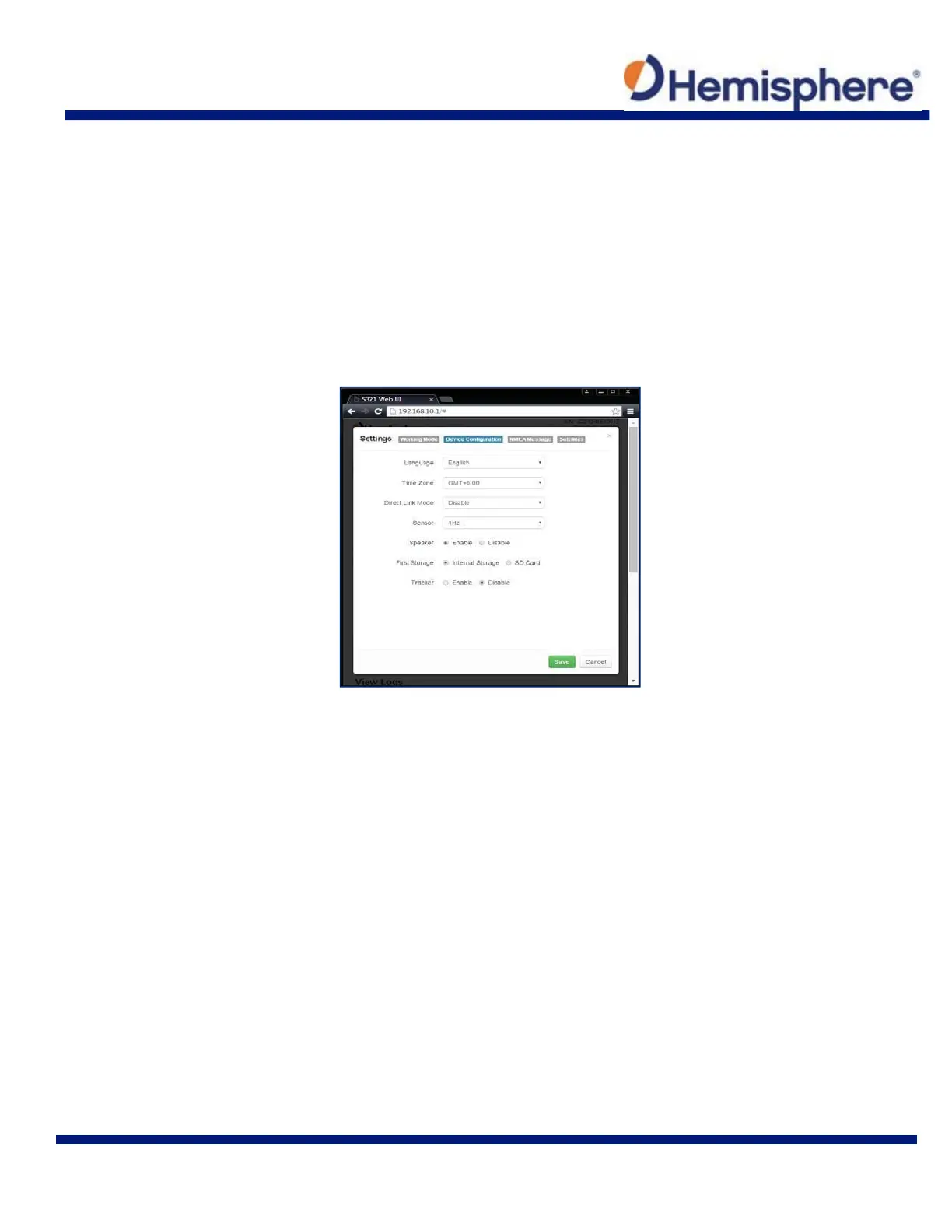
Device Configuration
The “Device Configuration” tab allows for custom settings in terms of language, time zones,
storage, and several other options.
When enabling the speaker, the S321 relays the status of the positioning via voice updates.
Specifically, the S321 will audibly indicate when the receiver is in Base or Rover mode. Voice
indication covers, logging data, and declaring when the S321 has achieved RTK float and RTK
fix. This is important when working in a low visibility environment.
Direct Link Mode enables certain troubleshooting features for Hemisphere GNSS and certified
Hemisphere GNSS dealers. In addition, the easy‐to‐use radio buttons allow you to use tracker
and select which mode of data logging storage you wish to use, SD or Internal.



 To Next Page